
To effectively capture learnings before your next iteration, document your prototype’s design intent, user interactions, and feedback. Focus on noting what worked and what caused confusion, including visual annotations and usability issues. Tracking team insights helps align everyone and reduces repetitive mistakes. This structured approach creates a clear record, facilitating quick decision-making and improvements. If you want to master this process, you’ll discover essential strategies and practical tips ahead.
Key Takeaways
- Document user feedback and team insights to identify what worked well and areas needing improvement before the next iteration.
- Record specific issues like confusing interactions, visual inconsistencies, and usability challenges for targeted refinements.
- Use structured annotations and visuals to create a clear, accessible record of design decisions and lessons learned.
- Summarize goals, constraints, and rationale to ensure alignment and clarity across the team and stakeholders.
- Review and analyze previous prototype performance to inform strategic adjustments and enhance user experience in future cycles.
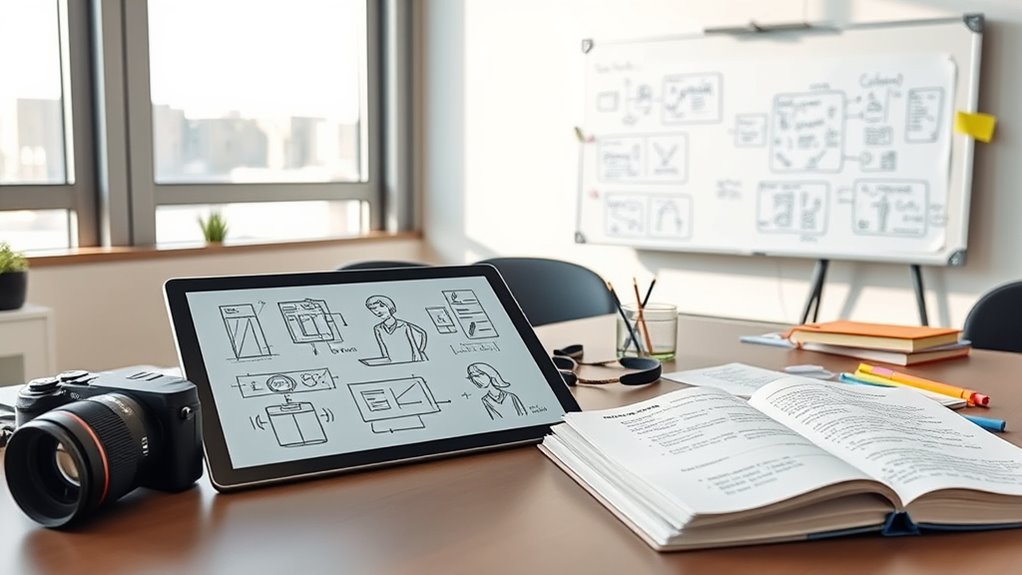
Have you ever wondered how teams guarantee their prototypes effectively communicate design intent and functionality? The key lies in thorough prototype documentation, which assures everyone understands the decisions behind the design and how users will interact with it. When you’re working on rapid prototyping, capturing these insights becomes even more critical because it allows you to learn quickly and refine your approach. Documenting your prototypes isn’t just about saving sketches or screenshots; it’s about creating a clear record of what worked, what didn’t, and why. This way, future iterations can build on solid foundations rather than repeating past mistakes.
Good documentation helps you focus on user experience by highlighting how users interact with your prototype. As you test your designs, note which features resonate and which cause confusion. These observations give you a roadmap for improving usability, making sure your product aligns with user needs and expectations. When you record user feedback and your team’s reactions, you create a valuable resource that guides design decisions in subsequent iterations. This ongoing process keeps the user experience at the heart of your development cycle, ensuring each version gets closer to what your users want.
In rapid prototyping, time is of the essence, and documentation acts as your memory bank. Instead of relying solely on intuition or scattered notes, you gather structured insights that can be easily referenced. This helps prevent the repetition of mistakes and streamlines the design process. For instance, if a particular interaction causes confusion, documenting it with screenshots, annotations, and explanations makes it easier to address in the next version. When your team reviews these records, everyone stays aligned on what needs fixing, speeding up decision-making and reducing ambiguity.
Furthermore, well-maintained prototype documentation enhances communication across your team, especially when collaborating with stakeholders or new team members. It provides a shared understanding of design goals, constraints, and the rationale behind choices. This transparency ensures everyone is on the same page, reducing misunderstandings and fostering a more cohesive development process. Plus, detailed records can serve as a reference for future projects, offering lessons learned and best practices that save time and effort down the line. Additionally, understanding the role of contrast ratio in visual clarity can help you evaluate and improve the visual fidelity of your prototypes.
Ultimately, documenting your prototypes before moving to the next iteration isn’t just administrative work; it’s a strategic step toward creating better user experiences. It helps you learn from each cycle, refine your designs efficiently, and communicate your intentions clearly. With thorough documentation, your rapid prototyping efforts become more purposeful and impactful, leading to products that genuinely meet user needs and stand out in the marketplace.
![WavePad Audio Editing Software - Professional Audio and Music Editor for Anyone [Download]](https://m.media-amazon.com/images/I/B1fcLEGCs6S._SL500_.png)
WavePad Audio Editing Software – Professional Audio and Music Editor for Anyone [Download]
Full-featured professional audio and music editor that lets you record and edit music, voice and other audio recordings
As an affiliate, we earn on qualifying purchases.
As an affiliate, we earn on qualifying purchases.
Frequently Asked Questions
How Detailed Should Prototype Documentation Be?
Your prototype documentation should be detailed enough to guarantee design consistency and facilitate stakeholder feedback. Include key design decisions, user flows, and any tested assumptions, but avoid overwhelming details. Focus on capturing lessons learned, areas needing improvement, and changes made, so the team can build on these insights. Clear, concise documentation helps everyone stay aligned and supports smooth iterations without losing critical learnings.
Who Is Responsible for Maintaining Prototype Records?
You are responsible for maintaining prototype records, guaranteeing team collaboration and stakeholder feedback are documented thoroughly. You should regularly update the records to reflect new insights, changes, and lessons learned from each iteration. By doing so, you enable seamless knowledge sharing, facilitate continuous improvement, and keep everyone aligned. Your proactive management helps the team stay organized and ensures valuable feedback is captured for future development.
How Do You Prioritize Learnings for Documentation?
Did you know that 75% of successful projects prioritize documented learnings? You should focus on user feedback first, capturing insights that directly impact the prototype’s effectiveness. Then, align with stakeholders to make sure your documentation addresses key concerns. Prioritize learnings that reveal major pain points or improvements, so you can make informed decisions before the next iteration. This approach keeps everyone on the same page and accelerates your project’s progress.
What Tools Are Best for Capturing Prototype Insights?
You should use tools like UserTesting, Lookback, or Dovetail that seamlessly integrate with your existing workflow. These platforms let you capture user feedback directly, record interactions, and organize insights efficiently. By choosing tools with strong integration capabilities, you guarantee that prototype insights are easily accessible and well-documented, making it simple to review learnings and inform your next iteration effectively.
How Often Should Documentation Be Reviewed and Updated?
You should review and update your documentation at least once every two weeks, aligning with your iteration frequency. This cadence guarantees you capture fresh insights and avoid outdated information. Studies show teams that maintain a consistent review schedule are 30% more likely to implement effective changes. By sticking to a regular document review cadence, you keep your learnings relevant, accurate, and ready to inform your next prototype iteration.
user feedback collection tools for prototypes
As an affiliate, we earn on qualifying purchases.
As an affiliate, we earn on qualifying purchases.
Conclusion
By documenting your prototypes, you capture your lessons, your challenges, and your successes. This record helps you refine your ideas, improve your processes, and prepare for future iterations. Documentation guarantees you don’t forget what works or what doesn’t. It creates a foundation for growth, a reference for improvement, and a roadmap for innovation. Embrace documentation as a crucial step—because learning from each prototype shapes your next breakthrough, your next success, your next leap forward.
visual annotation tools for design prototypes
As an affiliate, we earn on qualifying purchases.
As an affiliate, we earn on qualifying purchases.
prototype review and collaboration software
As an affiliate, we earn on qualifying purchases.
As an affiliate, we earn on qualifying purchases.