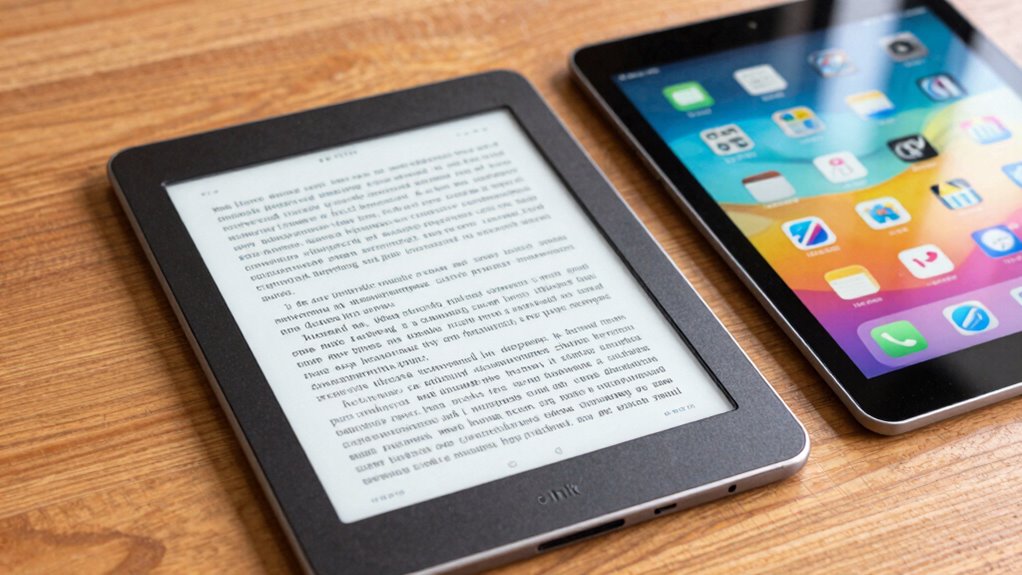

The main difference between an E-Ink tablet and a standard tablet lies in their screens. E-Ink devices use microcapsules that mimic ink on paper, offering glare-free, easy-on-the-eyes reading in sunlight and longer battery life, but they have limited color and slower refresh rates. Standard tablets have vibrant displays perfect for multimedia, gaming, and creative tasks, but they consume more power and can cause eye strain over time. Keep reading to discover which one fits your lifestyle better.
Key Takeaways
- E-Ink tablets use reflective displays mimicking paper, ideal for reading outdoors, while standard tablets have vivid, backlit screens for multimedia.
- E-Ink devices offer long battery life and minimal eye strain, whereas standard tablets consume more power and can cause fatigue.
- Standard tablets support colorful visuals, fast animations, and interactive apps, unlike E-Ink tablets with limited color and slower refresh rates.
- E-Ink tablets are best for reading and note-taking, while standard tablets excel in multimedia, gaming, and creative tasks.
- Cost, durability, and device purpose determine whether an E-Ink or standard tablet better suits user needs.

BOOX Tablet Go Color 7 Gen II E Ink Tablet Support Active Stylus InkSense (Black)
Does not support EMR stylus, Support Active Stylus InkSense, but the sytlus is not included in the box.
As an affiliate, we earn on qualifying purchases.
As an affiliate, we earn on qualifying purchases.
E-Ink vs. Standard Tablets: Which One Is Right for You?
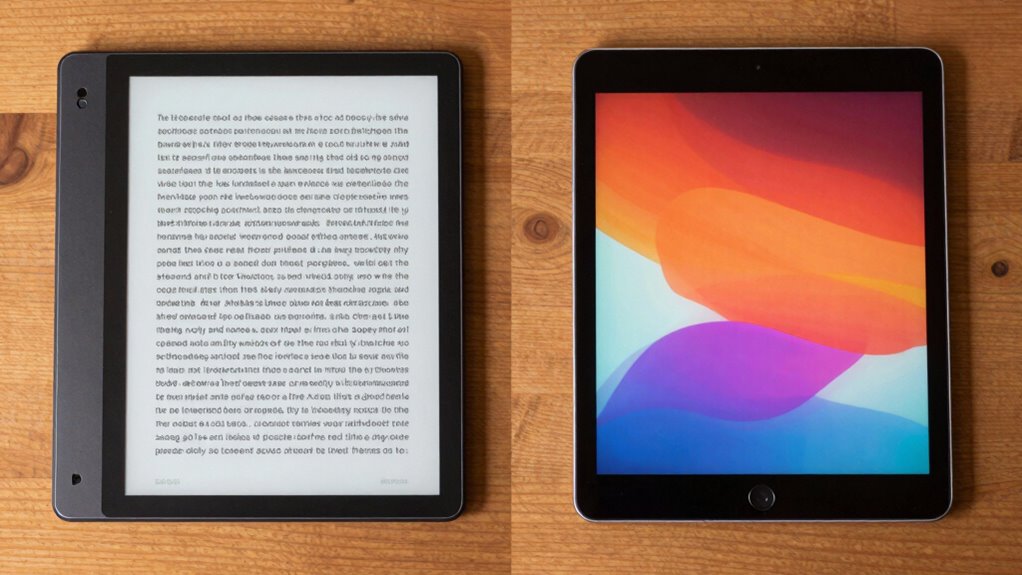
Are you trying to decide between an E-Ink tablet and a standard tablet? If so, consider what matters most to you. E-Ink tablets excel in long reading sessions thanks to their ergonomic design, reducing eye strain and making it comfortable to hold for hours. However, their color accuracy is limited, so they’re not ideal for vibrant visuals or multimedia. Standard tablets offer rich, vivid colors and sharp images, perfect for media consumption and creative work. But, their screens can cause eye fatigue over extended use. If you prioritize comfortable reading and less eye strain, an E-Ink device might be your best choice. On the other hand, if you want versatile multimedia capabilities, a standard tablet delivers better color accuracy and overall performance. Additionally, understanding content and features can help you make a more informed decision. For example, many smart features like remote access and app compatibility are available on standard tablets, enhancing their functionality for various tasks. Considering the sound and display quality is also essential, especially since sound vibrations and display technologies directly impact user experience. Furthermore, the contrast ratio of the display can significantly influence image depth and clarity, making certain devices more suitable for multimedia use. Incorporating display technology insights can further clarify which device aligns best with your needs.

WEETOTUNG USB C to HDMI Adapter Type-c 3 in 1 hub to 4K HDMI USB3.0 & 100W PD for USB Drives Reading & Multimedia Projection,Compatible for MacBook,iPad,Tablets & Other USB-C Devices
4K HDMI High Resolution Standard: High standard for supporting video projection. Smooth for video projection. Downward compatible for…
As an affiliate, we earn on qualifying purchases.
As an affiliate, we earn on qualifying purchases.
How E-Ink Displays Work and Why They’re Great for Reading
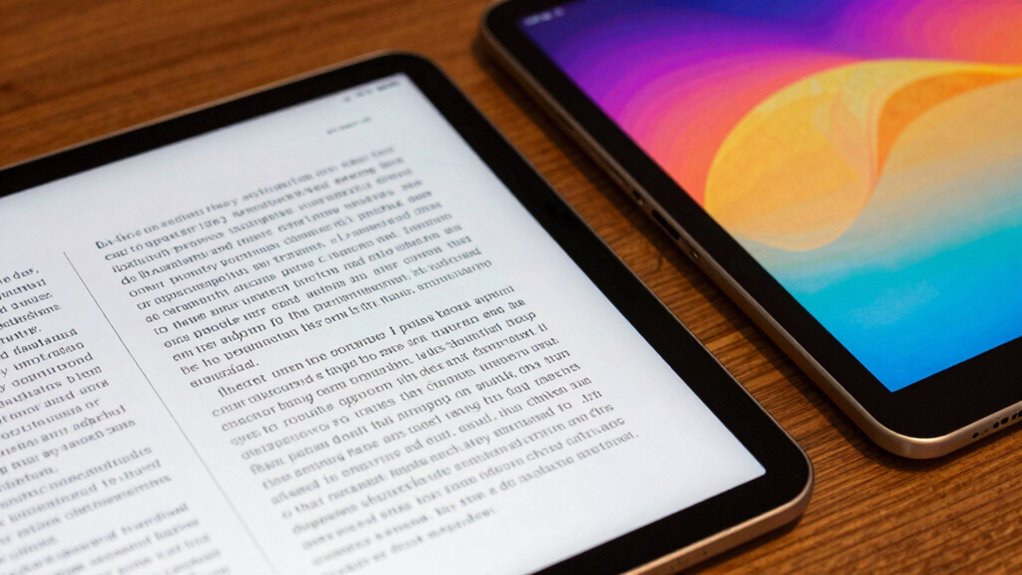
E-Ink displays use tiny particles that move within microcapsules to create images, mimicking the look of ink on paper. This technology reduces glare and consumes less power, making reading comfortable and efficient. Because of these features, E-Ink screens are ideal for long reading sessions without straining your eyes. Additionally, their energy-efficient design aligns with the broader goals of sustainable technology and responsible resource use. Moreover, E-Ink technology is recognized for its low power consumption, which significantly extends battery life in e-readers and other devices. Their readability in sunlight further enhances the reading experience, making them suitable for outdoor use.
E-Ink Technology Mechanics
Since E-Ink displays use a different mechanism than traditional screens, they rely on tiny microcapsules filled with black and white particles that respond to electrical charges. When you view an E-Ink screen, electrical signals move the particles to create images or text, mimicking ink on paper. While standard tablets often have color displays, many E-Ink screens are limited to grayscale, though color E-Ink options are emerging. Touch sensitivity remains a key feature, allowing you to turn pages easily. Additionally, E-Ink technology is praised for its low power consumption, making it ideal for extended reading sessions.
Benefits for Reading
Thanks to their unique display technology, E-Ink screens offer a reading experience that closely resembles paper. This makes reading comfortable for long periods without eye strain. E-Ink displays excel in color accuracy, ensuring images and text appear sharp and true to life, even in bright sunlight. Unlike standard tablets, they don’t glare or wash out under direct light, making outdoor reading effortless. Touch responsiveness is also impressive; you can flip pages or highlight text smoothly, similar to paper. Because E-Ink screens don’t emit light, you won’t need a backlight, which helps conserve battery life and reduces eye fatigue. Moreover, their low power consumption significantly extends battery life compared to standard screens. Overall, E-Ink tablets provide a natural, paper-like reading experience that’s easy on your eyes and perfect for extended reading sessions.

Musnap Neo C 64GB+4GB Colour eBook Reader Supports 3rd-Party apps, 6” E Ink ePaper eReader Digital Paper, with Color Display, Long Battery Life for Reading
6” Colour E Ink Kaleido 3 Display: Experience eye-comfort like paper with 4096 vibrant colors & glare-free touchscreen….
As an affiliate, we earn on qualifying purchases.
As an affiliate, we earn on qualifying purchases.
Standard Tablets and Multimedia: What You Need to Know
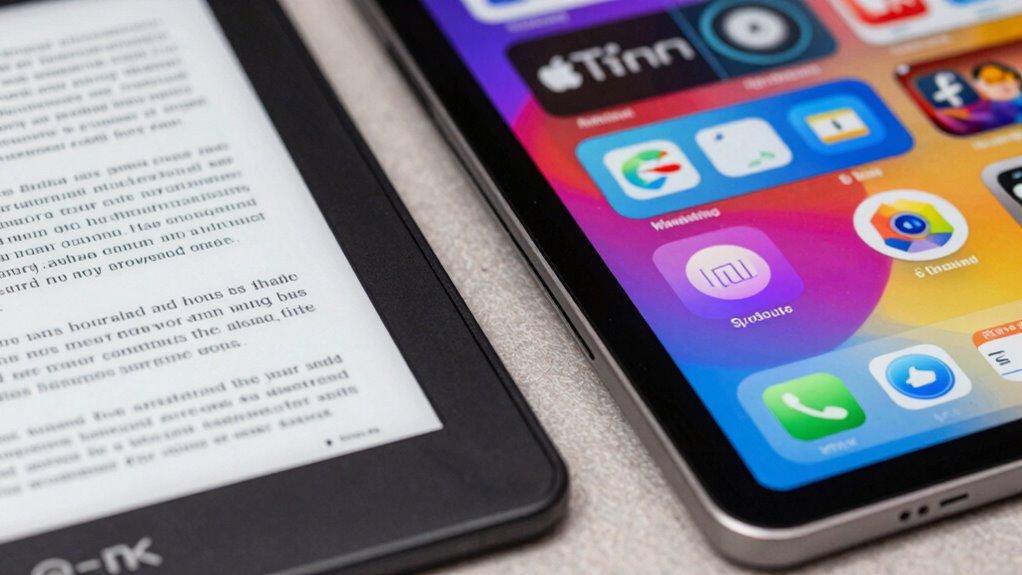
Standard tablets excel at delivering multimedia experiences thanks to their vibrant screens and powerful processors. If you’re into digital art, these tablets offer high-resolution displays and stylus support that make creating and editing visuals seamless. When it comes to gaming experiences, their fast processors and responsive touchscreens provide smooth gameplay and immersive graphics. You can stream videos in stunning quality, enjoy interactive apps, and explore multimedia content effortlessly. Additionally, their versatility makes them ideal for entertainment, creative projects, and casual gaming. Keep in mind, though, that their screens are designed for visual richness, which can impact battery life, a topic reserved for later comparison with e-ink devices. Moreover, understanding how smart controls can optimize device performance helps enhance overall multimedia experiences and battery longevity.
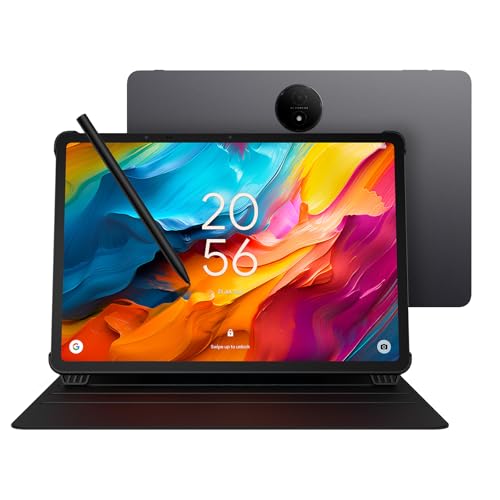
TCL NXTPAPER 14 Android Tablet, 14.3" Paper-Like Display Drawing Pad, Digital Notebook & Musician Tablet with 4096-Level Stylus & Flip Case, 8+8GB RAM, 256GB Storage, 10000mAh, Multi-Window, Gray
Tablet, Drawing Pad, Digital Notebook & Musician Tablet – All in One: From creative minds to busy professionals,…
As an affiliate, we earn on qualifying purchases.
As an affiliate, we earn on qualifying purchases.
Battery Life and Screen Performance: Comparing E-Ink and Standard Tablets
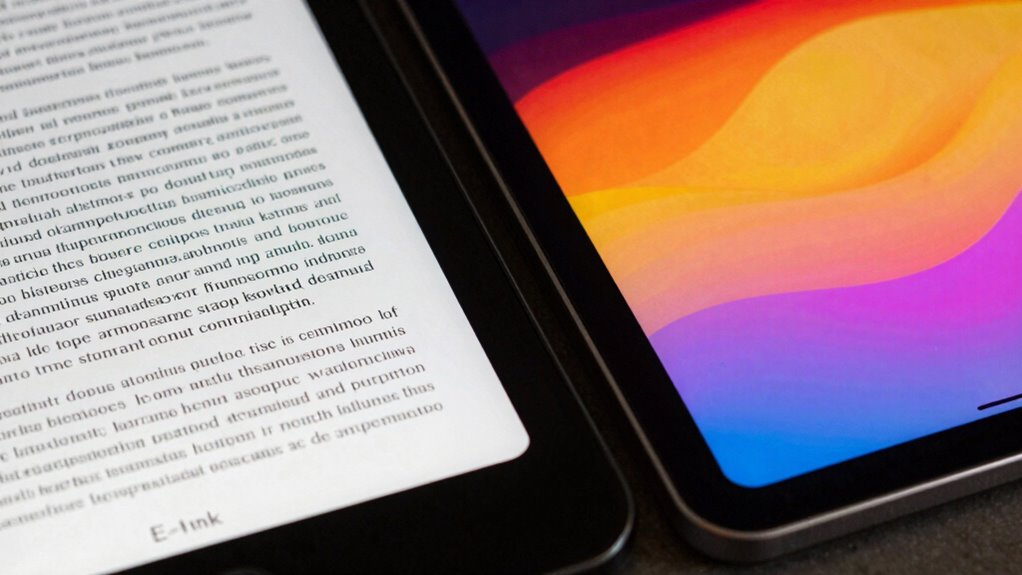
While both e-ink and standard tablets are designed for different primary purposes, their battery life and screen performance vary considerably. E-ink tablets excel in battery longevity, often lasting weeks on a single charge, thanks to their low power consumption. Standard tablets, however, typically need daily charging due to their active displays. When it comes to screen performance, e-ink screens provide excellent readability in bright sunlight, with minimal glare and consistent screen brightness. However, their color accuracy is limited, often displaying only shades of gray, which affects vibrant visuals. Standard tablets offer richer color accuracy and adjustable screen brightness, making them ideal for multimedia and detailed visuals. This contrast highlights the specialized strengths of each device in terms of power efficiency and display quality. Additionally, survival gear such as a durable flashlight or emergency blanket can be crucial when using these devices in outdoor environments. Recognizing the differences in screen technology can help users choose the right device for their specific needs and environments. Understanding the energy consumption differences also emphasizes how each device is suited for different usage scenarios, especially when considering the importance of battery life in various situations.
Best Tablets for Reading, Note-Taking, and Browsing
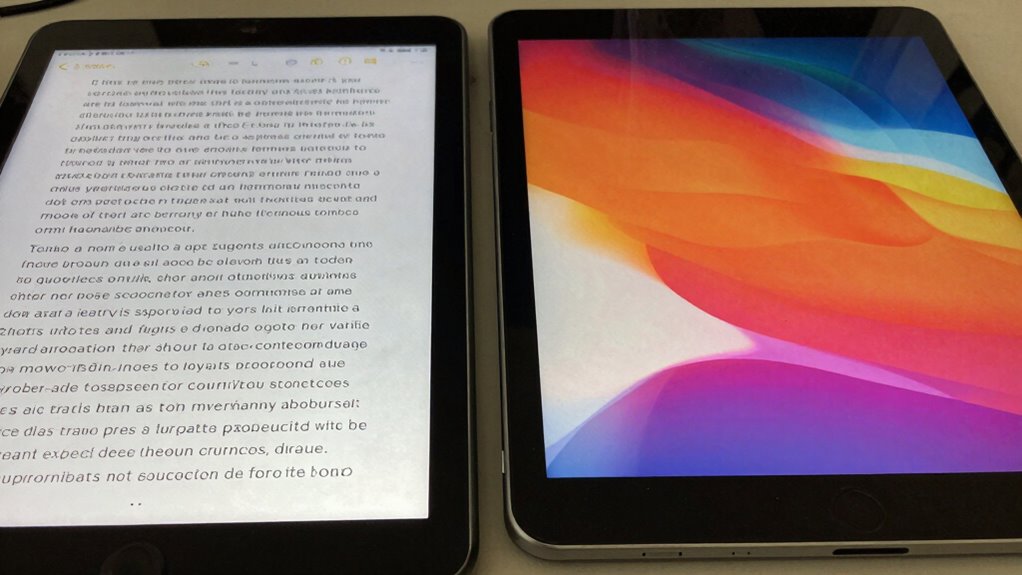
If you’re primarily interested in reading, note-taking, or browsing the web, choosing a tablet that excels in these areas can considerably enhance your experience. Look for devices with smooth digital annotation features, allowing you to highlight text or jot down notes seamlessly. E-Ink tablets are excellent for reading in bright environments because they minimize screen glare, making long sessions comfortable. However, standard tablets with high-quality screens also offer vibrant colors and fast refresh rates, ideal for browsing multimedia content. For note-taking, consider tablets with stylus support and responsive screens. Ultimately, select a device that reduces eye strain, enhances clarity, and fits your specific needs for digital annotation and prolonged use.
Advantages and Limitations of E-Ink Tablets for Different Users
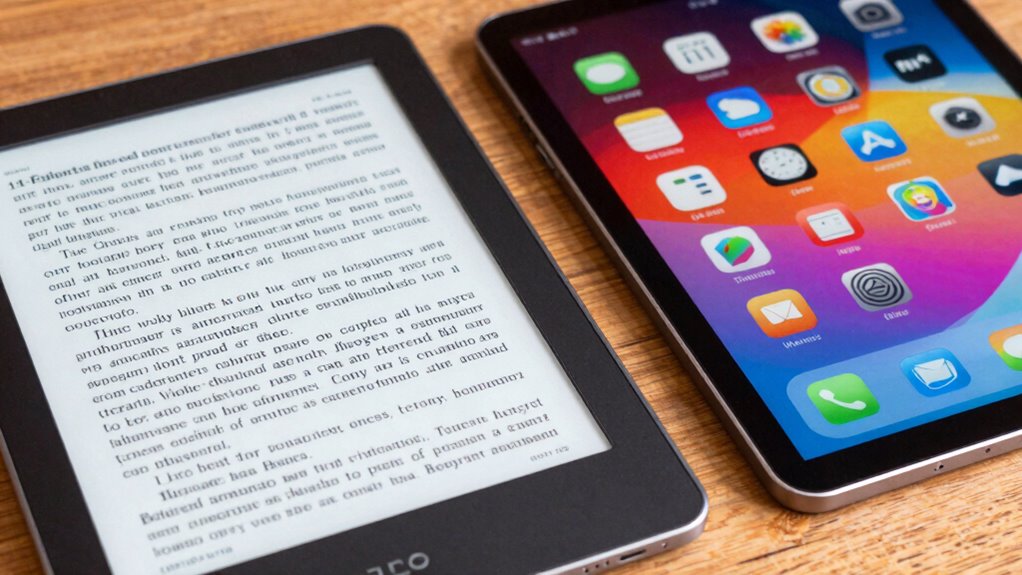
E-Ink tablets offer distinct advantages for specific user groups, but they also come with limitations that can impact their suitability. If you primarily read or take notes, you’ll appreciate their glare-free screens and long battery life. However, their color accuracy isn’t ideal for multimedia or detailed images, making them less suitable for graphic design or color-sensitive tasks. Hardware durability is a plus, as the screens are less prone to cracks or damage from drops. Still, their slow refresh rate can hinder fast-paced activities like gaming or video streaming. Additionally, Indonesian decor masks can add a cultural and artistic touch to your space, enhancing aesthetic appeal. If you need a device for simple reading or writing, an E-Ink tablet can be perfect, especially considering their long battery life compared to standard tablets. But for tasks demanding vibrant visuals or quick interactions, a standard tablet might serve you better. Recognizing the hardware characteristics of E-Ink technology helps users choose the right device for their needs, particularly understanding how specialized displays differ from traditional screens. Being aware of these display technologies can guide users toward making more informed choices based on their specific use cases.
When to Choose a Standard Tablet Over an E-Ink Model
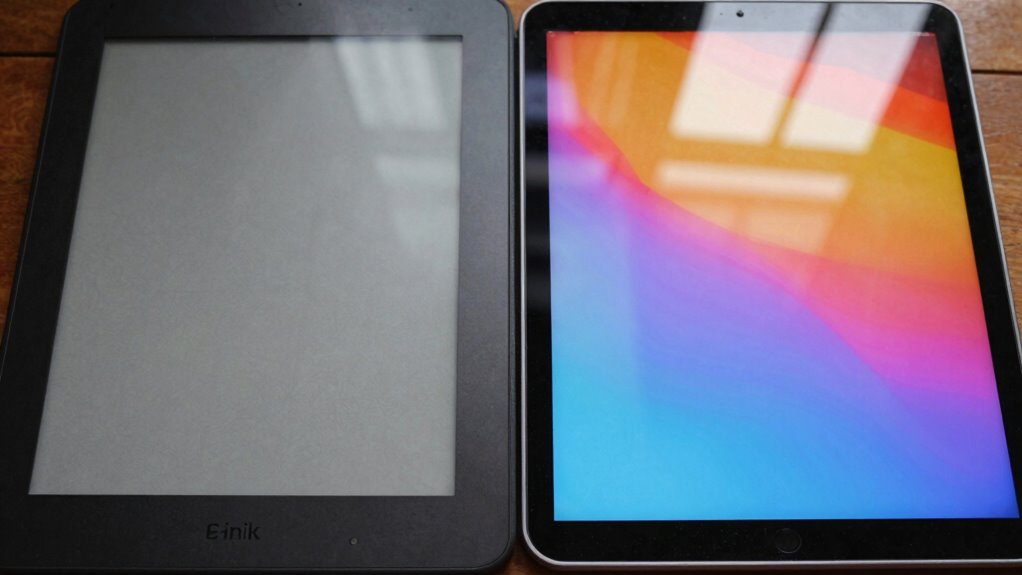
If you want a device that handles media like videos, music, and games smoothly, a standard tablet is the better choice. It offers faster performance and access to a wide range of apps that require more processing power. When versatility and speed matter most, a standard tablet outshines an E-Ink model.
Versatility for Media Consumption
Wondering when a standard tablet outshines an E-Ink model for media consumption? If you prioritize vibrant visuals and seamless interaction, a standard tablet is the better choice. Its superior color accuracy makes videos, photos, and streaming content look more vivid and true-to-life. Plus, the touch sensitivity is much more responsive, allowing for smoother scrolling, gaming, and app navigation. This means you can easily interact with multimedia, adjust settings, or zoom in on images without frustration. If your media consumption involves frequent use of color-rich content or requires quick, precise touch responses, a standard tablet enhances your experience markedly. E-Ink models, while excellent for reading, don’t match the multimedia versatility offered by standard tablets.
Faster Performance and Apps
When it comes to apps and overall performance, standard tablets clearly have the edge. They offer faster touch responsiveness, making navigation smoother and more intuitive, especially for gaming or multitasking. App compatibility is another major advantage; most apps are optimized for standard tablets, ensuring you can access the latest features without issues. If you frequently use resource-intensive apps or need quick, seamless interactions, a standard tablet provides a better experience. E-Ink tablets, while excellent for reading, often lag in performance and have limited app support. Choose a standard tablet if you prioritize speed, fluid touch responses, and the ability to run a broad range of apps effortlessly.
Are E-Ink Tablets More Cost-Effective? Price and Value Breakdown
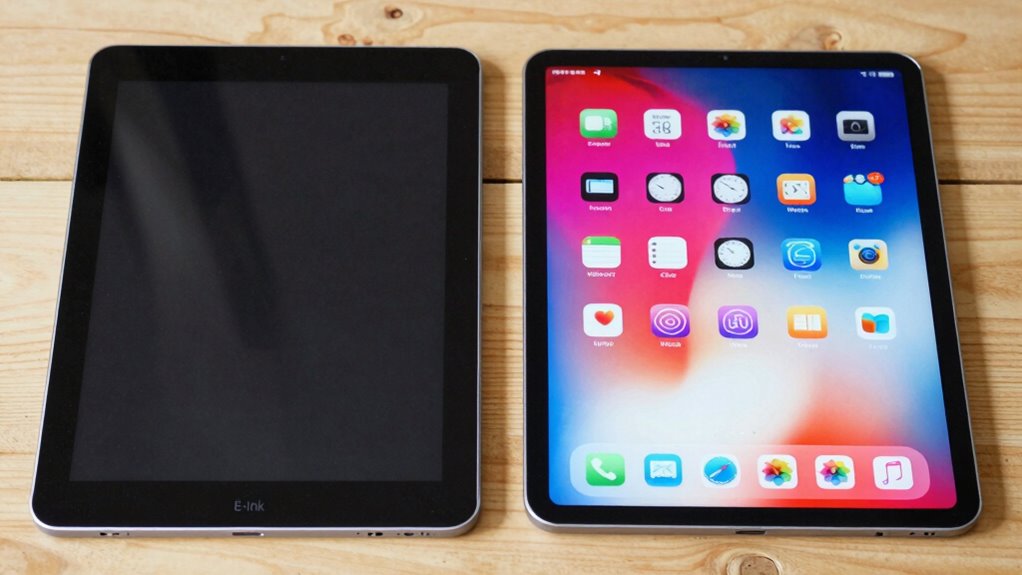
E-Ink tablets often come with a lower upfront cost compared to standard tablets, making them an attractive option for budget-conscious buyers. When you do a cost comparison, you’ll notice they generally have a more affordable initial price. Plus, their durability analysis shows they’re built to last longer since the screens are less prone to damage from drops or scratches. This durability is especially important considering the time zone differences that can affect international users who travel or work remotely. This means fewer repairs and replacements over time, saving you money. While the features on E-Ink tablets are more focused on reading and note-taking, their lower maintenance costs boost overall value. Additionally, their specialized screen technology reduces eye strain during extended use. However, keep in mind that their limited functionality might mean additional purchases if you need apps or multimedia. Overall, if your primary use is reading, E-Ink tablets can be a more cost-effective choice.
Find the Right Tablet for Your Lifestyle and Needs
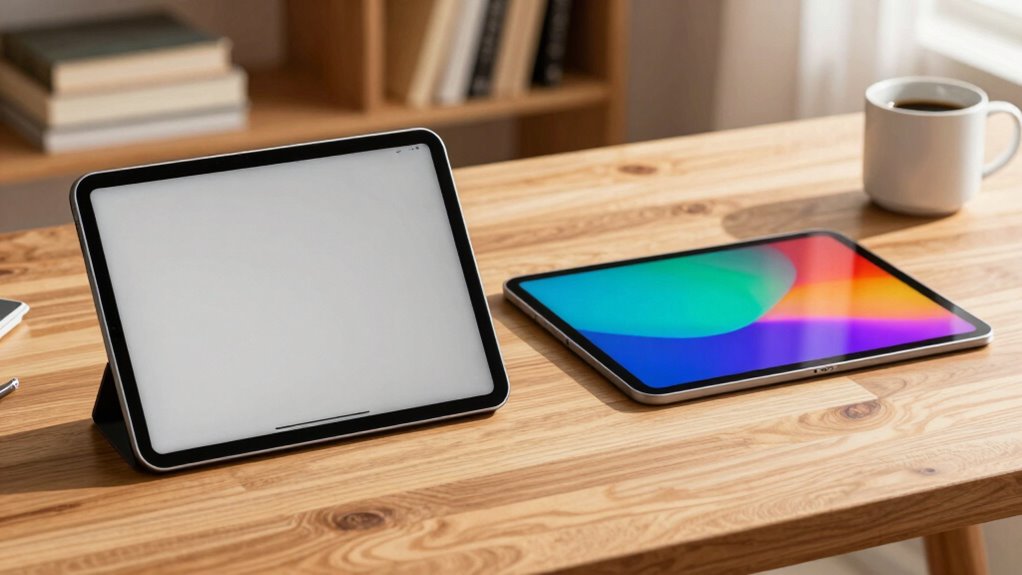
Choosing the right tablet depends on how you plan to use it daily. Consider your lifestyle and needs to find a device that fits seamlessly. If you value vibrant visuals, look for tablets with a wide range of color options. An ergonomic design is essential if you’ll be holding your tablet for long periods, ensuring comfort and reducing strain. Think about whether you need a lightweight device for portability or a larger screen for detailed work. Battery life, storage capacity, and app compatibility also matter. Here are some tips to guide your choice:
- Prioritize color options that match your style
- Choose ergonomic design for comfort during extended use
- Consider screen size based on your tasks
- Check for features like stylus support or keyboard compatibility
- Match specs with your daily routines for a practical fit
Frequently Asked Questions
Can E-Ink Tablets Display Colors or Multimedia Content Effectively?
E-ink tablets primarily excel at black-and-white displays, so their color capabilities are limited and not as vibrant as standard tablets. They struggle with multimedia performance, especially videos and complex images, because E-Ink screens refresh slowly. However, they’re excellent for reading and note-taking. If you want rich colors and seamless multimedia, a standard tablet will serve you better, but E-Ink is great for reducing eye strain and extending battery life.
Are E-Ink Screens Susceptible to Glare or Reflections?
E-ink screens are like calm lakes—less prone to glare sensitivity and reflection issues, making your reading experience peaceful even in bright sunlight. Unlike standard screens, they resist harsh reflections, so you won’t strain your eyes or struggle to see content outdoors. While they’re not completely immune, e-ink displays handle glare better, providing clear, comfortable viewing without the distraction of unwanted reflections.
How Resistant Are E-Ink Tablets to Water and Physical Damage?
E-ink tablets generally have durability concerns, making them less resistant to water and physical damage compared to standard tablets. Most are not waterproof, so splashes or submersion can cause damage. While some models feature rugged designs or protective covers, you should still handle them carefully. If water resistance is essential, look for specific waterproof capabilities or use additional protective cases to prevent damage from accidents.
Do E-Ink Tablets Support Note-Taking With Styluses or Handwriting Recognition?
Yes, e-ink tablets support note-taking with styluses, but compatibility varies by model. Some are designed specifically for stylus use, offering good handwriting accuracy, while others may have limited support or none at all. Check if the device supports stylus compatibility and offers features like pressure sensitivity for better handwriting recognition. This way, you’ll get a smoother note-taking experience tailored to your needs.
What Are the Main Limitations of E-Ink Tablets for Everyday Use?
E-ink tablets have major limitations for daily use. Their battery life might last an eternity, but their screen refresh rate is agonizingly slow, making scrolling feel like watching paint dry. You’ll struggle with fast-paced tasks or multimedia, and colorful visuals are almost impossible. So, if you crave quick responses and vibrant displays, e-ink tablets just can’t keep up, no matter how long their batteries last.
Conclusion
Choosing between an E-Ink and a standard tablet depends on what you prioritize—reading comfort, multimedia use, or versatility. If long battery life and eye-friendly reading are your top needs, an E-Ink tablet might be your best fit. But if you want to stream videos or run apps, a standard tablet could serve you better. So, what’s more important to you—visual comfort or multimedia power? Decide based on your lifestyle and enjoy the best of both worlds.