Factory calibration means the manufacturer adjusts your display to meet strict color and brightness standards before it leaves the factory. This guarantees you get accurate, consistent visuals right out of the box, which is especially important for creative work or color-sensitive tasks. However, factory calibration isn’t perfect and may drift over time. To learn how to keep your display performing its best and what to look for, keep exploring this topic.
Key Takeaways
- Factory calibration ensures the display’s colors, brightness, and performance meet industry standards before shipping.
- It involves adjustments based on known color standards like Rec. 709 or D65 for accurate color reproduction.
- Factory calibration provides a reliable initial setup but may require re-calibration over time due to aging or environmental factors.
- High-quality factory-calibrated displays maintain consistent color accuracy and stability across viewing angles and usage.
- It offers a good baseline for accurate visuals, especially for creative work, but professional calibration may be needed for critical tasks.

ASUS ProArt Display PA278QV 27” WQHD (2560 x 1440) Monitor, 100% sRGB/Rec. 709 ΔE < 2, IPS, DisplayPort HDMI DVI-D Mini DP, Calman Verified, Eye Care, Anti-Glare, Tilt Pivot Swivel Height Adjustable
27-inch WQHD (2560 x 1440) IPS monitor with frameless design
As an affiliate, we earn on qualifying purchases.
As an affiliate, we earn on qualifying purchases.
What Is Factory Calibration and Why Does It Matter?
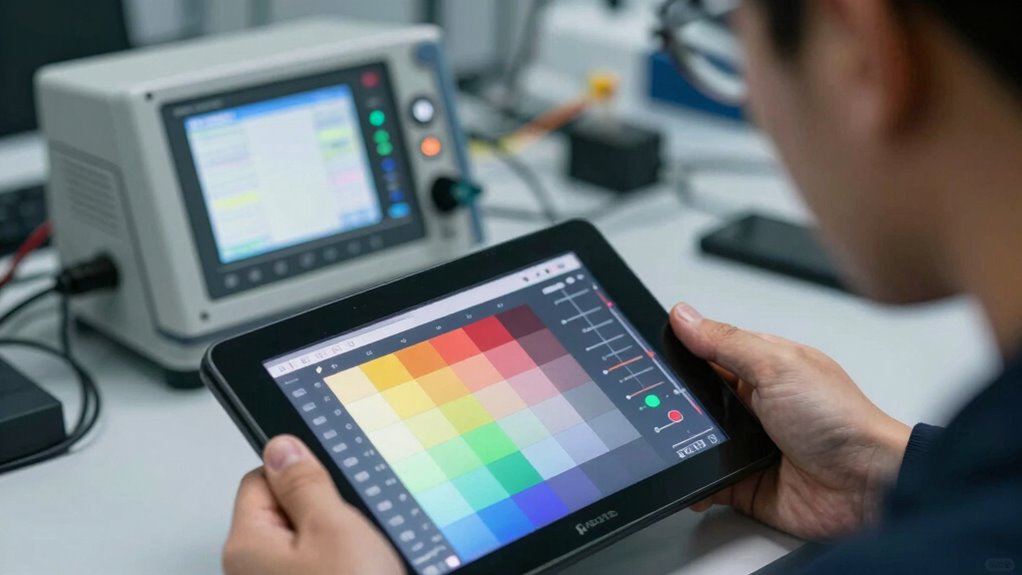
Ever wondered what factory calibration really means? Factory calibration is the process manufacturers use to verify your display’s colors, brightness, and overall performance meet strict standards. It guarantees factory accuracy, meaning each device is tested and adjusted to deliver consistent, reliable visuals straight out of the box. The calibration process involves measuring the display’s output against known color standards and making precise adjustments. This ensures that the display’s performance remains consistent over time, even as technology evolves. Proper calibration also accounts for factors like color temperature adjustments, which can be crucial for achieving the desired visual quality. Additionally, factory calibration helps maintain visual consistency across devices, ensuring that multiple screens display colors and brightness uniformly. Manufacturers often employ advanced calibration techniques to optimize each device’s performance before packaging. By maintaining calibration standards, manufacturers can reduce color inconsistencies, providing a more accurate and predictable viewing experience. This assures your screen shows accurate images without needing immediate tweaks. Factory calibration is essential because it saves you time and guarantees quality, giving you confidence in your device’s performance from day one. Without proper calibration, even the best displays might produce inaccurate colors or uneven brightness, affecting your viewing experience.

Calibrite ColorChecker Display Pro (CCDIS3)
Powerful and easy to use with ccProfiler (or i1Profiler) software
As an affiliate, we earn on qualifying purchases.
As an affiliate, we earn on qualifying purchases.
How Manufacturers Calibrate Displays Before Shipping
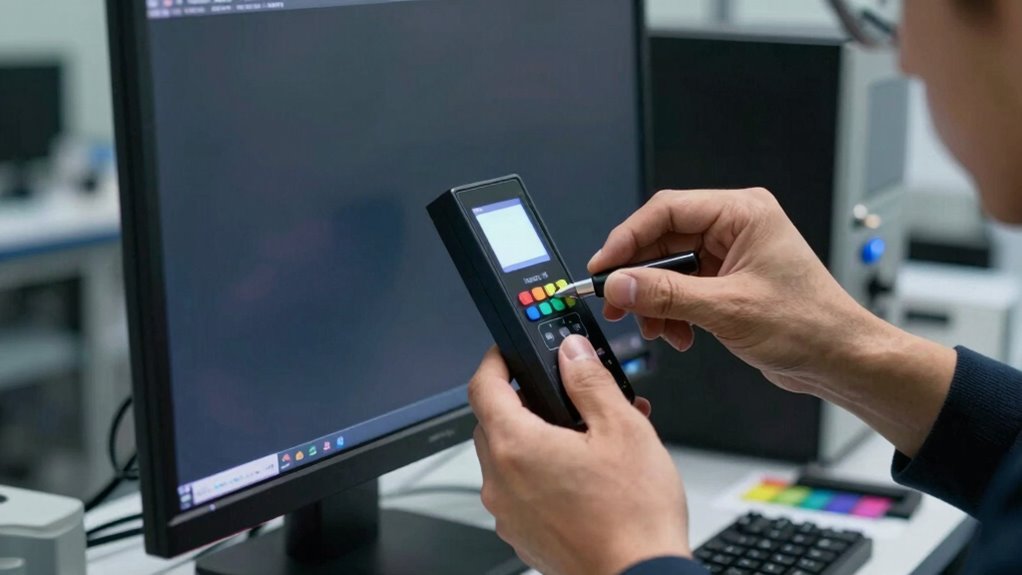
How do manufacturers guarantee each display is ready for peak performance before it reaches you? They rely on a precise calibration process that adjusts factory settings to ensure color accuracy, contrast, and brightness meet strict standards. During production, every screen undergoes testing using specialized equipment that measures its output. Adjustments are made to match the desired specifications, often involving color calibration and gamma correction. This detailed calibration process is essential for maintaining consistent display quality across batches. This meticulous process guarantees consistency across units and aligns the display’s performance with industry benchmarks. Once calibrated, the displays are set to factory settings optimized for a superior viewing experience. Only after passing these rigorous tests do they leave the factory, so you can trust that your new display is ready to perform at its best right out of the box. Additionally, calibration quality is maintained through ongoing quality assurance procedures to ensure standards are consistently met, helping manufacturers uphold industry standards for display performance. Proper calibration also plays a crucial role in dream symbolism, where accurate perception and clarity are essential.

datacolor Spyder – Monitor Calibrator for Graphic Designers, Photographers, and Content Creators, Shows You True Colors, Works on OLED Monitors & LED Screens, Easy-to-Use Color Calibration Tool
Color “Surprises” Are a Thing of the Past: Datacolor’s exclusive DevicePreview TM Beta feature simulates what your photos…
As an affiliate, we earn on qualifying purchases.
As an affiliate, we earn on qualifying purchases.
What’s Included in Factory Calibration Settings?
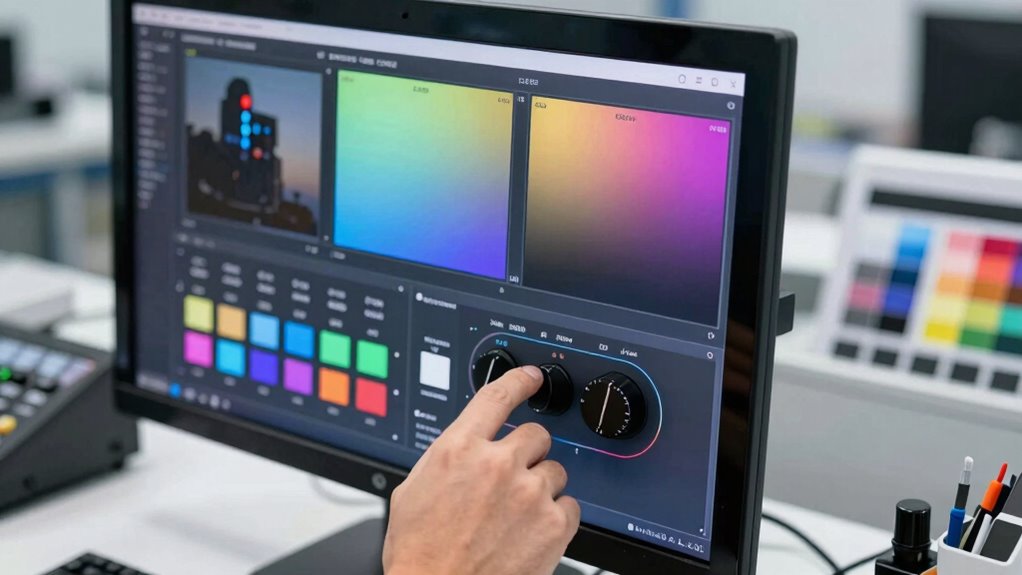
Factory calibration settings typically include specific adjustments to guarantee your display shows accurate and consistent visuals straight out of the box. These settings focus on optimizing color accuracy, ensuring the colors you see are true to the source. During the calibration process, manufacturers tweak parameters like gamma, white point, and color temperature to achieve this precision. The goal is to deliver a balanced, vibrant picture that’s reliable for tasks like photo editing, design, or everyday use. While these settings improve visual quality initially, they’re often based on generic profiles tailored to the device model. As a result, factory calibration provides a solid starting point, but it might not account for individual display variations or personal preferences. Additionally, understanding emotional skills can help users better interpret and adjust display settings to suit their specific needs. Recognizing the importance of visual perception can also aid in making more accurate adjustments for your unique viewing environment, especially when considering factors like ambient lighting and personal color preferences. Having a foundational knowledge of quality assurance can further assist in ensuring your display remains calibrated over time, maintaining consistent visual standards. Being aware of calibration procedures can help you maintain optimal display performance and prevent drift over time.

ASUS ProArt Display 27” 4K HDR Professional Monitor (PA279CRV) – IPS, UHD (3840 x 2160), 99% DCI-P3/Adobe RGB, ΔE < 2, Calman Verified, USB-C PD 96W, DisplayPort, Daisy-Chain, Ergonomic, 3yr Warranty
27-inch 4K (3840 x 2160) LED backlight HDR display with 178° wide-view IPS panel
As an affiliate, we earn on qualifying purchases.
As an affiliate, we earn on qualifying purchases.
Limitations of Factory-Calibrated Displays You Should Know
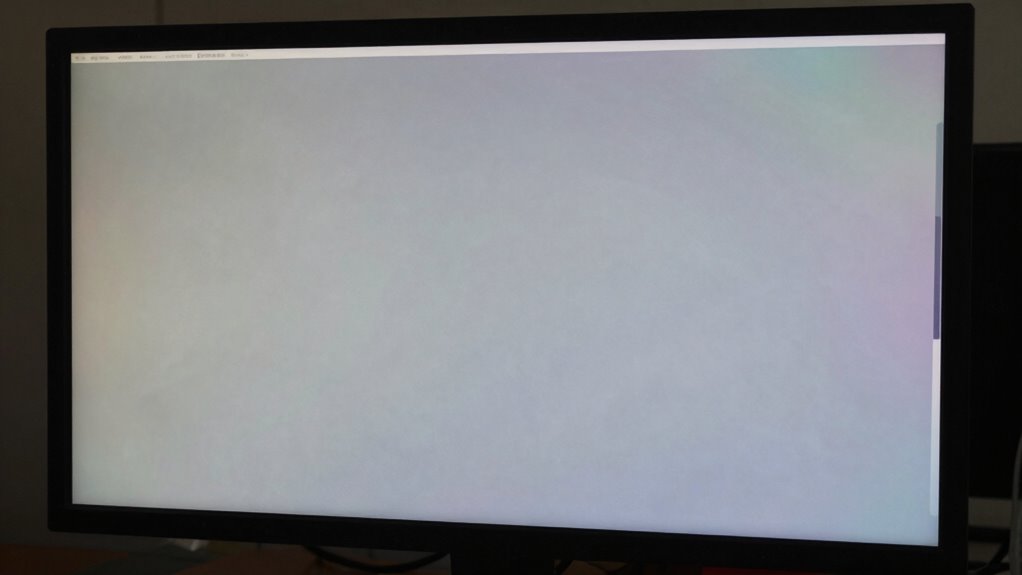
While factory calibration settings provide a good starting point, they often fall short of delivering perfect accuracy for every individual display. Variations in manufacturing mean that color temperature may differ slightly, affecting color consistency. Relying solely on factory calibration can lead to discrepancies in how images appear across different screens. Calibration tools are essential for fine-tuning these settings, ensuring your display meets your specific needs. Keep in mind, factory calibration is static and doesn’t account for aging or environmental changes. Additionally, safety precautions should be considered when adjusting display settings to prevent damage or inaccuracies. Regular monitor maintenance can help preserve calibration accuracy over time. Being aware of display aging effects can help you determine when recalibration might be necessary. To achieve optimal results, understanding the limitations of factory calibration can guide you in maintaining color accuracy and consistency. For example, environmental factors can influence how a display responds, emphasizing the importance of calibration techniques for ongoing accuracy. Here’s a quick overview:
| Aspect | Limitations | Impact |
|---|---|---|
| Color temperature | Often generic, not customized for your environment | Colors may appear too warm or cool |
| Calibration tools | Not used in factory calibration | Requires manual adjustment for accuracy |
| Uniformity | May vary across the display | Inconsistent color and brightness distribution |
How to Check If a Factory-Calibrated Monitor Meets Your Needs

To determine if a factory-calibrated monitor suits your needs, start by checking its calibration standards and how accurately it reproduces colors. You should also assess whether the display maintains consistent color performance across different viewing angles and over time. If these factors meet your requirements, the monitor is likely a good fit for your tasks. Additionally, understanding personal finance planning can help you make more informed decisions about your purchases.
Calibration Standards Accuracy
Ensuring a monitor’s calibration meets industry standards is essential for accurate color representation. To verify this, check the calibration standards set by manufacturers and how they align with recognized industry benchmarks. Pay attention to the calibration technology used, as advanced methods tend to offer better precision and stability over time. This directly impacts display longevity, ensuring your monitor maintains color accuracy longer. Additionally, consider the calibration process’s transparency and whether tests are independently verified. Reliable calibration standards ensure consistent performance, reducing the need for frequent recalibration. Keep these factors in mind to select a monitor that truly meets professional standards and your specific needs.
- Use industry-recognized calibration standards like Rec. 709 or D65 targets
- Confirm calibration accuracy through independent testing results
- Understand the calibration technology employed, such as 10-bit LUTs
- Evaluate the monitor’s ability to sustain calibration over its lifespan
Color Reproduction Consistency
After verifying a monitor’s calibration standards and accuracy, the next step is to assess its color reproduction consistency. You want to guarantee that colors stay stable over time, avoiding noticeable color shift that could impact your work. Check if the monitor maintains consistent color output across different viewing angles and under various lighting conditions. Understanding the calibration timeline is essential because even factory-calibrated displays can drift beyond acceptable limits over months. Ask whether the manufacturer provides information about the expected duration of calibration stability. A monitor with good color reproduction consistency will require minimal adjustments, assuring your work remains accurate over time. Additionally, understanding the chemical properties of display materials can help explain why certain monitors are more resistant to color shift and drift. These properties influence how well the display resists environmental factors that can cause color degradation, contributing to long-term stability. Recognizing the material composition of display components can further clarify a monitor’s ability to maintain consistent color output over extended periods. To ensure ongoing accuracy, regular monitor calibration is recommended, as it helps counteract potential color shift and maintain visual fidelity.
When to Consider Professional Calibration for Your Display
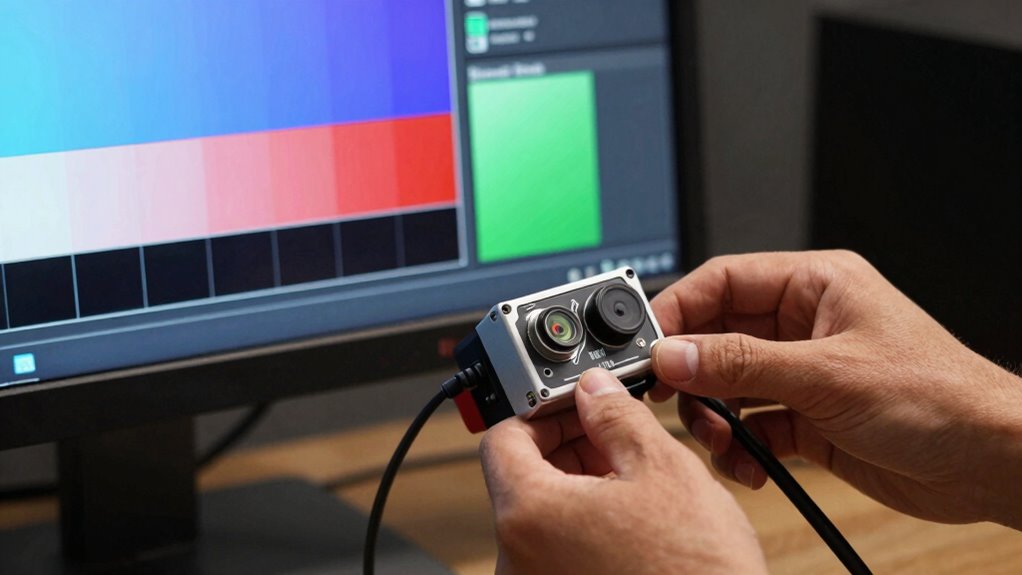
Sometimes, your display may not look as accurate as you’d like despite using calibration tools. If you notice persistent color inaccuracies or inconsistent brightness, it might be time to contemplate professional calibration. This is especially true if you’re concerned about display ergonomics, guaranteeing your setup minimizes eye strain and promotes comfort. Professional calibration can also optimize energy efficiency, reducing power consumption by adjusting display settings precisely. You should consider professional calibration when your display:
Consider professional calibration for accurate colors, comfort, and energy efficiency when issues persist.
- Shows significant color shifts over time
- Lacks uniform brightness or contrast
- Needs precise color accuracy for critical work
- Has poor energy efficiency or inconsistent performance
Expert calibration ensures your display performs at its best, aligning with factory standards and your specific needs.
Recognizing High-Quality Factory-Calibrated Monitors for Creative Work
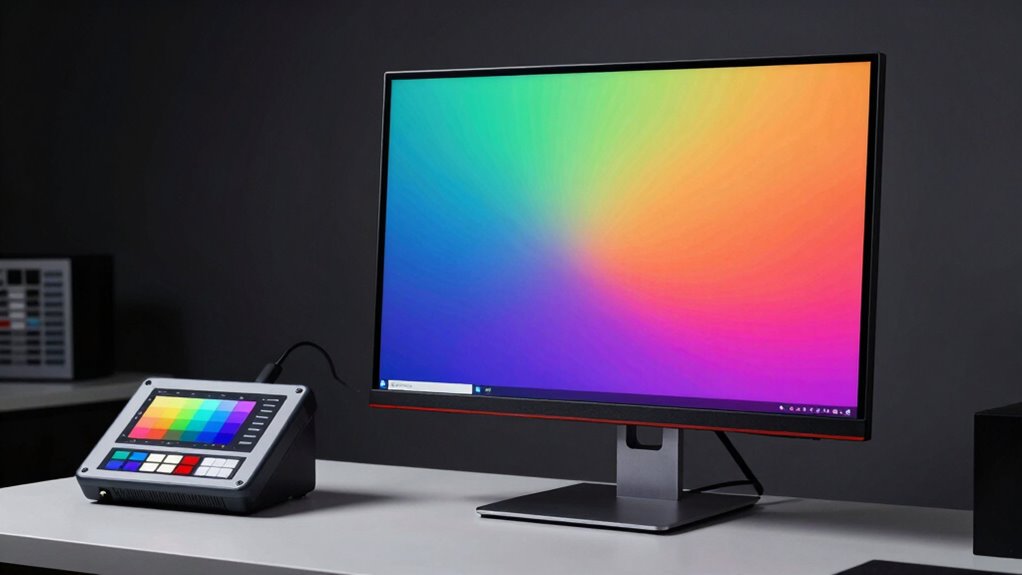
When choosing a monitor for creative work, you want accurate color reproduction right out of the box. Look for displays that meet strict factory calibration standards to guarantee consistent performance over time. High-quality monitors provide reliable, precise visuals, saving you time and effort in post-production adjustments.
Accurate Color Reproduction
Have you ever wondered how professionals achieve true-to-life colors in their work? High-quality factory-calibrated monitors ensure accurate color reproduction right out of the box, which is vital for creative projects. These displays are designed with precise color profiles and consistent performance, minimizing the need for frequent user calibration. When evaluating such monitors, consider hardware durability, as sturdy construction maintains calibration accuracy over time. Look for panels with wide color gamuts, like Adobe RGB or DCI-P3, to guarantee vibrant, true-to-life hues. Additionally, a monitor’s ability to hold calibration without drift is essential, reducing the reliance on ongoing user adjustments. A combination of factory calibration and robust hardware guarantees reliable color accuracy fundamental for professional-grade work.
Factory Calibration Standards
Recognizing high-quality factory-calibrated monitors starts with understanding the standards they meet. Many Calibration myths suggest that factory calibration is always perfect, but that’s not true. A good monitor should adhere to strict calibration standards, ensuring accurate color and grayscale performance right out of the box. These standards often align with industry benchmarks, like Delta E accuracy and color space coverage, that distinguish professional-grade displays. Remember, factory calibration isn’t the same as professional calibration, which involves fine-tuning by experts for even greater precision. While factory-calibrated monitors are suitable for most creative work, understanding these standards helps you avoid low-quality displays that might look calibrated but fall short in real-world accuracy. This knowledge helps you select a monitor that truly meets your creative needs.
Consistent Display Performance
To guarantee a monitor delivers reliable, consistent performance for your creative projects, you need to look beyond initial calibration and assess how well it maintains color accuracy over time. High-quality factory-calibrated displays offer better display longevity, ensuring your work remains precise even after months of use. Reliable monitors incorporate calibration tools that help maintain accuracy with minimal effort. Look for features like hardware calibration support, firmware updates, and consistent factory calibration standards. These elements assure your display stays true to color, reducing the need for frequent recalibration. Additionally, a monitor with stable performance minimizes drift and ensures your creative work remains consistent across different sessions and projects. This consistency is crucial for professionals who demand precision and dependability in their visual workflow.
How Factory Calibration Affects Gaming and Color-Accurate Tasks
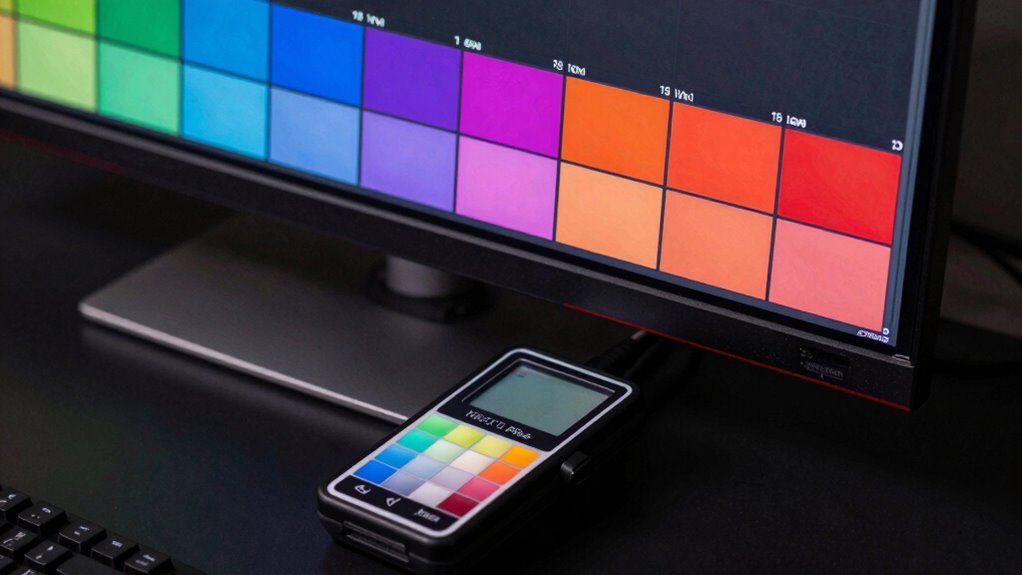
Factory calibration plays a crucial role in guaranteeing your display performs at its best for gaming and color-sensitive tasks. Proper calibration aligns the display technology to deliver accurate colors, contrast, and brightness, which are essential for an immersive gaming experience and precise color work. When a display is factory calibrated, it ensures consistency across different devices, so you see the intended visuals without needing extensive adjustments. Calibration tools help verify this accuracy, but factory calibration provides a reliable baseline. For gamers and professionals working with color, a well-calibrated display minimizes color shifts and ensures smooth, accurate visuals. Ultimately, factory calibration enhances your experience by delivering reliable image quality straight out of the box, reducing the need for immediate adjustments or post-purchase calibration.
Tips for Maintaining Accurate Colors After Your Purchase
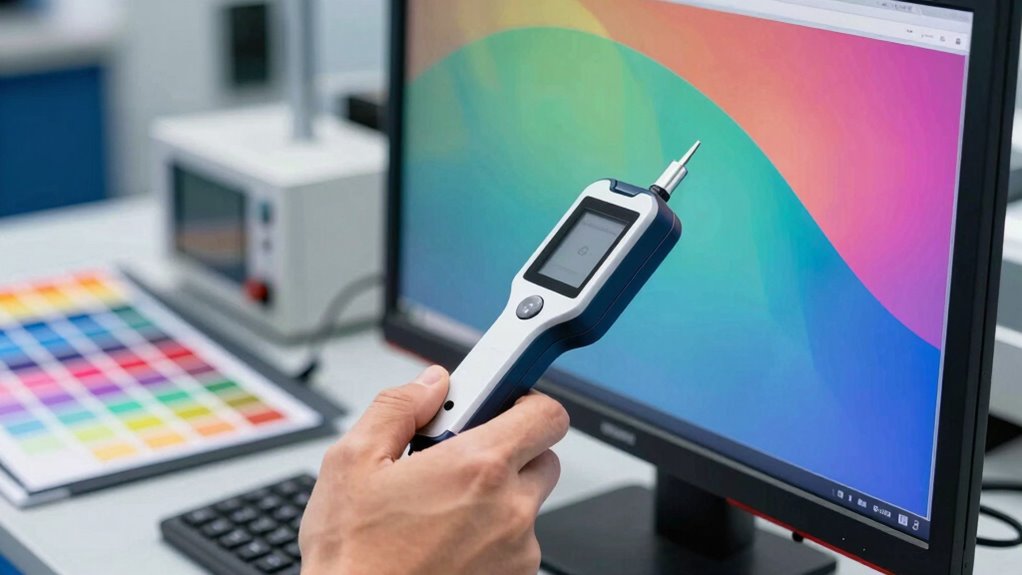
Once you’ve made your purchase, maintaining accurate colors requires regular care and attention. Proper color management guarantees your display stays true to its factory calibration. Use reliable calibration tools to fine-tune your monitor periodically, especially if you notice color shifts. Keep your display’s firmware updated to prevent calibration drift. Avoid exposing your monitor to direct sunlight or extreme temperatures, as these can affect color accuracy. Regularly check for dust or smudges that could skew your perception of colors. Additionally, set a consistent lighting environment in your workspace to prevent ambient light from altering how you see colors on-screen. These steps help preserve your display’s factory calibration, ensuring consistent, accurate colors over time.
FAQs About Factory Calibration: What You Need to Know

Are you curious about what factory calibration really means and why it matters for your display? Factory calibration ensures your screen’s colors, contrast, and brightness are set accurately before leaving the factory. It affects your display resolution and overall image quality, so a well-calibrated display delivers sharper visuals. You might wonder how calibration impacts power consumption; a properly calibrated display often uses energy more efficiently, reducing unnecessary power draw. Here’s a quick overview:
| Question | Answer | Impact on Display |
|---|---|---|
| What is factory calibration? | Pre-set adjustments for consistent display output | Ensures color accuracy |
| Does calibration affect resolution? | No, resolution remains unchanged | Maintains sharpness |
| How does calibration influence power? | Proper calibration can optimize power use | Saves energy |
| Is calibration permanent? | Calibration can drift over time | Requires re-calibration |
| Can I calibrate myself? | Yes, with proper tools or professional help | Maintains display quality |
Frequently Asked Questions
How Often Should a Factory-Calibrated Display Be Recalibrated?
You should recalibrate your factory-calibrated display every 4 to 6 weeks to maintain ideal color accuracy. Calibration frequency depends on how often you use the display and the environment, but regular adjustments help extend the display’s longevity. Over time, displays drift from their original calibration, so sticking to a consistent schedule guarantees your visuals stay precise, ultimately preserving the quality and lifespan of your monitor.
Can Factory Calibration Be Adjusted or Customized?
Factory calibration can often be adjusted or customized, but it depends on the calibration process and manufacturer standards. Some displays allow you to fine-tune settings to meet your specific needs, while others are locked to their factory calibration to guarantee consistency. Check the product details or consult the manufacturer to see if customization is possible, especially if you require precise color accuracy or specific display performance.
Are Factory Calibration Standards Consistent Across Brands?
Ever wonder if factory calibration standards stay consistent across brands? While some manufacturers maintain strict calibration history records, brand consistency can vary. You might find differences in calibration accuracy due to differing standards or procedures. Always check a brand’s calibration history and reputation, as consistent calibration guarantees your display performs reliably. Don’t assume all brands calibrate equally; verifying calibration standards helps you make informed decisions, ensuring accurate color and image quality.
Does Factory Calibration Guarantee Color Accuracy for All Tasks?
Factory calibration doesn’t guarantee color accuracy for all tasks because calibration reliability varies between displays and brands. While factory calibration aims to guarantee good color precision out of the box, it might not hold up under specific professional needs or prolonged use. You should consider additional calibration and testing to confirm that your display meets your exact color accuracy requirements, especially for critical tasks like design or photography.
How Does Ambient Lighting Affect Factory Calibration Effectiveness?
Did you know ambient lighting can drastically impact calibration accuracy? When your environment’s lighting changes, it can make your display seem less accurate, even if it’s factory calibrated. Bright or uneven ambient lighting causes glare and influences your perception of colors, reducing calibration effectiveness. To maintain true color accuracy, you should control ambient lighting conditions, ensuring consistent lighting environments that support your display’s factory calibration and give you reliable results.
Conclusion
Understanding factory calibration is like having a map for a journey—guiding your eyes through a landscape of color and clarity. While it sets a solid foundation, remember it’s just the starting point in your quest for perfection. With keen eyes and proper care, you can navigate beyond the default settings, transforming your display into a vibrant brushstroke on your creative canvas or a precise tool in your gaming arsenal. Your monitor’s true potential awaits your attentive touch.