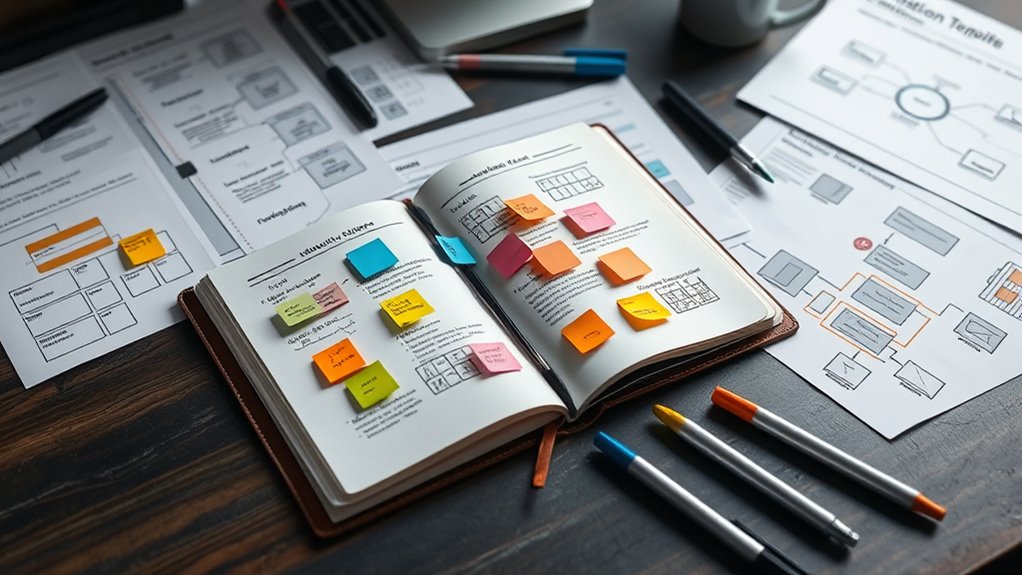

To master design thinking, you’ll rely on key templates like empathy maps, journey maps, and ideation sheets, which help you understand user needs, visualize experiences, and generate innovative ideas. Prototyping tools streamline testing, while feedback forms keep solutions user-centered. These templates facilitate rapid iteration and practical problem-solving. Keep exploring these essential tools, and you’ll find yourself increasingly confident in creating impactful, user-focused solutions that truly resonate—more insights await as you continue your journey.
Key Takeaways
- Empathy Map templates facilitate deep understanding of user needs and behaviors, forming a foundation for user-centered solutions.
- Journey Map templates visualize the entire user experience, identifying pain points and moments of delight for targeted improvements.
- Ideation and Brainstorming templates support creative idea generation and organized solution exploration during early design phases.
- Prototyping templates like sketches and storyboards enable rapid testing and iterative refinement based on user feedback.
- Testing and Feedback templates streamline structured collection and analysis of user responses to ensure practical, innovative solutions.
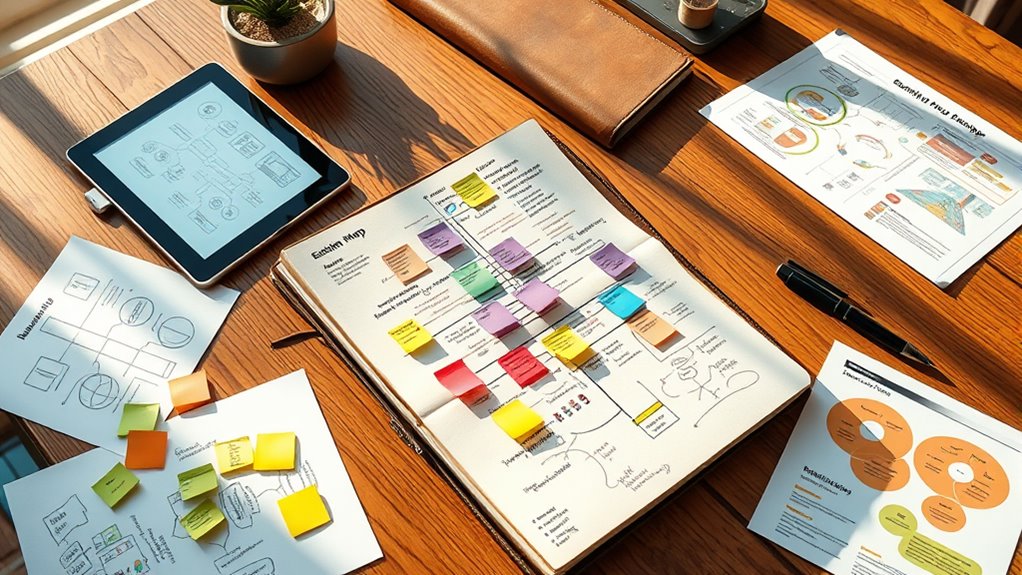
Have you ever wondered how innovative solutions are generated so effectively? The secret often lies in understanding the importance of design thinking and the tools that make it possible. Your ability to craft user-centered solutions depends on leveraging the right templates and strategies that streamline the process. These innovation strategies focus on deeply understanding user needs, ideating creatively, and iterating rapidly. With a solid design thinking toolkit, you can approach complex problems methodically, guaranteeing your solutions are both practical and innovative.
A core element of this toolkit is the empathy map, a powerful template that helps you visualize what users say, think, feel, and do. It’s a simple yet effective way to step into your users’ shoes, gaining insights that fuel meaningful innovations. By using this, you can identify pain points and uncover unmet needs, which are essential for crafting user experience improvements. The empathy map acts as a foundation for your innovation strategies, enabling you to develop solutions rooted in real human experiences rather than assumptions.
Another crucial template is the journey map, which charts the entire user experience from start to finish. It highlights key touchpoints, frustrations, and moments of delight, giving you a detailed view of the user’s interaction with your product or service. This visualization helps you pinpoint areas where the user experience can be enhanced, guiding your team to prioritize impactful changes. Creating journey maps encourages a user-focused mindset, ensuring your innovation strategies are aligned with actual user behaviors and expectations.
Journey maps reveal user interactions, highlight pain points, and guide impactful, user-centered innovations.
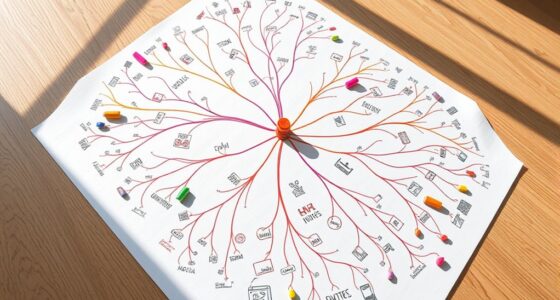
Ideation templates like mind maps or brainstorming sheets are also integral to your toolkit. They facilitate free-flowing idea generation, helping you expand on initial concepts and explore diverse solutions. These templates keep your team focused and organized, preventing creative energy from dissipating. When combined with rapid prototyping templates, such as sketch sheets or storyboards, they enable quick testing and refinement of ideas. This iterative process is central to design thinking, ensuring your innovations are continuously improved based on real user feedback.
Finally, testing and feedback templates allow you to gather structured insights from users during prototype evaluations. They help you document responses systematically, making it easier to refine your solutions. Using these templates ensures your innovation strategies stay user-centered, grounded in data rather than assumptions. Incorporating these templates into your routine not only accelerates your development cycle but also enhances the overall user experience, ultimately leading to more successful and sustainable innovations. Additionally, understanding the target audience and their unique needs can greatly improve the effectiveness of your solutions.

Empathy Map – UX Designers Essential Tools! 50 x Empathy Map Templates with space for notes on 100 pages!: Understand and categorize the user's needs!
As an affiliate, we earn on qualifying purchases.
As an affiliate, we earn on qualifying purchases.
Frequently Asked Questions
How Do I Choose the Right Template for My Project?
To select the right template, consider its versatility and how well it aligns with your project goals. Look for templates that are flexible enough to adapt to different stages of your process and make sure they match your specific needs. You want a template that streamlines your workflow without forcing you into a rigid structure. By focusing on project alignment, you’ll pick a template that enhances creativity and efficiency every step of the way.
Can These Templates Be Adapted for Remote Teams?
Yes, these templates can be adapted for remote teams. You can use collaborative tools like Miro or MURAL for seamless remote facilitation, allowing your team to collaborate in real-time. Adjust the templates to suit online interactions, and make sure clear instructions for remote participants. This approach helps maintain engagement, supports effective communication, and keeps your design thinking process smooth, even when everyone is working from different locations.
Are There Templates for Specific Industries or Problems?
Over 60% of teams find industry-specific solutions boost their innovation. You’ll discover problem-focused templates tailored to your sector, making your process more relevant and effective. These templates help address unique challenges, whether you’re in healthcare, finance, or tech. By using industry-specific solutions, you streamline your design thinking efforts, ensuring your ideas are targeted, practical, and ready to solve your most pressing issues efficiently.
How Do I Customize Templates to Fit Unique Challenges?
To customize templates for your unique challenges, start with personalization strategies by identifying your specific goals and constraints. Use template modification to adapt sections, add relevant questions, or tweak steps to better align with your problem. Don’t hesitate to mix and match different parts of templates, ensuring they suit your context. This hands-on approach helps you create more relevant, effective tools tailored to your project’s needs.
What Tools Are Recommended to Digitize These Templates?
Digital tools and collaboration platforms truly streamline your template digitization. You should explore options like Miro, MURAL, or Google Jamboard, which let you create, edit, and share templates easily. These platforms foster real-time collaboration, making teamwork seamless. By integrating these tools into your workflow, you can customize templates quickly, adapt to challenges, and enhance your overall design thinking process effortlessly.

Mapping Experiences: A Complete Guide to Creating Value through Journeys, Blueprints, and Diagrams
As an affiliate, we earn on qualifying purchases.
As an affiliate, we earn on qualifying purchases.
Conclusion
Now that you’ve discovered these dynamic design thinking templates, immerse yourself and demonstrate your dedication to discovery, development, and delivery. By embracing these tools, you’ll foster flexibility, fuel your fabulous ideas, and forge forward with confidence. Remember, consistent use cultivates creativity, clarity, and clever solutions. So, seize these templates, spark your skills, and stay inspired on your innovative journey—because your design destiny depends on your dedication to designing brilliantly.
brainstorming sheets for creative ideation
As an affiliate, we earn on qualifying purchases.
As an affiliate, we earn on qualifying purchases.

Mobile UI/UX Design Notebook: User Interface Experience Design Mockup & Wireframe Sketchbook – Grid Paper – 110 Pages for Product Designers & Developers
As an affiliate, we earn on qualifying purchases.
As an affiliate, we earn on qualifying purchases.