
Laser cutters speed up packaging, signage, and service prototypes by allowing you to quickly design, test, and produce complex details with precision. They minimize material waste and reduce lead times, giving you faster turnaround on custom projects. With their ability to handle various materials and create intricate designs, you can also easily refine your ideas and improve quality. Keep exploring to discover how mastering these tools can transform your creative processes and boost your efficiency.
Key Takeaways
- Laser cutters enable rapid prototyping, allowing quick testing and refinement of packaging, signage, and service display designs.
- They reduce material waste through precise cuts, lowering production costs for packaging and promotional displays.
- Complex and intricate designs are achievable, enhancing visual appeal and customization for signage and packaging.
- Faster turnaround times streamline production processes, giving businesses a competitive edge in time-sensitive projects.
- Laser cutting supports multi-material and sustainable substrates, expanding creative options while maintaining efficiency.

Algolaser 10W Laser Engraver and Cutter with Rotary Roller & Riser Kit
- Touchscreen and AlgoOS System: 3.5'' smart touchscreen with intuitive interface
- High-Power Laser Module: 10000mW laser for precise engraving and cutting
- Fast Engraving Speeds: Up to 12000mm/min for efficient work
As an affiliate, we earn on qualifying purchases.
As an affiliate, we earn on qualifying purchases.
Getting Started With Laser Cutters: What You Need to Know

Getting started with laser cutters can seem intimidating at first, but understanding the basics makes the process much easier. Safety is your top priority—always pay attention to material safety guidelines to prevent harmful fumes or accidents. Make sure your workspace is well-ventilated and wear protective gear when needed. Regular machine maintenance is essential; keep lenses clean, check alignment, and follow manufacturer instructions to guarantee maximum performance. Familiarize yourself with the machine’s controls and software to set proper parameters for different materials. Starting with simple projects helps you learn the machine’s capabilities and limitations. Proper safety practices and routine maintenance not only protect you but also extend the lifespan of your laser cutter, making your workflow smoother and more efficient. Exploring different digital concepts can also help optimize your designs and improve your overall project outcomes.

OMTech 90W CO2 Laser Engraver with Water Chiller, 20×28 Inch Laser Engraving Cutting Etching Machine with Autolift Autofocus 4 Way Pass Air Assist, Commercial Laser Cutter for Wood Glass Acrylic More
- High-Power CO2 Laser: 90W laser engraves deep on various materials
- Effective Water Cooling: Water chiller extends machine operation time
- Autofocus System: Automatically adjusts focus for precise engraving
As an affiliate, we earn on qualifying purchases.
As an affiliate, we earn on qualifying purchases.
How Laser Cutters Speed Up Packaging Design and Production

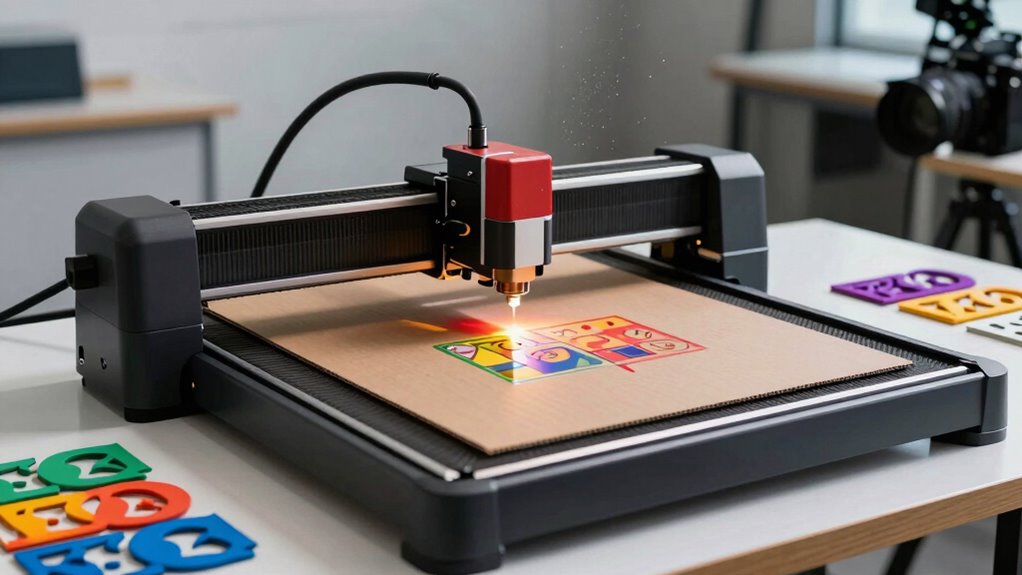
Laser cutters considerably accelerate packaging design and production by enabling rapid prototyping and precise customization. This technology allows you to test designs quickly, reducing development time and helping you adapt to market demands faster. Laser cutting also guarantees material durability, creating packaging that withstands handling and transit without compromising quality. Additionally, laser cutters improve cost efficiency by minimizing material waste through precise cuts, saving you money on raw materials. You can produce intricate designs and complex geometries with ease, enhancing your packaging’s visual appeal while maintaining structural integrity. The ability to swiftly iterate prototypes and customize packaging solutions gives you a competitive edge , streamlining your production process and reducing lead times without sacrificing durability or quality.

Twotrees TTS-55 Pro Laser Engraver 5500mW Laser Engraving Machine
- Powerful 5500mW Laser: Enhanced cutting and engraving performance
- Air Assist Support: Includes metal air nozzle for cleaner cuts
- High Precision Focus: 0.06*0.46mm fine laser spot
As an affiliate, we earn on qualifying purchases.
As an affiliate, we earn on qualifying purchases.
Creating Precise Signage With Laser Cutting

With laser cutting, you can achieve sharp, detailed edges that make your signage stand out. You also gain the flexibility to customize designs precisely, from intricate logos to bold lettering. This combination guarantees your signs look professional and tailored to your exact specifications. Additionally, understanding aviation regulations can help ensure compliance and safety in professional signage projects. Incorporating industry standards helps maintain quality and consistency across all your signage efforts. Knowing the history of pinball machines can inspire creative design elements that appeal to enthusiasts and collectors alike.
Sharp, Detailed Edges
Achieving sharp, detailed edges is one of the key advantages of laser cutting for signage. This precision creates a clean edge finish that enhances the overall look. To maximize this, focus on three aspects:
- Edge finish – Laser cutting produces smooth, crisp edges with minimal post-processing needed.
- Material selection – Choosing materials like acrylic or thin wood ensures cleaner cuts and sharper details.
- Cutting parameters – Adjusting laser speed and power settings helps prevent chipping or burn marks, preserving edge quality.
Custom Design Flexibility
Because laser cutting allows for intricate and complex designs, it offers unmatched flexibility in creating customized signage. You can experiment with material versatility and push design innovation to craft unique, eye-catching signs tailored to your brand. Whether working with wood, acrylic, or metal, laser cutters enable precise cuts that bring your vision to life. This flexibility empowers you to produce signage that captures attention and communicates your message effectively.
| Material Choice | Design Style | Emotional Impact |
|---|---|---|
| Wood | Rustic elegance | Warmth and authenticity |
| Acrylic | Modern minimalism | Clarity and sophistication |
| Metal | Industrial chic | Strength and durability |
| Paper/Cardboard | Playful and creative | Approachability |
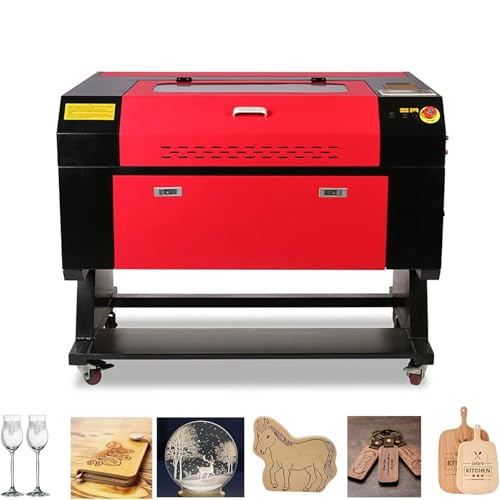
60W CO2 Laser Engraver, 28"x20" Laser Cutter Machine with 2-Way Pass Air Assist, Compatible with LightBurn, AutoCAD, Windows, Mac OS, Linux, for Wood Acrylic Fabric More (60W With bracket)
- Powerful 60W CO2 Laser: Cuts up to 15mm thick materials
- Large 28×20 inch Workspace: Generous 700x500mm working area
- Versatile Material Compatibility: Engraves wood, acrylic, glass, leather, and more
As an affiliate, we earn on qualifying purchases.
As an affiliate, we earn on qualifying purchases.
Rapid Prototyping of Service Displays Using Laser Cutters

Rapid prototyping with laser cutters allows you to quickly create and refine service display models, streamlining the design process. You can easily customize displays to match branding or specific customer needs, ensuring a tailored experience. With rapid prototype iteration, you refine your models efficiently, reducing time and costs. Imagine:
Rapid laser prototyping streamlines design, enabling quick customization and efficient refinement of service displays.
- Cutting precise components that fit together seamlessly, enabling swift adjustments.
- Testing different layouts and materials for *ideal* visual impact.
- Making real-time modifications to improve functionality and aesthetics.
This approach lets you experiment with various designs, speeding up service display customization. Laser cutters facilitate quick turnaround times, giving you the flexibility to adapt your prototypes until they meet your exact specifications. As a result, you deliver more engaging, professional service displays faster and more efficiently.
Choosing the Right Laser Cutter for Your Business Needs
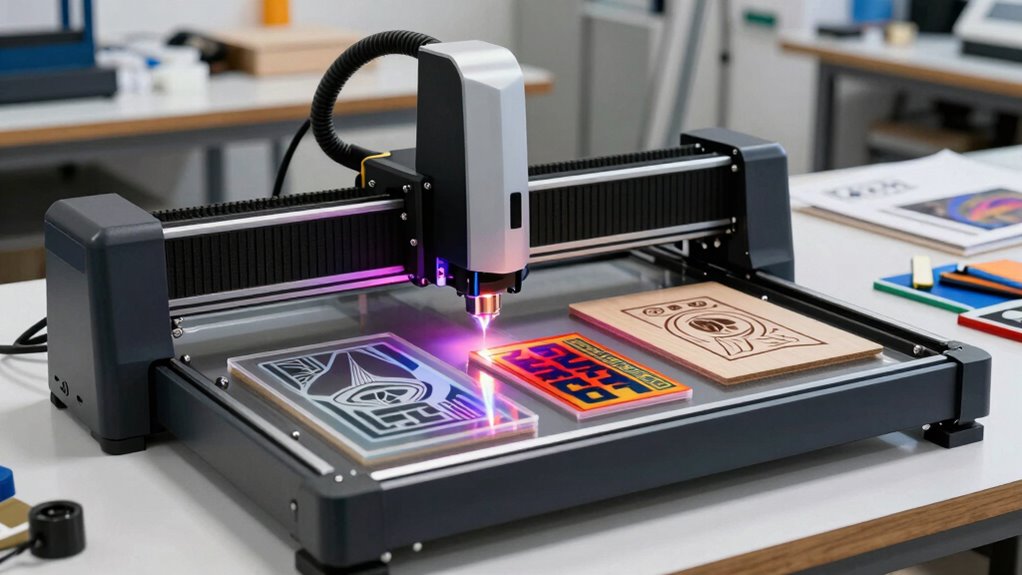
Choosing the right laser cutter for your business means understanding your specific needs and how different models can meet them. Start by considering your material selection; some cutters excel with metals, plastics, or wood, so choose one that matches your primary materials. Safety protocols are equally important—opt for models with advanced safety features like enclosed work areas and automatic shutoffs to protect your team. Think about the size and power of the laser, ensuring it fits your production volume. Additionally, evaluate software compatibility and ease of use, which can impact your workflow. By aligning your material needs with safety features and operational requirements, you can select a laser cutter that boosts efficiency and maintains a safe working environment.
Overcoming Common Challenges in Laser Cutting Implementation
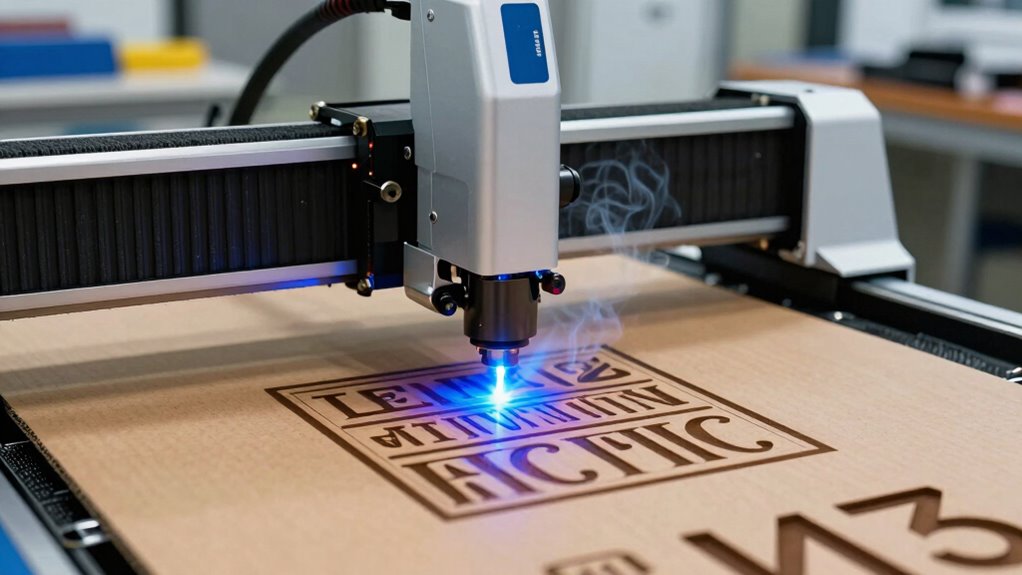
Managing material compatibility and ensuring precise calibration are key to successful laser cutting. If your equipment isn’t properly calibrated, your cuts may be inconsistent, leading to waste or rework. A thorough understanding of material properties can further optimize the laser cutting process, reducing errors and enhancing quality. Addressing these challenges upfront helps you achieve cleaner results and improves overall efficiency. Additionally, understanding industry-specific standards can guide you in selecting the right materials and settings for your projects. Being aware of material compatibility is essential to prevent damage and ensure safety during operation. Regular maintenance and training on gear usage can also contribute to more reliable and safe operations. Incorporating insights from market reviews can help you choose the best equipment and techniques for your needs.
Managing Material Compatibility
While laser cutting offers incredible precision and versatility, selecting the right materials can pose significant challenges. You need to guarantee compatibility to prevent damage and achieve quality results. Start by conducting thorough material testing—this helps identify how different substrates respond to laser heat and cutting depth. Next, follow strict safety protocols—certain plastics release hazardous fumes or may ignite unexpectedly. Additionally, verifying material composition is crucial to avoid incompatible types that could warp or crack during cutting. For instance, some acrylics cut beautifully, while others melt or produce toxic fumes. Moreover, understanding the importance of material safety data sheets can assist in selecting materials that yield consistent and vibrant results. Understanding these factors helps you select appropriate materials and set ideal laser parameters. Managing material compatibility is essential for safety, quality, and efficiency in your laser cutting projects.
Ensuring Precise Calibration
Achieving consistent precision in laser cutting starts with meticulous calibration of your equipment. Effective calibration techniques ensure your laser maintains ideal focus and power, reducing errors and material waste. Regularly perform alignment procedures to verify the laser beam’s path and positioning, preventing miscuts and uneven edges. Use test runs on scrap material to fine-tune the laser’s settings and confirm accuracy before working on your final product. Consistent calibration also involves monitoring machine components, such as mirrors and lenses, and cleaning them regularly. This attention to detail minimizes deviations caused by equipment wear or environmental factors. Incorporating product roundups and shopping guides can also help you select reliable calibration tools and accessories. By applying precise calibration techniques and alignment procedures, you’ll improve cut quality, increase efficiency, and guarantee your projects meet the highest standards of accuracy every time.
Emerging Trends in Laser Cutting for Packaging, Signage, and Prototyping
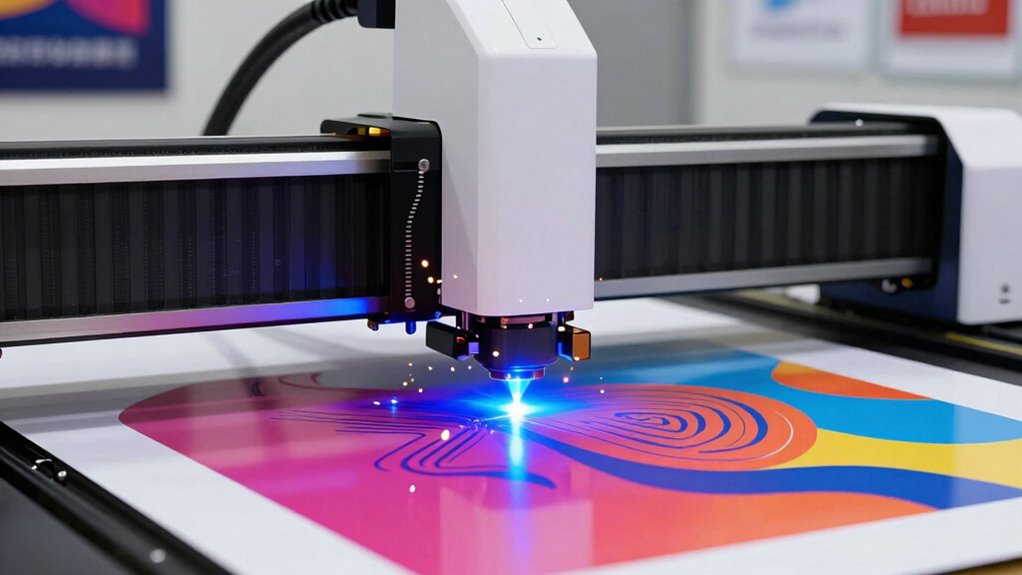
Recent advancements in laser cutting technology are transforming how packaging, signage, and prototyping industries approach design and production. You now see trends like:
- Using innovative substrate options that allow for more complex and detailed designs.
- Incorporating sustainable materials to reduce environmental impact without sacrificing quality.
- Adopting multi-material laser systems that enable seamless integration of different surfaces and textures.
These trends enable you to create eye-catching signage and eco-friendly packaging faster and more efficiently. You can work with innovative substrates that offer durability and flexibility, while sustainable materials help meet eco-conscious demands. Laser cutters are becoming more versatile, allowing you to push creative boundaries and streamline your production process. Embracing these emerging trends keeps you ahead in a competitive market focused on innovation and sustainability.
Frequently Asked Questions
What Safety Precautions Are Essential When Operating Laser Cutters?
When operating laser cutters, you need to wear protective gear like safety glasses to shield your eyes from laser beams and debris. Always monitor for fire hazards, as laser cutting can ignite materials unexpectedly. Keep the workspace clear of flammable objects, and guarantee proper ventilation. Regularly check the machine’s safety features and follow manufacturer guidelines to prevent accidents, ensuring a safe and efficient cutting process.
How Does Material Selection Impact Laser Cutting Quality?
Imagine the glow of the laser delicately slicing through a vibrant acrylic sheet—that’s how material properties shape your results. Your choice impacts cutting precision, with softer materials like wood offering smooth edges, while metals require sturdier options. Selecting the right material guarantees clean, accurate cuts, reducing errors and waste. So, understanding each material’s unique properties helps you achieve the highest quality, sharpness, and detail in your laser projects.
Can Laser Cutters Be Integrated Into Existing Production Workflows?
Yes, laser cutters can be integrated into your existing production workflows. You’ll want to focus on workflow integration by connecting the laser cutter with your current machinery and software systems. This allows for seamless process automation, reducing manual handling and increasing efficiency. Proper integration minimizes downtime, streamlines operations, and enhances overall productivity, making it easier to meet tight deadlines and maintain consistent quality in packaging, signage, and prototypes.
What Maintenance Is Required to Keep Laser Cutters Optimal?
To keep your laser cutter running at its best, you need to perform regular calibration and check the alignment to guarantee precision. Additionally, monitor and maintain the cooling system to prevent overheating, which can affect performance. Clean lenses and mirrors frequently to avoid dust buildup, and replace filters as needed. Regular maintenance like this helps prolong your laser cutter’s lifespan and maintains consistent quality in your projects.
Are There Environmental Considerations for Laser Cutting Operations?
Did you know laser cutting emits less than 1% of volatile organic compounds compared to traditional methods? You should consider environmental factors like emissions reduction and eco-friendly materials. Using sustainable materials minimizes harmful fumes and waste, making your operations greener. Proper ventilation and filtration systems are essential to control emissions, ensuring a safer workspace. By focusing on eco-friendly choices, you help reduce environmental impact and promote sustainable manufacturing practices.
Conclusion
Embracing laser cutters will revolutionize your packaging, signage, and prototyping like nothing else. You’ll craft stunning designs at lightning speed, outpacing competitors and transforming your workflow into a well-oiled machine. With the right knowledge and tools, you’re not just keeping up—you’re leading the charge in innovation. Don’t settle for ordinary—ignite your business with laser precision and watch your ideas soar beyond the stars!