
When prototyping voice interfaces for Alexa and Siri, you should focus on creating realistic conversations that mimic real user interactions. Script multiple ways users might ask for the same thing and test how your system responds to keep conversations natural. Pay attention to how well the system handles context and follow-up questions, refining responses accordingly. By continually iterating and testing, you can build seamless, engaging voice experiences—continue exploring to learn effective techniques in this process.
Key Takeaways
- Design realistic, conversational scripts that mimic user interactions to test voice assistant understanding and response quality.
- Create multiple phrasings for user requests to evaluate recognition accuracy and system flexibility.
- Prototype dialogue flow to assess the system’s ability to handle context and follow-up questions naturally.
- Use specialized tools to simulate conversations, allowing quick adjustments and iterative testing.
- Focus on refining interactions for seamless, human-like exchanges that enhance user engagement and satisfaction.
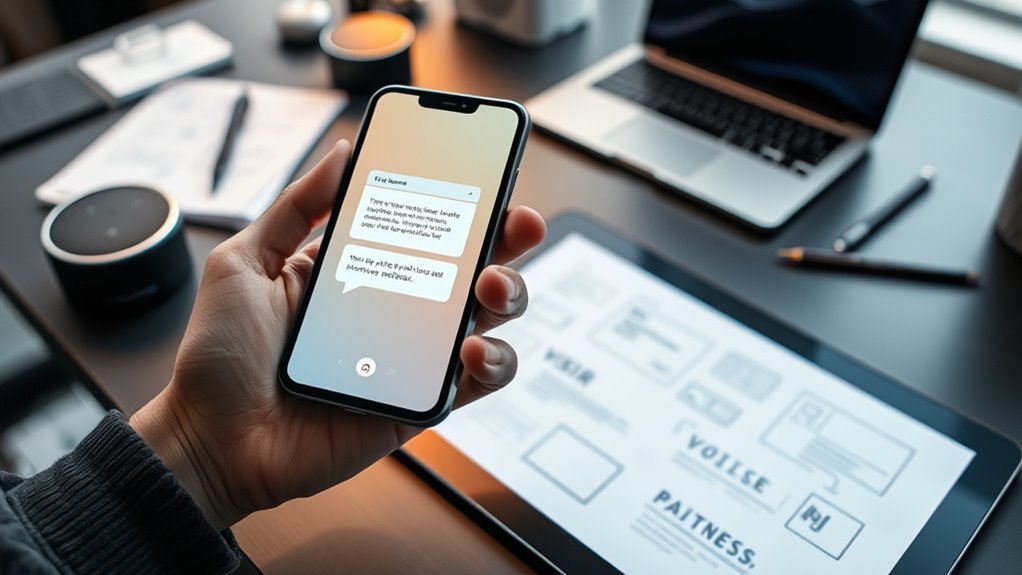
Prototyping voice interfaces is a crucial step in designing effective and user-friendly voice-powered applications. When you create a prototype, you’re fundamentally simulating how users will interact with your voice assistant, like Alexa or Siri. This process helps you understand how well your system handles natural language, ensuring that users can speak naturally without frustration. Your goal is to craft a seamless user experience, where conversations feel intuitive and effortless. By focusing on natural language, you can identify potential misunderstandings or awkward phrasing early, saving time and resources down the line.
Prototyping voice interfaces helps create intuitive, natural conversations that enhance user experience and reduce misunderstandings.
During prototyping, you want to mock up real conversations, not just static commands. Think of it as scripting a dialogue that a user might have with your voice interface. You’ll craft various ways users might phrase their requests, testing how well your system recognizes and responds to different expressions. This approach helps you pinpoint issues with voice recognition or response clarity, ensuring the system feels conversational rather than robotic. When users speak naturally, they expect the system to understand and respond appropriately, so your prototype should mirror that expectation as closely as possible.
As you develop your prototype, pay attention to how your system handles context and follow-up questions. A good voice interface remembers prior exchanges and maintains a natural flow, which greatly enhances user experience. If the system struggles to follow conversation threads or misinterprets user intent, it can frustrate users and diminish trust. Testing these interactions during prototyping allows you to refine these aspects early, making your voice application more intuitive and engaging.
Additionally, understanding the importance of high-quality voice recognition in your prototypes ensures that your system can accurately interpret a variety of speech patterns and accents, leading to a more inclusive user experience. A good voice interface remembers prior exchanges and maintains a natural flow, which greatly enhances user experience. If the system struggles to follow conversation threads or misinterprets user intent, it can frustrate users and diminish trust. Testing these interactions during prototyping allows you to refine these aspects early, making your voice application more intuitive and engaging.
Another key point is to use tools that allow you to simulate conversations easily. These tools enable you to quickly mock up dialogues, tweak responses, and experiment with different phrasing. By doing so, you can gather feedback from users or team members, identifying pain points and areas for improvement. The more realistic your prototype, the better you can anticipate real-world usage and make adjustments that enhance overall natural language processing.
In the end, your goal with prototyping voice interfaces is to create a smooth, human-like interaction that feels natural to users. It’s a process of iteration—testing, refining, and testing again—until your voice-powered app provides an exceptional user experience. By focusing on natural language and thoughtful conversation design, you’ll develop a voice interface that users find engaging, helpful, and easy to use.

Avid Pro Tools | Carbon Hybrid Audio Interface
Mix and record through AAX DSP plugins with rock-solid sub-1 ms latency monitoring
As an affiliate, we earn on qualifying purchases.
As an affiliate, we earn on qualifying purchases.
Frequently Asked Questions
How Do I Test Voice Prototypes Across Different Devices?
You should perform multimodal testing and context simulation to effectively test voice prototypes across different devices. Use tools like device emulators and real hardware to see how your voice interface responds in various environments. Simulate different contexts, such as noisy spaces or quiet rooms, to guarantee your prototype functions reliably. This approach helps identify device-specific issues, ensuring a seamless experience for users on all platforms.
What Tools Are Best for Simulating Voice Interactions?
You should try tools like Voiceflow, Botmock, and Adobe XD with voice plugins, as they excel at simulating speech recognition and user engagement. These platforms allow you to create realistic voice prototypes, test interactions, and gather user feedback efficiently. By investing in these tools, you can better understand how users will engage with your voice interface, ensuring your design is engaging, intuitive, and effective across different devices.
How Can I Incorporate User Feedback Into Voice Prototypes?
You can incorporate user feedback into voice prototypes through iterative refinement, which helps you improve the design based on real user input. Use user journey mapping to identify pain points and understand how users interact with your voice interface. Gather feedback early and often, then adjust your prototype accordingly. This approach guarantees your voice interface is intuitive, engaging, and aligned with user needs, leading to a more successful final product.
What Are Common Pitfalls in Voice Interface Prototyping?
You often face pitfalls like over-relying on perfect speech recognition or assuming natural language understanding. These can lead to frustrating user experiences when speech recognition fails or users phrase commands unexpectedly. To avoid this, test with diverse speech patterns and unpredictable inputs. Remember, natural language varies greatly, so design your prototype to handle ambiguity and misinterpretations gracefully, ensuring your voice interface feels intuitive and responsive.
How Do I Ensure Accessibility in Voice Interface Design?
To guarantee accessibility, focus on speech clarity and emotional tone. For example, imagine designing an Alexa skill for elderly users; you’d use simple, clear language and a warm tone to make interactions comfortable. Test your voice prompts with diverse users, including those with speech impairments, to identify barriers. By prioritizing clarity and emotional nuance, you create a more inclusive, engaging experience for all users.
Alexa and Siri conversation simulation software
As an affiliate, we earn on qualifying purchases.
As an affiliate, we earn on qualifying purchases.
Conclusion
By prototyping your voice interfaces, you breathe life into your ideas, transforming abstract concepts into tangible conversations. Remember, each mock-up is a mirror reflecting your users’ needs—so think of it as shaping a future where technology truly understands us. Like a sculptor reveals form from marble, your careful design reveals the potential of seamless, human-like interactions. Embrace this process, for in it lies the power to craft voices that resonate and connect.

ELEVENLABS FOR DEVELOPERS: BUILD VOICE AGENTS WITH ELEVENAGENTS AND ELEVEN v3: Deploy Multilingual AI Agents with Text-to-Speech, Voice Cloning, MCP Tools, and Conversational Workflows
As an affiliate, we earn on qualifying purchases.
As an affiliate, we earn on qualifying purchases.
voice assistant dialogue flow tester
As an affiliate, we earn on qualifying purchases.
As an affiliate, we earn on qualifying purchases.