Choosing between an ultrawide and dual monitors comes down to your workspace needs and priorities. Ultrawides offer a seamless, immersive experience with fewer cables and easier setup, making them ideal for multitasking and reducing distractions. Dual monitors give you flexibility, allowing task-specific screens but require more space and cable management. To understand which setup suits your workflow, explore the differences in performance, cost, and ergonomics—you’ll find valuable insights ahead.
Key Takeaways
- Ultrawides offer seamless, immersive displays with fewer cables, while dual monitors provide flexible, customizable setups with noticeable bezels.
- Ultrawides improve workflow by reducing window switching and distractions; dual monitors allow task-specific screen allocation.
- Ultrawides tend to be more expensive, occupy less space, and enhance ergonomic comfort, whereas dual monitors are more budget-friendly but require more desk space.
- Ultrawides deliver consistent visual quality and easier maintenance; dual monitors may need calibration and manage multiple cables.
- Gaming and creative tasks favor ultrawides for immersion and color accuracy; dual monitors excel in multitasking and displaying multiple tools simultaneously.

Sceptre 34-Inch Curved Ultrawide WQHD Monitor (3440 × 1440), R1500, up to 180Hz/165Hz, DisplayPort x2, 99% sRGB, 1ms, Built-in Speakers, Machine Black, 2025 (C345B-QUT168)
1ms MPRT: Colors fade and illuminate instantly with a 1ms response time, eliminating ghosting and piecing together precise…
As an affiliate, we earn on qualifying purchases.
As an affiliate, we earn on qualifying purchases.
What Are the Main Differences Between Ultrawide and Dual Monitors?
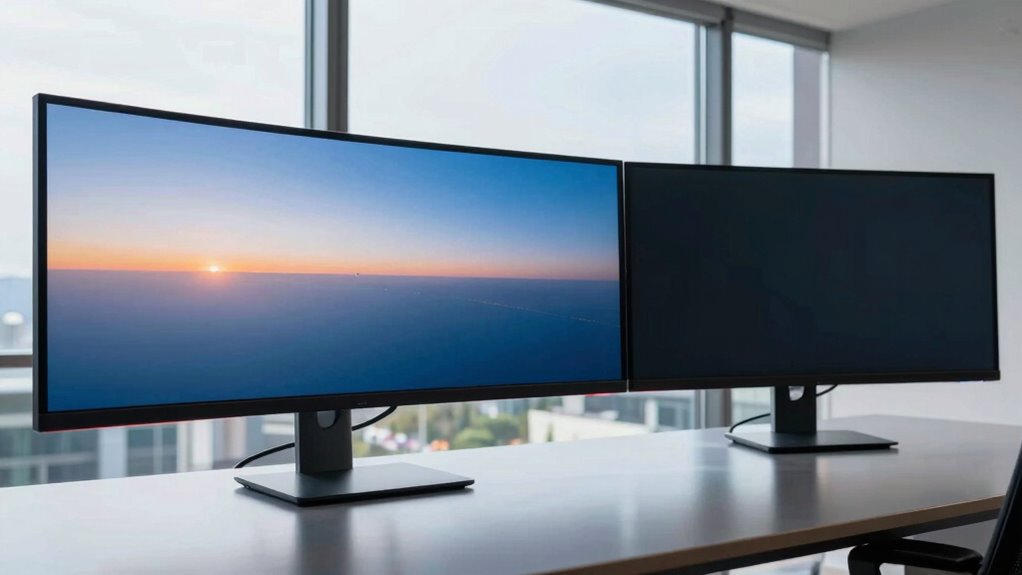
The main differences between ultrawide and dual monitors lie in their design and how they enhance your workspace. Ultrawide monitors offer a seamless, curved display, creating a single, immersive viewing experience with consistent color calibration across the screen. They typically have a higher refresh rate, which benefits smooth visuals during fast-paced tasks like gaming or video editing. Dual monitors, on the other hand, consist of two separate screens, giving you flexibility to position and customize each display. While they may have varying color calibration between screens, they often support different refresh rates, allowing you to optimize each for specific tasks. Your choice depends on whether you prefer a unified viewing experience or modular, versatile setups for multitasking. Understanding display technology can help you make a more informed decision based on your specific needs.

HUANUO FlowLift™ Dual Monitor Stand, Fully Adjustable Gaming Monitor Desk Mount for 13–32″ Computer Screens, Full Motion VESA 75×75/100×100 with C-Clamp & Grommet Base, Each Arm Holds 4.4 to 19.8 lbs
Compatible with Wide Screens – To ensure compatibility with the dual monitor mount, your each monitor must meet…
As an affiliate, we earn on qualifying purchases.
As an affiliate, we earn on qualifying purchases.
How Do Ultrawide and Dual Monitors Affect Productivity and Multitasking?

Ultrawide and dual monitors can considerably boost your productivity by offering more screen space and better multitasking capabilities. With increased screen real estate efficiency, you can manage multiple applications side by side without constant window switching. This seamless multitasking setup helps you stay focused and complete tasks faster.
Screen Real Estate Efficiency
When it comes to maximizing productivity and multitasking, the amount of available screen real estate plays a significant role. Ultrawide monitors offer a broad, seamless workspace, making it easier to view multiple applications side by side without switching tabs. Dual monitors provide flexibility, allowing you to allocate specific tasks to each screen, which can improve focus. However, effective cable management becomes essential to prevent clutter and maintain a clean setup, especially with multiple displays. Additionally, color calibration is critical for tasks requiring color accuracy, whether on ultrawide or dual screens. Well-calibrated monitors ensure consistent and accurate visuals across your workspace. Furthermore, ergonomic considerations such as monitor placement and viewing angles are vital to prevent strain during extended use. Overall, both configurations enhance efficiency, but your choice depends on how you prioritize seamlessness versus multitasking flexibility.
Multitasking Seamlessness
Maximizing multitasking efficiency depends heavily on how your monitor setup supports seamless workflow. Ultrawide monitors often provide a continuous display, reducing window switching and improving productivity. They excel in color accuracy, making it easier to handle tasks requiring visual precision, like graphic design or video editing. Dual monitors, however, allow you to dedicate screens to specific tasks, which can enhance multitasking by isolating workspaces. Keep in mind, ultrawides typically consume more power, potentially increasing energy costs, while dual monitors may have varying power consumption levels depending on their size and technology. Both setups influence productivity differently: ultrawides facilitate fluid multitasking with fewer distractions, whereas dual monitors offer flexibility and focus. Your choice depends on your workflow preferences and priorities for color accuracy and power efficiency. Incorporating contrast ratio considerations can further improve your viewing experience by ensuring deeper blacks and brighter whites across both setups.

VIVO Heavy Duty Ultrawide Monitor Tension Arm for up to 40 inch Screens, Holds 26.4 lbs, Premium Desk Mount Stand, Black, STAND-V100O
Fits Ultra Wide Screens: Single mount for ultra-wide monitors up to 40" in size and 26.4 lbs in…
As an affiliate, we earn on qualifying purchases.
As an affiliate, we earn on qualifying purchases.
What Are the Cost and Space Factors for Ultrawide and Dual Setups?
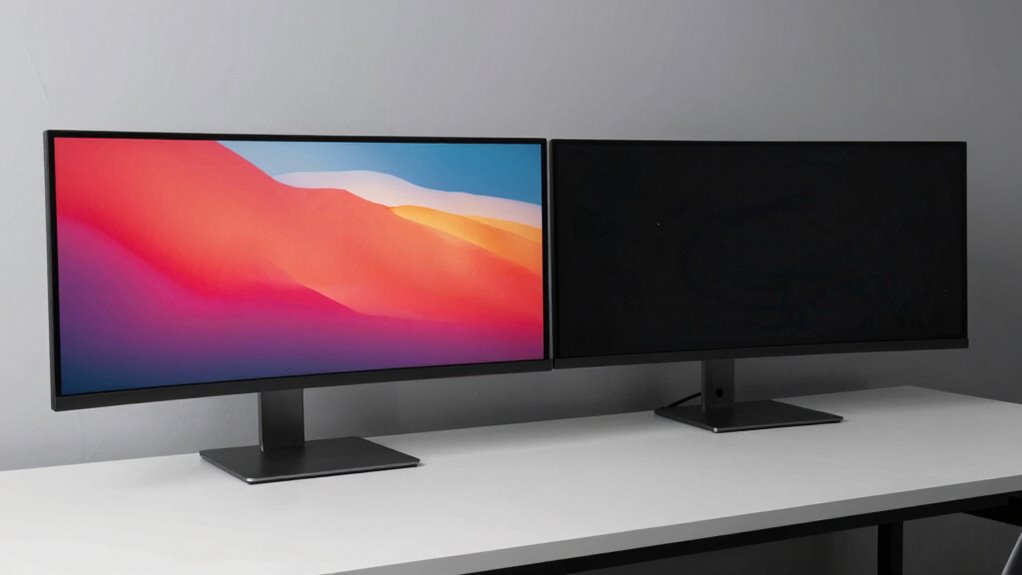
Considering both cost and space, setting up ultrawide and dual monitors involves different investments and room requirements. Ultrawides tend to be more expensive initially, especially if you choose high-end models with better aesthetic appeal, but they often require less desk space since they replace multiple monitors with a single, seamless display. Dual monitors can be more flexible in sizing and brand compatibility, allowing you to mix different models, but they usually need more room for stands and bezels. The aesthetic appeal of ultrawides creates a sleek, unified look, which may justify the higher cost for some users. Conversely, dual setups can be more budget-friendly initially, though they might occupy more space and require additional cable management. Additionally, understanding microplastics in dust can be important for maintaining a clean and healthy workspace environment.

BenQ MA270UP 27” 4K 3840×2160 Monitor for MacBook® Pro/Air, Dual USB-C, 90W Power Delivery, Mac Color Match, USB Hub, Brightness & Volume Control on Mac, Height & Tilt Adjustable Stand, P3 Color Gamut
[Show Mac Colors] Calibrated for MacBook with BenQ’s exclusive color tuning, offering a vibrant P3 wide color gamut…
As an affiliate, we earn on qualifying purchases.
As an affiliate, we earn on qualifying purchases.
Which Setup Offers Better Ergonomics and Comfort?
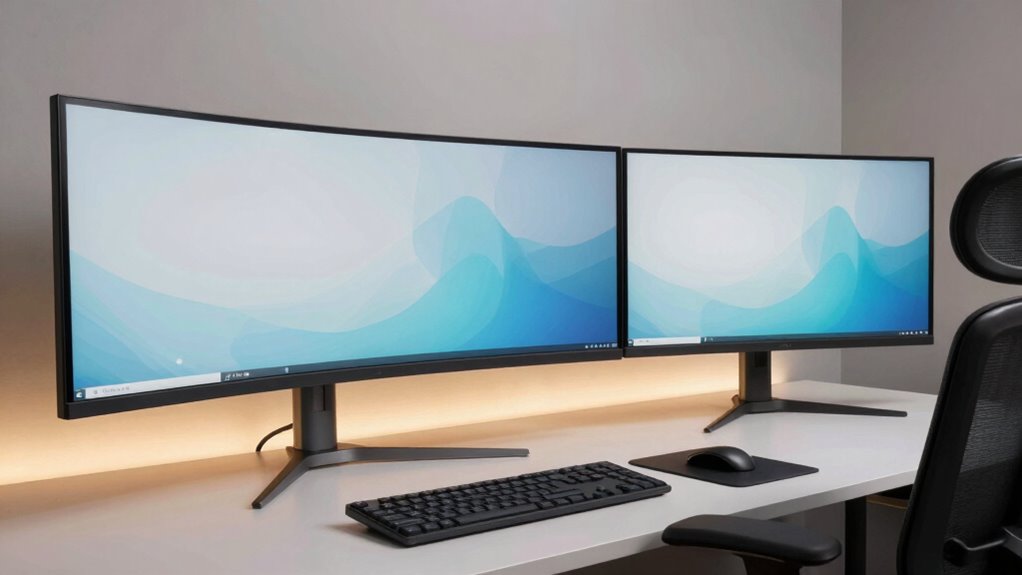
Both ultrawide and dual monitor setups can considerably impact your comfort and ergonomics, but they do so in different ways. Choosing the right setup influences your ergonomic posture and visual comfort throughout long work sessions. An ultrawide monitor offers a seamless view, reducing the need to turn your head frequently, which can improve ergonomic posture. Conversely, dual monitors allow you to position screens at optimal angles, minimizing glare and eye strain.
Ultrawide monitors provide seamless views, while dual screens allow optimal positioning to reduce glare and eye strain.
- Adjust monitor height and tilt for optimal eye level
- Maintain a comfortable viewing distance
- Use ergonomic accessories like monitor stands or arms
- Considering monitor placement can further enhance your ergonomic setup and overall comfort. Additionally, proper workspace organization can help maintain good posture and reduce strain during extended use.
Ultimately, the best setup depends on your workspace and habits, but both can enhance comfort if properly configured. Prioritize ergonomic posture and visual comfort to prevent fatigue and discomfort.
How Do Design, Resolution, and Compatibility Compare?
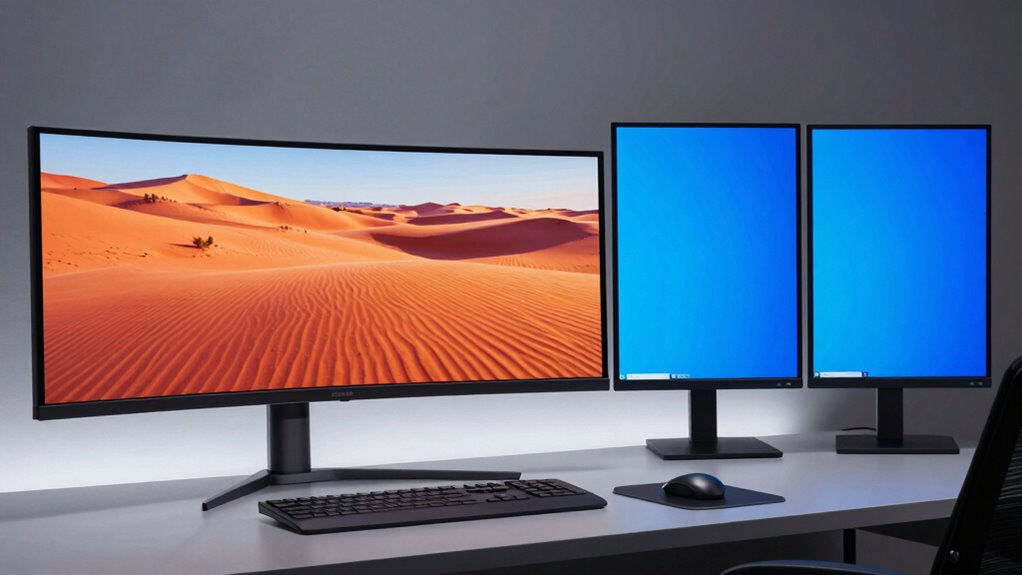
When comparing ultrawide and dual monitors, their design, resolution, and compatibility are key factors shaping your experience. Ultrawides typically feature a seamless, curved design with minimal bezel visibility, creating a more immersive visual. Dual monitors offer flexibility but often have noticeable bezels that can break immersion. Resolution plays a critical role: ultrawides usually have a single, higher resolution, making color calibration easier for consistent visuals across the screen. With dual setups, you might need to calibrate each monitor separately, which can be tricky. Compatibility also varies; ultrawides often connect via a single port, simplifying setup, while dual monitors require matching ports and drivers. Overall, design and resolution influence image quality, while bezel visibility and compatibility impact usability and visual continuity.
How Easy Is It to Set Up and Maintain Ultrawide vs. Dual Monitors?
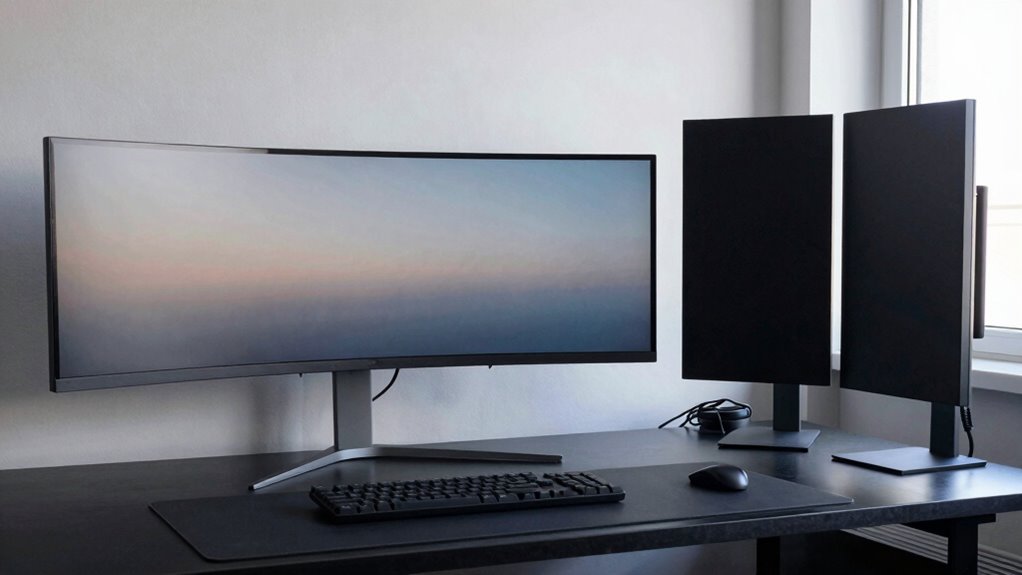
Setting up an ultrawide monitor is generally straightforward since it connects via a single cable to your computer, reducing the complexity of wiring and configuration. You’ll enjoy a cleaner look and easier cable management, since fewer cords are involved. In contrast, dual monitors often require multiple connections, which can be more cumbersome to organize and maintain.
Key points to *think about* include:
- Simplified cable management with ultrawide setups
- Minimal effort maintaining aesthetic appeal
- Easier initial setup with fewer cables and adjustments
Ultrawides tend to look sleeker and more cohesive, requiring less ongoing fuss. Dual monitors, however, may need regular adjustment to keep cables tidy and screens aligned. Overall, ultrawide monitors are easier to set up and maintain for a sleek, organized workspace.
Which Setup Is Best for Gaming, Work, or Creative Tasks?
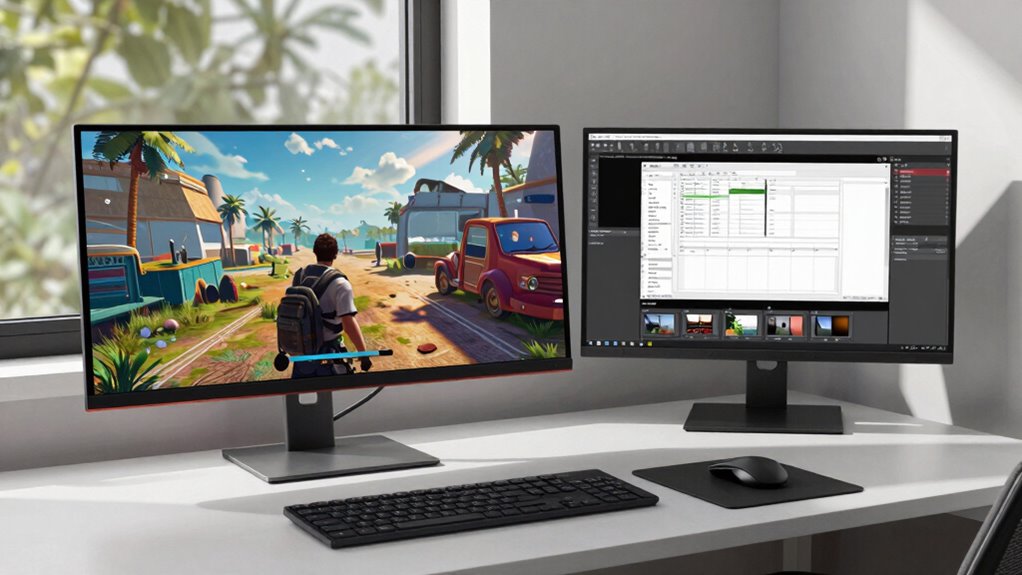
Choosing the right monitor setup depends heavily on what you prioritize for gaming, work, or creative tasks. For gaming, a high refresh rate is essential to guarantee smooth gameplay, and ultrawide monitors can offer immersive experiences, though dual monitors might be better for multitasking. When it comes to work, dual monitors often improve productivity by expanding your workspace, but ultrawides can reduce bezel distractions and provide seamless workflows. For creative tasks like photo or video editing, color accuracy is key—ultrawides with high color fidelity can give you a broader view and more precise colors. Additionally, considering monitor ergonomics can help prevent strain during long sessions. Moreover, understanding battery inverter generators can be useful if you’re setting up a mobile or backup power solution for your workspace. Ultimately, if you need speed and immersion, go for ultrawide; for multitasking and flexibility, dual monitors are ideal. Your choice hinges on balancing refresh rate and color accuracy with your specific needs.
Frequently Asked Questions
How Do Ultrawide and Dual Monitors Impact Eye Strain Over Extended Use?
Using ultrawide or dual monitors can impact your eye strain, especially during extended use. Ultrawides offer seamless viewing, reducing the need to shift focus, but if color consistency isn’t maintained, it can cause fatigue. Dual monitors might increase eye movement and strain, especially if ambient lighting isn’t ideal. To minimize discomfort, make certain consistent color calibration and adjust ambient lighting to reduce glare and reflections, making your viewing experience more comfortable.
Can Ultrawide Monitors Be Easily Integrated With Existing Multi-Monitor Setups?
Yes, ultrawide monitors can be easily integrated with your existing multi-monitor setup. You’ll need compatible mounting solutions, like adjustable arms or stands, to securely hold the ultrawide alongside your current monitors. Keep in mind, color calibration might be necessary to guarantee consistency across screens. Most modern ultrawides support standard connections, making integration smooth, but double-check your graphics card’s capabilities to handle the combined display output efficiently.
What Are the Differences in Software Compatibility Between Ultrawide and Dual Monitors?
You’ll find that software compatibility often hinges on your aspect ratio and color calibration needs. Ultrawide monitors, with their unique aspect ratios, may struggle with some applications optimized for standard displays, causing stretching or letterboxing. Dual monitors usually work seamlessly, but color calibration can vary between screens. You might need to tweak settings for consistency. Overall, your software’s ability to handle these factors determines smooth integration, whether ultrawide or dual.
How Does Monitor Bezel Thickness Influence User Experience in Both Setups?
Bezel thickness directly impacts your experience, whether you choose ultrawide or dual monitors. Thinner bezels create a seamless look, enhancing bezel aesthetics and making shifts between screens feel more natural. Thick bezels can disrupt color uniformity and distract you during work or gaming. Ultimately, thinner bezels offer a cleaner, more immersive setup, while thicker ones may be more noticeable and less visually appealing.
Are There Specific Hardware Requirements for Optimal Ultrawide or Dual Monitor Performance?
You’ll need a capable graphics card to handle either setup, especially for high resolutions like 3440×1440 or 4K. For ultrawide monitors, make certain your GPU supports the wide aspect ratio smoothly, and dual monitors require enough ports and processing power. Coincidentally, your system’s performance depends on matching your monitor’s screen resolution with a graphics card that can deliver seamless visuals, preventing lag or stuttering during intensive tasks or gaming.
Conclusion
Choosing between ultrawide and dual monitors is like selecting the right tool for a craft—each has its own strengths and quirks. Consider your space, budget, and how you work or play. Think of it as finding the perfect dance partner—one that moves in harmony with your needs. Whichever you pick, remember it’s about creating a seamless flow that turns your digital environment into a well-choreographed performance.