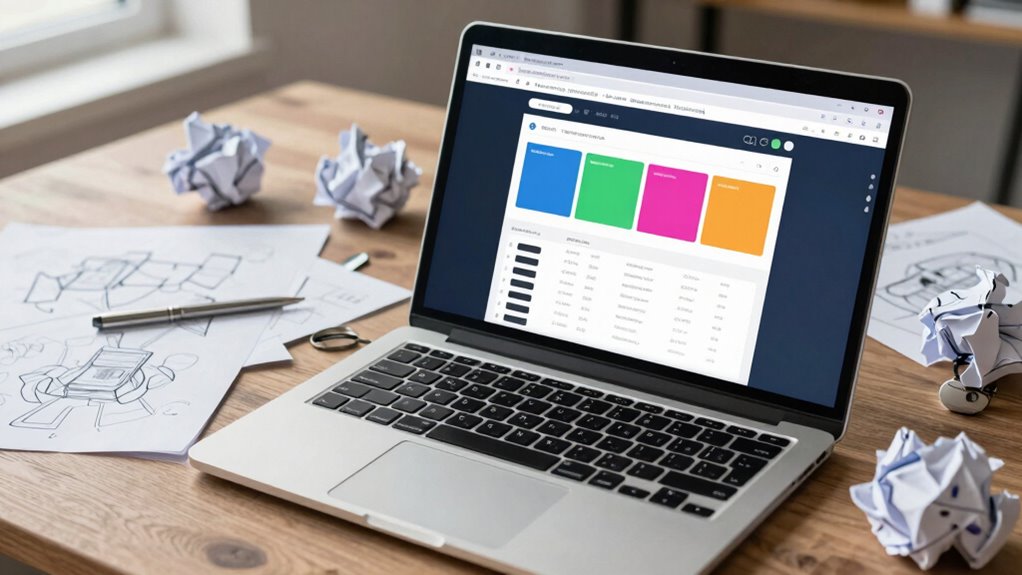

A clickable prototype is the wrong choice early on when you’re trying to understand core user needs or test workflows. It can hide underlying design flaws and slow down your initial insights. Rushing into high-fidelity models too soon may give a false sense of completeness, diverting attention from fundamental issues. Instead, using sketches or wireframes at this stage helps gather honest feedback and refine your ideas more effectively. Keep exploring to learn which approach suits your project best.

Get business pricing on monitors, keyboards and dev gear
- Business-only prices and quantity discounts
- Tax-exempt purchasing
- Multiple users, one account, clear invoices
Key Takeaways
- Early-stage testing benefits more from sketches or wireframes to focus on user needs rather than detailed interactions.
- When exploring core concepts or workflows, static diagrams or storyboards are more effective than clickable prototypes.
- For gathering honest feedback, simpler prototypes prevent users from perceiving designs as final or polished.
- If the goal is rapid iteration on basic ideas, complex clickable prototypes can slow down the process.
- When assessing high-level user flows without requiring interactivity, static or low-fidelity tools are more appropriate.

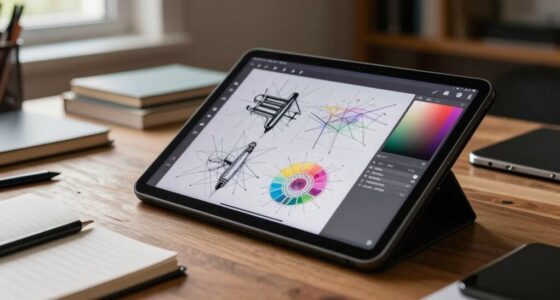
A clickable prototype isn’t always the best choice for every stage of your design process. While it’s tempting to jump straight into interactive models to visualize your ideas, doing so too early can hinder your progress. At the initial stages, capturing user engagement and understanding how users interact with your concept might be better achieved through other methods. For example, simple sketches, paper prototypes, or wireframes can provide a clearer picture without the distraction of detailed interactivity. These tools encourage more open-ended feedback and help you focus on core user needs before investing time in building complex prototypes.
Early-stage design benefits from sketches and wireframes that foster open feedback and focus on core user needs.
When you rely heavily on a clickable prototype too soon, you risk missing out on essential insights that come from early testing. Rapid iteration is key to refining your design, but if your prototype is too polished or complex, it might slow down this process. Instead of enabling quick changes, a detailed clickable prototype might create a false sense of completeness, making it harder to identify fundamental flaws. You might find yourself spending excessive time tweaking interactions or visual details—things that could be adjusted more efficiently through simpler, low-fidelity prototypes.
Furthermore, user engagement can suffer if your prototype feels too refined or prescriptive early on. Users may hesitate to provide honest feedback if they feel their input is shaping a near-final product. Instead, using low-fidelity tools allows you to involve users more freely in the early stages. They can help you determine the overall flow and usability without feeling overwhelmed by visual polish or complex interactions. This approach fosters a more genuine, exploratory form of user engagement, giving you richer insights to inform your next steps.
In some cases, a clickable prototype may simply be the wrong tool if your goal is to test specific functionalities or workflows rather than aesthetic details. For instance, if you want to evaluate how users perform a task or navigate a process, a static wireframe or even a storyboard might be more effective. These methods focus on behavior rather than interactivity, enabling you to gather data quickly and make rapid iterations without the overhead of building and maintaining a fully clickable model. Recognizing the digital concepts involved can help you select the most suitable approach for your needs.
Ultimately, choosing the right tool depends on your current priorities. If rapid iteration and initial user engagement are your goals, don’t rush into creating a clickable prototype. Instead, start with simpler methods that allow you to gather insights faster, iterate more often, and build a more user-centered design from the ground up.
As an affiliate, we earn on qualifying purchases.
Frequently Asked Questions
How Do I Know When to Skip a Clickable Prototype?
You should skip a clickable prototype when user feedback shows limited insights or stakeholders aren’t aligned on the design direction. If your team struggles to interpret the prototype’s purpose or if it’s too complex for early testing, it’s better to streamline or use other methods like sketches or wireframes. This saves time and guarantees you focus on tools that genuinely help gather feedback and achieve stakeholder consensus effectively.
What Are Alternative Methods to Prototyping?
Did you know that 70% of users abandon apps after just one use? Instead of clickable prototypes, try iterative testing and gathering user feedback early. You can use sketches, paper prototypes, or simple wireframes to quickly explore ideas. These methods allow you to refine your design based on real user input without investing heavily upfront, making your process more flexible and cost-effective.
Can Clickable Prototypes Hinder Innovative Ideas?
Clickable prototypes can hinder innovative ideas if they create a creative impasse or act as an innovation barrier. You might become too focused on the existing prototype, limiting your willingness to explore new concepts or pivot ideas. This fixation can stifle creativity, making it harder to think outside the box. To avoid this, consider other methods like sketches, storyboards, or user journey maps that encourage freer idea generation without the constraints of clickable prototypes.
How Much Should I Invest in Prototype Development?
You should invest enough in prototype development to validate your ideas without overspending. Conduct a thorough resource allocation and cost analysis to determine a realistic budget. Remember, the goal is to test concepts efficiently, so prioritize features that clarify core functionalities. Avoid pouring excessive resources into prototypes that might not lead to actionable insights. Striking a balance ensures you optimize your investment and set the stage for successful product development.
Are There Industries Where Clickable Prototypes Are Unnecessary?
In some industry-specific cases, clickable prototypes aren’t necessary. For instance, in industries like heavy manufacturing or construction, physical models or detailed technical drawings often suffice, making prototyping alternatives more practical. If your project involves complex hardware or infrastructure, you might focus on tangible models or simulations instead of clickable prototypes. This approach helps you save time and resources while still effectively communicating your ideas to stakeholders.
As an affiliate, we earn on qualifying purchases.
Conclusion
So, next time you’re tempted to whip up a clickable prototype, remember it’s not always your saving grace—it can be as useless as a screen door on a submarine. Sometimes, diving straight into user research or sketching rough ideas can save you from wasting endless hours on a tool that’s just not suited for the job. Trust me, choosing the right approach is the difference between building a masterpiece and chasing shadows.
As an affiliate, we earn on qualifying purchases.
As an affiliate, we earn on qualifying purchases.
Halloween Picks
halloween
As an affiliate, we earn on qualifying purchases.