
📊 Full opportunity report: Anthropic Reveals: Claude's Auto Mode Set As Default In AI Update Next Week on ThorstenMeyerAI.com — validation score, market gap, and execution plan.

Get business pricing on monitors, keyboards and dev gear
- Business-only prices and quantity discounts
- Tax-exempt purchasing
- Multiple users, one account, clear invoices
TL;DR
Anthropic will make auto mode the default setting for Claude Code next week, potentially changing how the AI assistant handles automation and approvals. Many operational details are still undisclosed, including scope and user controls.
Anthropic has confirmed that Claude Code’s auto mode will become the default setting next week (as detailed in the original analysis). This change could alter how the AI coding assistant manages routine tasks and user approvals, though specific details about the rollout remain undisclosed. The announcement emphasizes the default change but does not specify which users or platforms it will affect, nor whether users can opt out.
The company has not provided an exact deployment date or clarified whether the change applies to new or existing installations. The announcement indicates only that auto mode will be the default for Claude Code, without elaborating on what actions or permissions this mode covers or how it interacts with approval prompts. This move suggests a potential shift toward increased automation, especially in professional development environments, but the scope remains uncertain.
Anthropic has not disclosed whether users will be notified or prompted during the transition, nor if they will have the ability to disable or customize the auto mode. The company’s silence on controls and safeguards leaves open questions about how much autonomy this default setting will grant the AI assistant and whether any safeguards will be in place to prevent unintended actions.
Implications for Workflow Automation and User Control
The decision to set auto mode as the default could significantly impact coding workflows, especially for teams relying on automation for efficiency. If auto mode reduces manual approvals, it could speed up development cycles but also raises concerns about permissions, oversight, and safety. For individual developers and organizations, the change may require adjustments to internal policies and review procedures. The lack of clarity about controls and scope means users should prepare for potential changes in how Claude Code interacts with their projects.
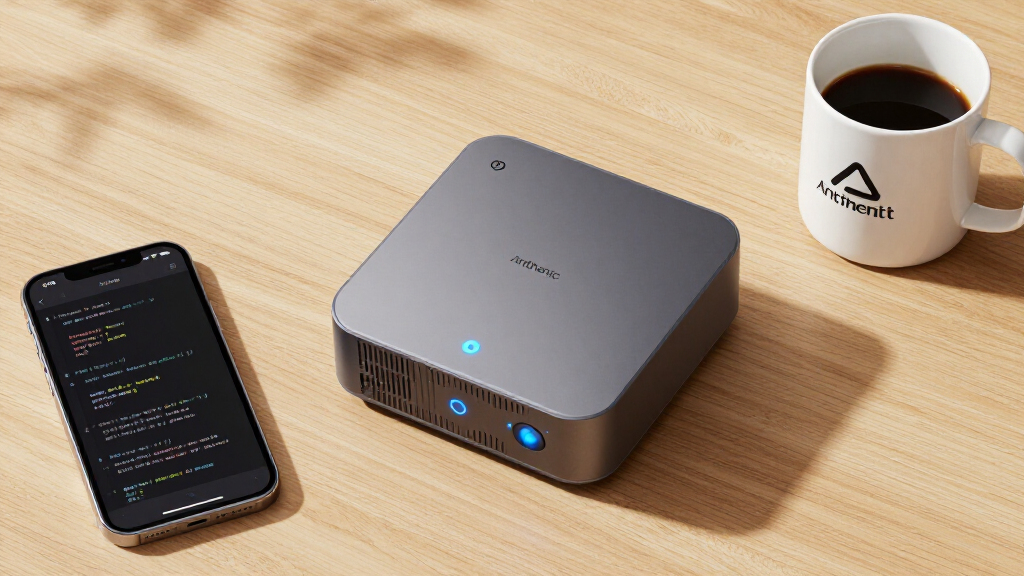
AI coding assistant automation tools
As an affiliate, we earn on qualifying purchases.
As an affiliate, we earn on qualifying purchases.
Background on Claude Code and Default Settings Changes
Claude Code is Anthropic’s AI tool designed to assist with software development tasks, including code inspection, suggestions, and command-line support. Historically, users could configure the assistant’s behavior, including manual approval prompts. The move to set auto mode as default aligns with industry trends toward automation but marks a shift in default configurations that could influence adoption and workflow dynamics. Previous updates have gradually introduced more autonomous features, but this upcoming change represents a notable step toward increased AI autonomy.
Anthropic has not previously announced plans to make auto mode the default, making this a significant development for users and industry watchers. The company’s silence on operational details suggests that further information, such as documentation or policy updates, will be released alongside or shortly after the rollout.
“Auto mode will be the default setting for Claude Code starting next week.”
— Anthropic spokesperson
As an affiliate, we earn on qualifying purchases.
Operational Details and User Controls Still Unclear
Many critical aspects remain unknown, including the exact deployment date, whether the change will apply to all users or specific tiers, and if users or administrators can disable or customize auto mode. Additionally, it is unclear which actions will be automated and how permission prompts or safeguards will be handled. Anthropic has not provided technical documentation or detailed policies to clarify these points, leaving users uncertain about the practical effects of the default change.
As an affiliate, we earn on qualifying purchases.
Awaiting Official Documentation and Clarification
Anthropic is expected to release detailed release notes and policy updates coinciding with the rollout. Users and organizations should review these materials carefully to understand the scope, controls, and potential impact of auto mode becoming the default. Monitoring for any prompts, notices, or configuration options will be essential for users to manage their workflows and permissions effectively. Further updates on deployment timing and scope are anticipated in the coming days.
As an affiliate, we earn on qualifying purchases.
Key Questions
Will users be able to turn off auto mode once it becomes the default?
The company has not yet disclosed whether users can disable or override the auto mode setting. Details are expected in future documentation.
Which actions will auto mode automate in Claude Code?
It is not yet clear which specific actions or permissions auto mode will control. Official details are pending.
Will the default change apply to all users and platforms?
Anthropic has not specified the scope of the rollout, including whether it will be phased or platform-specific.
Will users receive notifications about the change?
The announcement does not mention notification procedures or user prompts during the transition.
How might this change affect security and safety in coding workflows?
Without detailed controls, there is potential for increased automation to impact oversight, but specific safety measures are not yet disclosed.
Source: ThorstenMeyerAI.com
Fall Picks
fall essentials
As an affiliate, we earn on qualifying purchases.