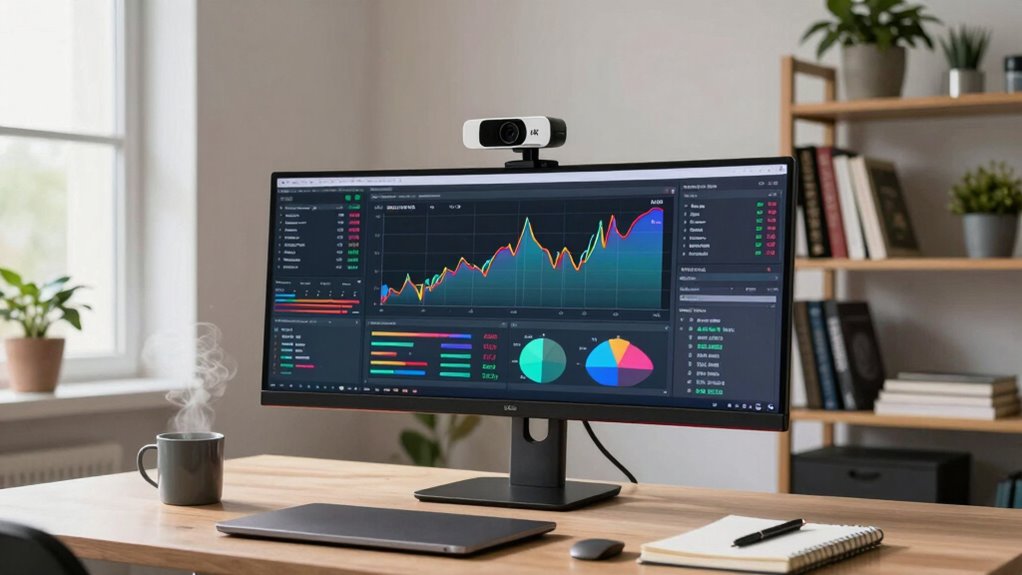

For most knowledge work, a 4K webcam isn’t essential since 1080p cameras usually give enough clarity and professionalism. Upgrading to 4K can improve detail, especially for presentations or detailed visuals, but only if your hardware, software, and internet support it smoothly. If your setup is simpler, focusing on good lighting and environment makes a bigger difference. Keep exploring to understand whether a 4K camera truly fits your needs and how to optimize your setup.

Get business pricing on monitors, keyboards and dev gear
- Business-only prices and quantity discounts
- Tax-exempt purchasing
- Multiple users, one account, clear invoices
Key Takeaways
- 4K webcams improve image sharpness but are only necessary if your work involves detailed visuals or high-resolution presentations.
- Most knowledge work benefits adequately from 1080p webcams, which require less bandwidth and hardware resources.
- Upgrading to 4K is justified only if your workflow demands ultra-high resolution or professional-level visual fidelity.
- Compatibility issues and hardware limitations may prevent you from fully benefiting from 4K resolution.
- Small improvements like lighting and camera positioning can significantly enhance video quality without needing 4K.
1080p HD webcam for video conferencing
As an affiliate, we earn on qualifying purchases.
As an affiliate, we earn on qualifying purchases.
Do You Really Need a 4K Webcam for Knowledge Work?
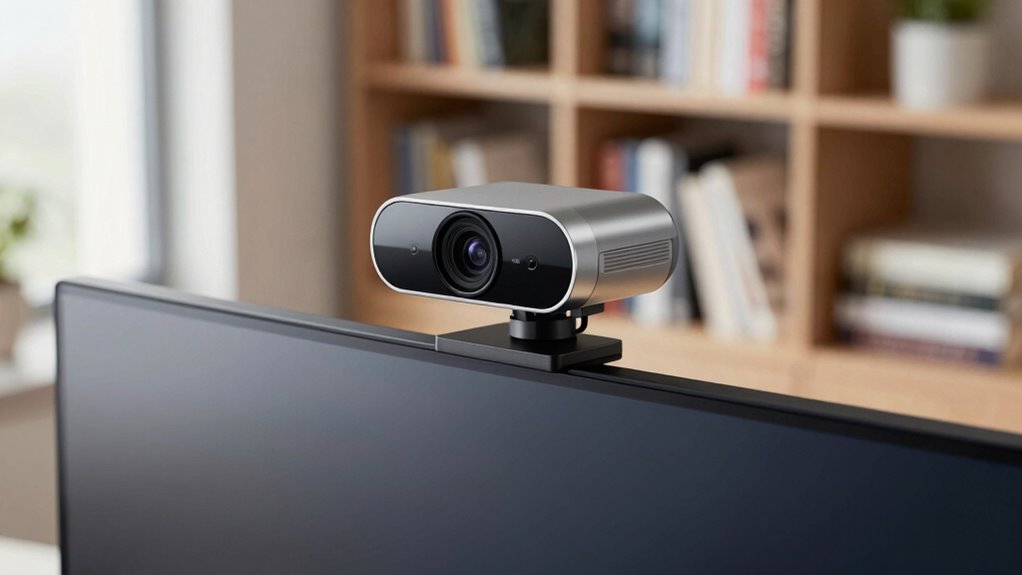
Is a 4K webcam truly necessary for your knowledge work? Not necessarily. While higher resolution can improve image clarity, it doesn’t automatically enhance your overall experience. Camera ergonomics matter—if a webcam is uncomfortable or awkward to position, even 4K won’t help. You should also consider software compatibility; some programs may not support 4K streaming or may require powerful hardware. If your primary need is clear video for meetings or tutorials, a high-quality 1080p webcam might suffice. Upgrading to 4K makes sense only if your workflow demands ultra-high resolution or specific features like detailed editing or professional presentations. Otherwise, investing in good ergonomics and reliable software compatibility could serve you better than chasing 4K resolution. Exploring content formats and digital concepts like resolution standards can also influence your choice of equipment for effective knowledge work. Additionally, understanding camera specifications helps you select the most suitable webcam for your specific tasks. Being aware of video quality benchmarks can ensure that your setup meets your professional needs without unnecessary expense. Moreover, considering hardware limitations can prevent you from over-investing in features you won’t utilize.
4K webcam for professional presentations
As an affiliate, we earn on qualifying purchases.
As an affiliate, we earn on qualifying purchases.
When Is a 4K Webcam Worth It for Your Work?
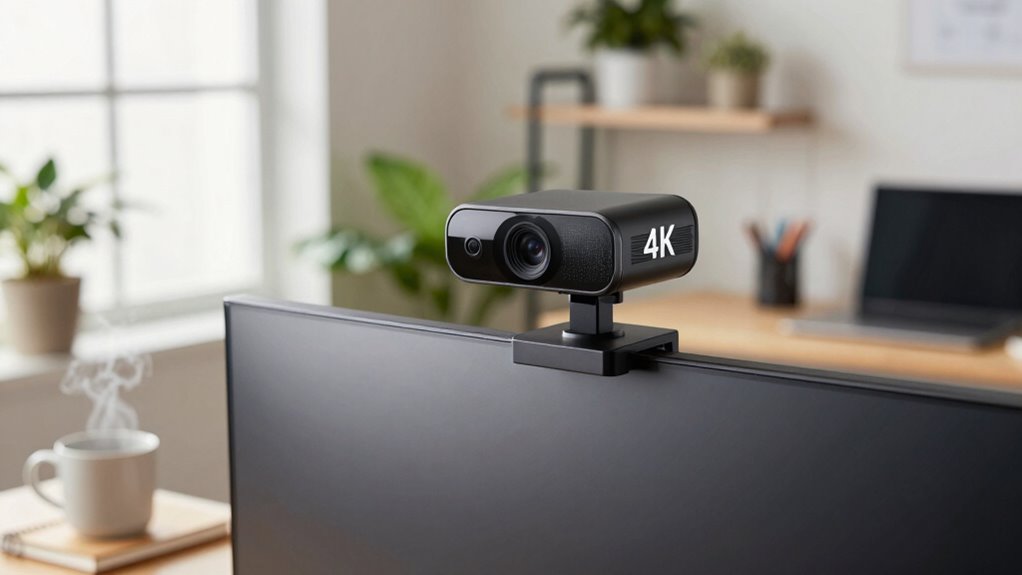
A 4K webcam can improve your video clarity, making your on-screen presence more professional. However, if your work requires sharp visuals or detailed presentations, it might be worth the investment. Just keep in mind that higher resolution demands better hardware and bandwidth to perform smoothly. Additionally, work-life harmony can be affected if technical issues hinder your ability to communicate effectively. Ensuring your setup supports effective communication can help maintain a smooth workflow and reduce stress. Upgrading your performance parts like your webcam can be similar to enhancing a vehicle’s components to optimize its overall function. Incorporating outdoor elements such as natural lighting or background landscaping might also enhance your video quality and environment. Considering the benefits of smart yard care devices like robot mowers and multi-unit setups can even inspire creative ways to improve your work environment.
Enhanced Video Clarity
When considering whether a 4K webcam is worth it for your work, enhanced video clarity plays an essential role. Higher resolution provides sharper images, making details like facial expressions more visible. However, this clarity depends on factors like video compression, which can reduce quality, and color accuracy, which ensures your skin tones and environment look natural. If your work involves detailed visuals or close-up interactions, 4K offers a noticeable advantage. But keep in mind, the benefits diminish if your internet connection struggles with transmitting large data streams. To help visualize, here’s a quick comparison:
| Feature | Standard HD | 4K Resolution | Impact on Clarity |
|---|---|---|---|
| Video compression | Moderate | Higher (more data) | Less efficient without good bandwidth |
| Color accuracy | Good | Excellent | More natural, true-to-life colors |
| Detail visibility | Basic | Sharp | Enhanced facial expressions, details |
Professional Presentation Needs
Determining whether a 4K webcam enhances your professional presentation depends on the nature of your work and audience expectations. If you frequently use virtual backgrounds, higher resolution helps guarantee your image remains sharp and realistic, maintaining a polished look. Clear, detailed visuals can boost your credibility during client meetings or conferences. However, audio quality often matters even more in professional settings—you want your voice to come through clearly, regardless of video quality. A 4K webcam won’t improve audio, so investing in good microphones or sound setups might be more important. If your presentations rely heavily on visual details or creating a professional impression, a 4K webcam can be worth it. Otherwise, focus on balancing video clarity with audio performance for a well-rounded professional appearance. Additionally, understanding content quality standards can help determine if upgrading your webcam will truly make a difference. Considering overall visual fidelity can also influence how impactful your presentations appear to your audience. Moreover, assessing your hardware capabilities ensures your system can support 4K streaming without lag or interruptions.
Hardware and Bandwidth Demands
Using a 4K webcam requires considerably more hardware power and bandwidth than standard HD models. Your computer needs a robust processor and a graphics card capable of handling high-resolution streams without lag. Additionally, your internet connection must support high upload speeds to transmit 4K video smoothly. Keep in mind storage limitations; 4K recordings consume notably more space, which can quickly fill your drive. Compatibility is another concern—ensure your software supports 4K streaming and recording to avoid issues. Consider these factors:
- Increased CPU and GPU demand
- Higher internet bandwidth requirements
- Larger storage capacity needs
- Software compatibility with 4K formats
If your setup isn’t ready, investing in a 4K webcam might lead to frustrating performance issues rather than improved work quality.
best ergonomic webcam for long meetings
As an affiliate, we earn on qualifying purchases.
As an affiliate, we earn on qualifying purchases.
How Lighting and Your Environment Affect Video Clarity
Lighting and your environment play a crucial role in how clear your video appears. Proper ambient lighting ensures your face is well-lit without harsh shadows or glare, making your expressions easier to see. Avoid overly bright or dim settings, and aim for soft, even light that complements your skin tone. Your background setup also impacts clarity; a cluttered or distracting background can draw attention away from you. Keep it simple and tidy, using neutral colors or minimal decor. Position your light source in front of you, not behind, to prevent backlighting that can cause your face to appear dark. Good lighting and a thoughtful environment help your webcam capture sharper, more professional-quality video, regardless of your camera’s resolution. Additionally, managing sound healing science and diverse environments can enhance your overall presentation by creating a more relatable and authentic appearance. Paying attention to your ambient conditions can further improve video quality by reducing unwanted shadows or reflections.
webcam with good lighting and autofocus
As an affiliate, we earn on qualifying purchases.
As an affiliate, we earn on qualifying purchases.
Will Your Internet Support 4K Streaming?
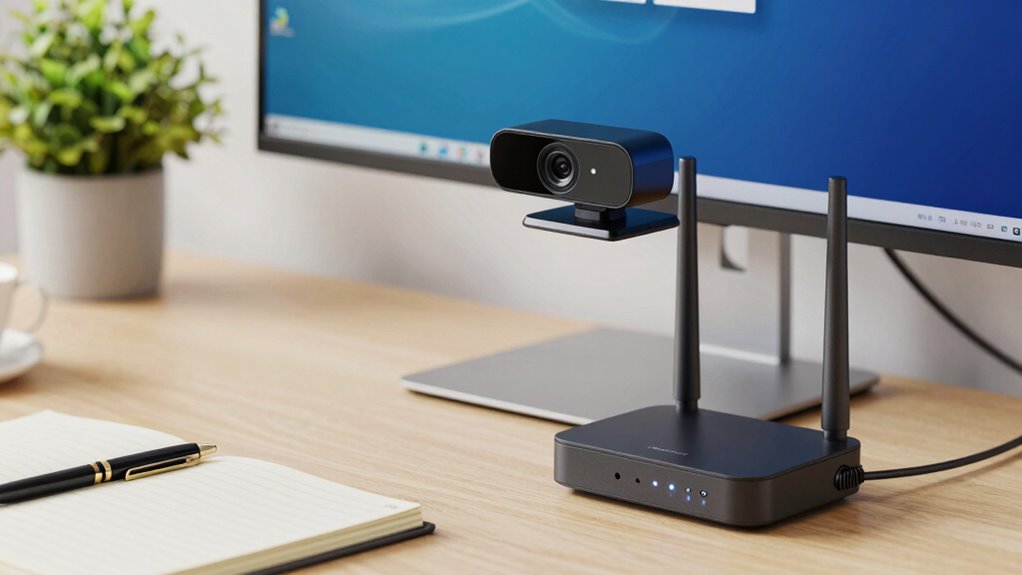
Have you checked whether your internet connection can handle 4K streaming? If your internet speed isn’t fast enough, your streaming quality will suffer, causing pixelation and lag during video calls. To enjoy smooth 4K video, you typically need at least 25 Mbps download speed. Here’s what to weigh:
- Ensure your internet plan offers sufficient bandwidth for 4K streaming
- Use a wired connection for more stability and faster speeds
- Avoid multiple devices using bandwidth simultaneously
- Test your current connection with speed test tools
If your internet speed isn’t up to par, upgrading your plan or optimizing your network can make a big difference. Without proper internet support, even a high-quality 4K webcam won’t deliver the clarity you expect.
Is Your Hardware Ready for a 4K Webcam?
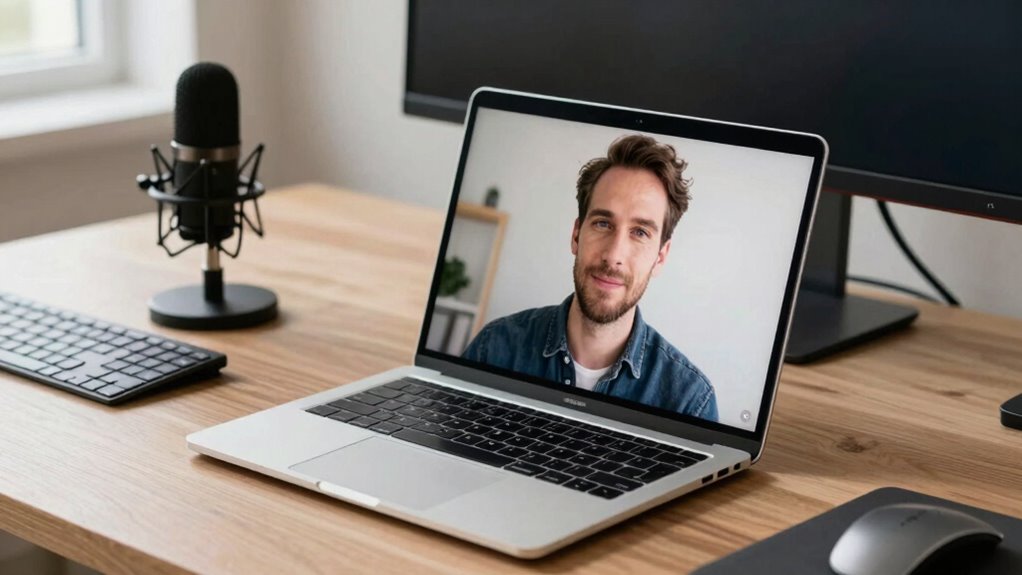
Are your current hardware components capable of supporting a 4K webcam? Hardware compatibility is essential; your computer needs to have a modern CPU and a USB port that supports high data transfer rates. Check if your graphics card can handle 4K video processing, as older models may struggle. Additionally, make sure your monitor can display 4K resolution clearly. Don’t forget about software updates—both your operating system and camera drivers should be current. Outdated software can cause compatibility issues or performance problems. If your hardware isn’t optimized for 4K, you might experience lag, poor image quality, or connection drops. Upgrading your hardware or updating your software might be necessary before investing in a 4K webcam to get the best results.
4K vs. 1080p Webcams: Which Is Better for You?
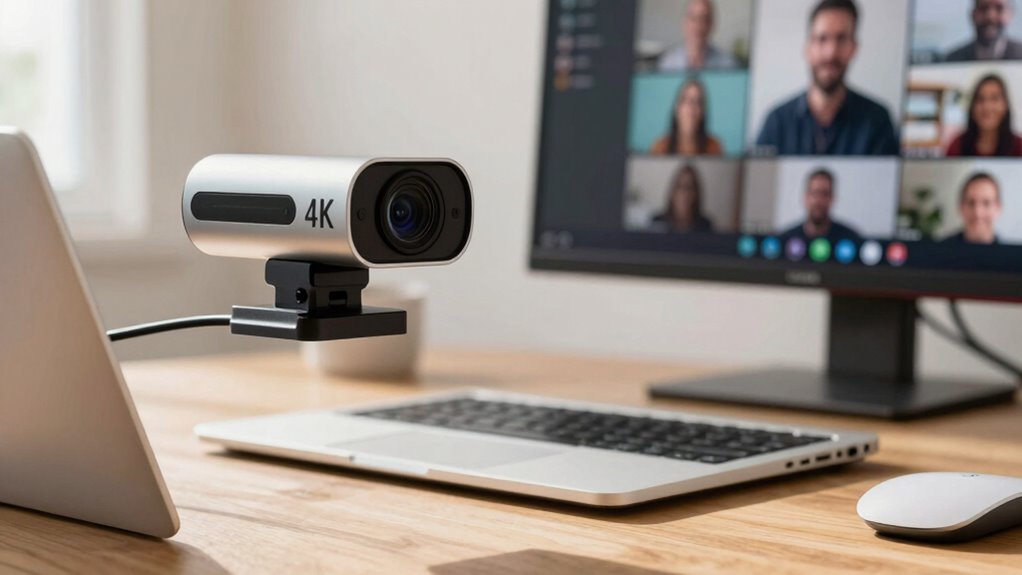
While your hardware setup is essential for supporting high-resolution webcams, choosing between 4K and 1080p ultimately depends on your specific needs and setup. For everyday knowledge work, 1080p offers sufficient clarity, consumes less bandwidth, and is easier to integrate with existing systems. Conversely, 4K provides sharper images, which can enhance camera ergonomics and boost user comfort during long calls. Consider these factors:
Choosing between 4K and 1080p depends on your needs—clarity, bandwidth, and setup compatibility matter most.
- Image clarity and detail
- Bandwidth and storage requirements
- Camera ergonomics for improved user comfort
- Compatibility with your setup
If you prioritize smooth workflows and minimal fuss, 1080p might be your best bet. But if you want maximum detail and don’t mind extra setup, 4K could be worth the investment. Your choice should align with your work style and hardware capacity.
Should You Invest in a 4K Webcam? Pros and Cons
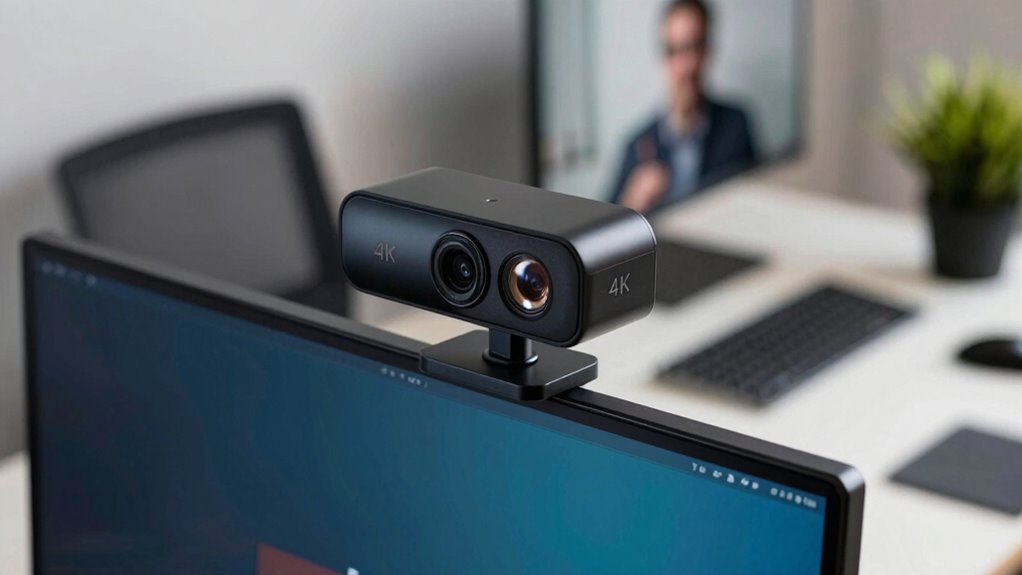
A 4K webcam offers sharper image quality, but it also comes with higher costs that might stretch your budget. You’ll want to contemplate whether the improved clarity truly benefits your work or if simpler options suffice. Practical usage, like bandwidth and hardware requirements, also plays a key role in deciding if investing makes sense. Additionally, consider whether your workspace benefits from website performance metrics or if a basic setup better suits your productivity needs. When selecting equipment, it’s also important to think about business trip packing and styling to ensure your gear aligns with your professional image and travel convenience. Understanding your fan culture and community expectations can also influence your choice, especially if visual presentation impacts your professional reputation. Moreover, assessing the global perspective on technology can help you determine whether premium features like 4K are truly necessary for your specific work environment.
Image Clarity Benefits
Higher image clarity can considerably improve your video quality, making you appear sharper and more professional on camera. With a 4K webcam, you’ll notice enhanced color accuracy, ensuring your skin tones and surroundings look natural and vibrant. The increased resolution also boosts motion smoothness, reducing blurriness during quick movements or gestures. This clarity helps your audience focus on your expressions and details, creating a more engaging experience. Additionally, sharper images can make your background appear more realistic, adding depth to your video. To maximize these benefits, consider these factors:
- Improved color accuracy for true-to-life visuals
- Smoother motion during dynamic scenes
- Better detail recognition
- Enhanced overall professionalism in your video calls
Cost and Budget Concerns
Considering the cost of upgrading to a 4K webcam is essential before making a purchase, especially if your budget is limited. Budget constraints can make a significant difference in your decision, as 4K models typically come with a higher price tag. Conducting a thorough cost analysis helps you weigh the benefits against the expense. Think about whether the improved image quality justifies the investment or if a lower-resolution webcam meets your current needs. Keep in mind that additional costs, like upgrading your computer or internet connection, may also arise. If budget constraints are tight, it might be wiser to prioritize other tools that enhance your work without stretching your finances. Ultimately, balancing your budget with your actual needs will help you make a smarter, more informed choice. Focusing on practical, room-by-room solutions can also help you create a more organized and efficient workspace without overspending.
Practical Usage Considerations
Deciding whether to invest in a 4K webcam depends heavily on how you plan to use it daily. If your work involves frequent video calls or presentations, high resolution can enhance your professional image. But consider practical factors: 4K webcams demand better lighting and stronger internet connections. They also improve virtual backgrounds by providing clearer detail, making your environment look more natural. However, higher resolution doesn’t automatically mean better audio quality, which remains essential for effective communication.
Ask yourself:
- Do I have the space and lighting to maximize 4K quality?
- Will my internet support smooth streaming?
- Is improved virtual background clarity worth the investment?
- Do I prioritize audio quality for clear conversations?
How to Improve Your Video Quality Without Overspending

You don’t need to spend a fortune to improve your video quality. Start by optimizing your camera ergonomics—adjust your lighting, angle, and distance to ensure you’re well-lit and clearly visible. Good lighting makes a huge difference, even with a basic webcam. Virtual backgrounds can also elevate your professional appearance without extra cost, especially if your environment isn’t ideal. Choose simple, clutter-free backgrounds that don’t distract viewers. Keep your camera at eye level to create a more natural and engaging connection. Avoid unnecessary upgrades; instead, focus on these small tweaks to enhance clarity and professionalism. These adjustments require minimal investment but considerably boost your video quality, making your meetings look polished without overspending. Additionally, understanding the ethics in consumer technology can help you make more informed decisions about what equipment truly adds value to your work.
Debunking Common Myths About Webcam Resolutions
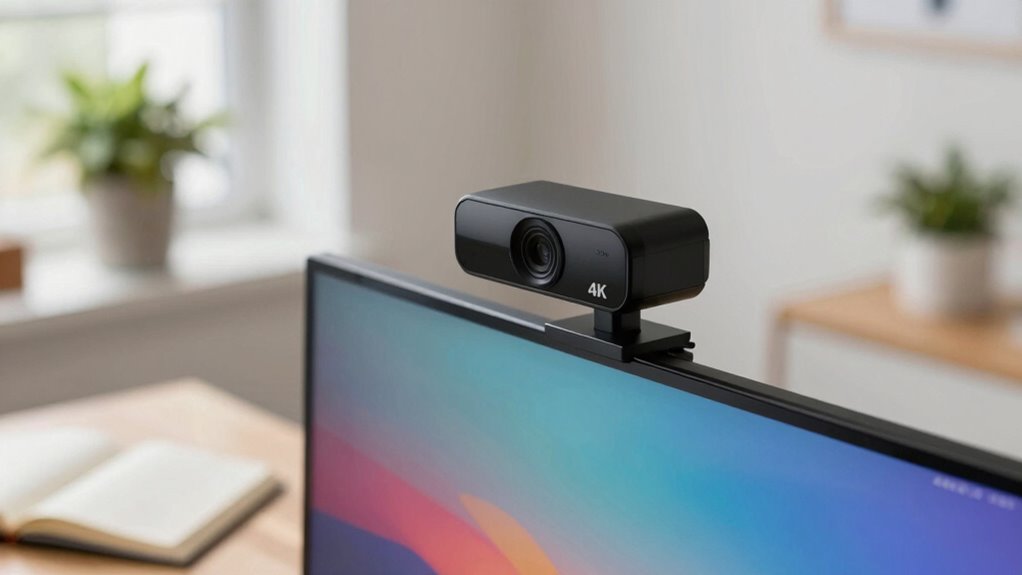
Many people believe that upgrading to a higher-resolution webcam automatically improves their video quality, but this isn’t always the case. Resolution isn’t the only factor that affects your video experience. Common myths include the idea that 4K webcams always deliver better results, ignoring aspects like camera ergonomics and software compatibility. Higher resolution can demand more from your computer, leading to lag or compatibility issues. Remember, a clear image also depends on good lighting and proper positioning.
To avoid misconceptions, consider these points:
- More pixels don’t guarantee better clarity if your hardware or software aren’t compatible.
- Camera ergonomics impact your comfort and framing, regardless of resolution.
- Higher resolutions require better internet bandwidth.
- Software compatibility can limit your webcam’s functionality, no matter its resolution.
Focus on overall quality, not just megapixels.
Making the Final Call: Do You Need 4K for Your Video Calls?
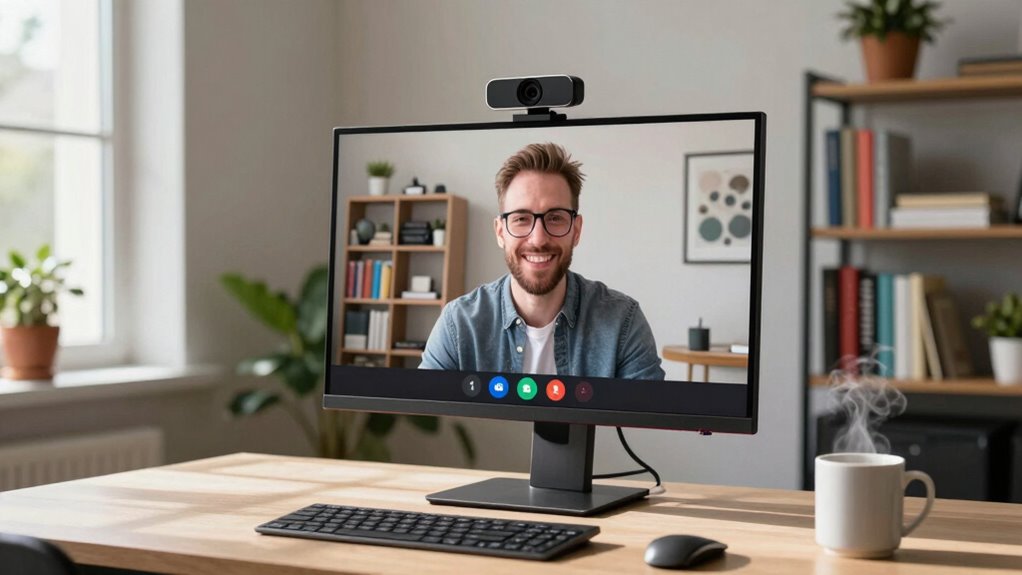
Is 4K resolution truly necessary for your video calls, or is it overkill? If you prioritize camera ergonomics and seamless software compatibility, 4K may not be indispensable. Higher resolution demands better lighting and stable mounting, which can complicate setup. Many video conferencing platforms optimize for 1080p, making 4K unnecessary unless you need ultra-high detail for specific tasks. Consider your workspace and software; if your tools support 4K smoothly, it might be beneficial. Otherwise, investing in a high-quality 1080p camera could be more practical. Here’s a quick comparison:
| Feature | 1080p Camera | 4K Camera | Notes |
|---|---|---|---|
| Camera ergonomics | Easier setup | Requires adjustments | Balance quality with setup ease |
| Software compatibility | Wide support | Varies by platform | Ensure your apps support 4K |
| Overall usability | Reliable | Overkill for most use | Choose based on your needs |
Frequently Asked Questions
How Does a 4K Webcam Impact Computer Processing Power?
A 4K webcam impacts your computer’s processing power by demanding higher hardware compatibility and increased bandwidth requirements. You’ll notice your CPU and GPU work harder to handle the high-resolution video, which can slow down other tasks if your system isn’t equipped properly. Make sure your hardware can support the extra load, and have a fast internet connection to avoid lag or buffering during video calls.
Are There Specific Work Scenarios That Benefit Most From 4K Quality?
If you’re presenting detailed charts or product prototypes, a 4K webcam greatly boosts resolution clarity and image detail. For example, a designer sharing intricate sketches benefits from sharp visuals that showcase fine lines. This high resolution enhances clarity in video calls, making complex visuals easier for colleagues to interpret. In such work scenarios, 4K quality guarantees your visuals are crisp, professional, and effectively communicate your ideas.
Can Upgrading to a 4K Webcam Improve Productivity or Professionalism?
Upgrading to a 4K webcam can boost your professionalism and productivity, especially with better color accuracy that makes you look more vibrant and authentic on calls. It also enhances user comfort by providing clearer visuals, reducing strain during long meetings. While it isn’t essential for everyone, if your work relies on detailed visuals or creating a strong impression, a 4K webcam can make a significant difference in your communication quality.
What Are the Long-Term Benefits of Investing in a 4K Webcam?
Investing in a 4K webcam offers long-term benefits like sharper video quality, which enhances professionalism during calls. With proper studio lighting, your image remains clear and well-lit, while background blur minimizes distractions, keeping focus on you. Over time, this setup can boost your credibility, foster better communication, and improve your overall presentation, making it a valuable tool for sustained productivity and impactful knowledge work.
How Does 4K Video Affect Storage Space for Recorded Meetings?
A 4K video substantially increases storage space for recorded meetings because of its higher resolution. You’ll find that video compression helps reduce file sizes, but large 4K files still demand more cloud storage than lower-resolution videos. This means you may need to upgrade your cloud storage plan or regularly manage and delete older recordings. Understanding how compression impacts file size can help you optimize storage without sacrificing video quality.
Conclusion
Ultimately, whether you need a 4K webcam depends on your work needs. Only 17% of remote workers say higher resolution considerably boosts productivity, but clarity can still matter for professionalism. If your environment, internet, and hardware aren’t ready, upgrading might be unnecessary. Focus on good lighting and a stable connection first—these often make more difference than resolution alone. Sometimes, investing wisely means knowing when to hold back and optimize existing gear.
Columbus Day / Indigenous Peoples' Day Picks
long weekend sales
As an affiliate, we earn on qualifying purchases.