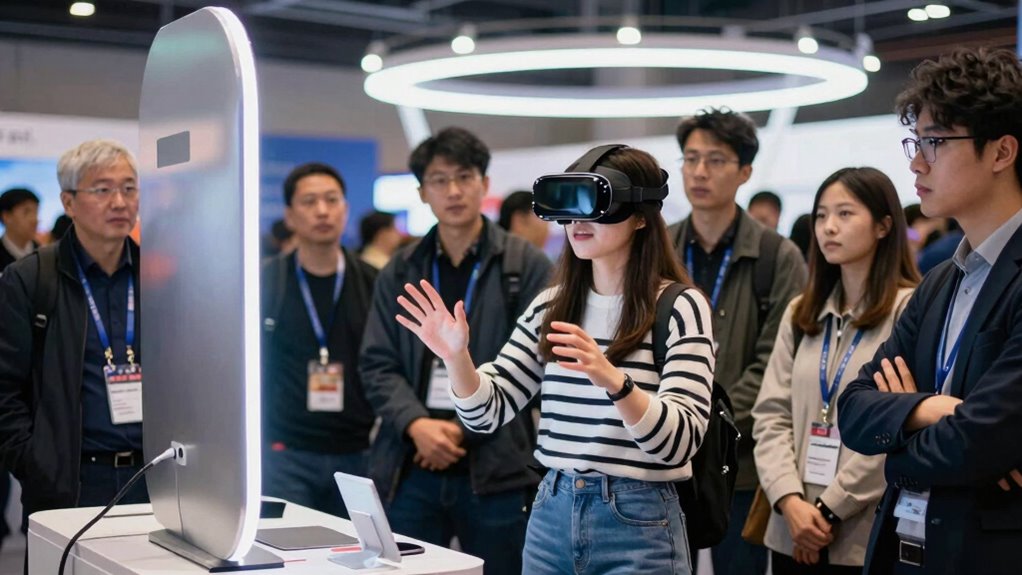

To run a VR demo without losing half the room, start by preparing your audience with clear expectations and instructions, emphasizing comfort and safety. Make sure your equipment’s properly set up and optimized for performance. Guide users through the experience step-by-step and encourage frequent breaks. Engage viewers with visuals and demos to keep their interest. Address technical issues swiftly and make adjustments for comfort. If you’re keen to keep everyone immersed, you’ll find useful tips on smooth execution here.

Get business pricing on monitors, keyboards and dev gear
- Business-only prices and quantity discounts
- Tax-exempt purchasing
- Multiple users, one account, clear invoices
Key Takeaways
- Set clear expectations and warn participants about potential discomfort to prepare them mentally and physically.
- Ensure the VR setup is comfortable, well-calibrated, and free from technical glitches to prevent frustration.
- Engage the audience with immersive storytelling and concise explanations to maintain interest and focus.
- Incorporate regular breaks and monitor physical cues to address discomfort promptly.
- Have backup equipment and troubleshooting guides ready to minimize technical delays and keep the demo flowing smoothly.
VR headset with high contrast display
As an affiliate, we earn on qualifying purchases.
As an affiliate, we earn on qualifying purchases.
How to Prepare Your Audience for a VR Demo
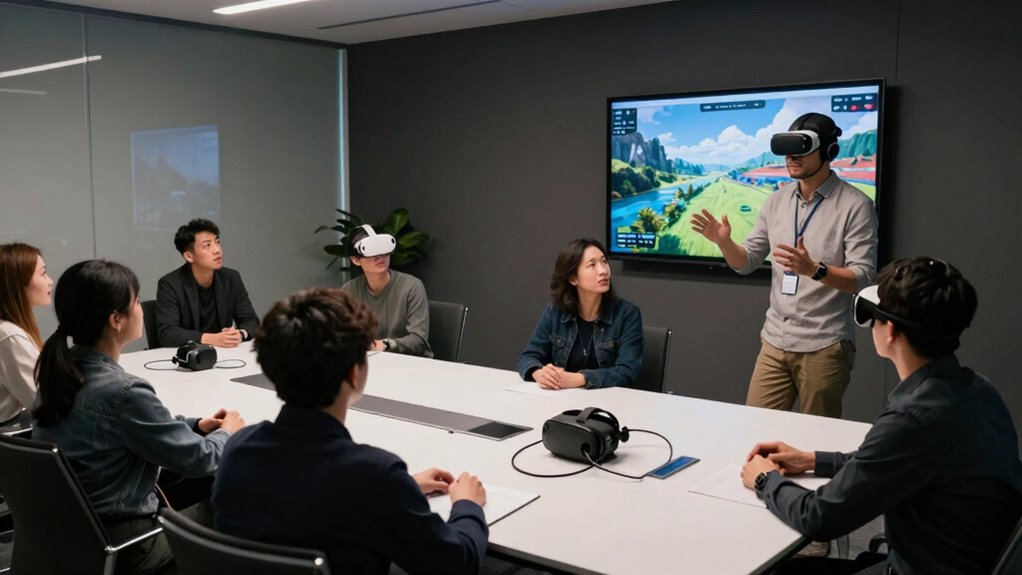
Before you immerse yourself in the VR demo, it’s vital to set the right expectations with your audience. Explain that virtual immersion can be intense and may cause sensory overload, especially for first-timers. Let them know what to expect, including potential dizziness or disorientation. Encourage them to communicate if they feel uncomfortable at any point. Emphasize that it’s normal for the experience to be overwhelming initially, but it’s manageable with breaks. Clarify that some people might need a moment to adjust to the sensory input. By preparing your audience beforehand, you help reduce anxiety and ensure they’re mentally ready for the virtual immersion. Additionally, understanding how to choose the right VR hardware can further enhance comfort and safety during the demo. Being aware of digital concepts can also help you better explain the experience and set appropriate expectations. Recognizing the importance of contrast ratio in visual displays can help you explain why high-quality visuals contribute to a more immersive and comfortable VR experience. It’s also helpful to familiarize yourself with safety tips for portable oil radiators to ensure your demo space remains safe during extended sessions. Moreover, understanding notable titles including “Spirited Away” and “Your Name” can inspire you to incorporate compelling visuals and storytelling elements into your presentation to captivate your audience.
VR safety and comfort accessories
As an affiliate, we earn on qualifying purchases.
As an affiliate, we earn on qualifying purchases.
Choosing the Right VR Equipment and Setup
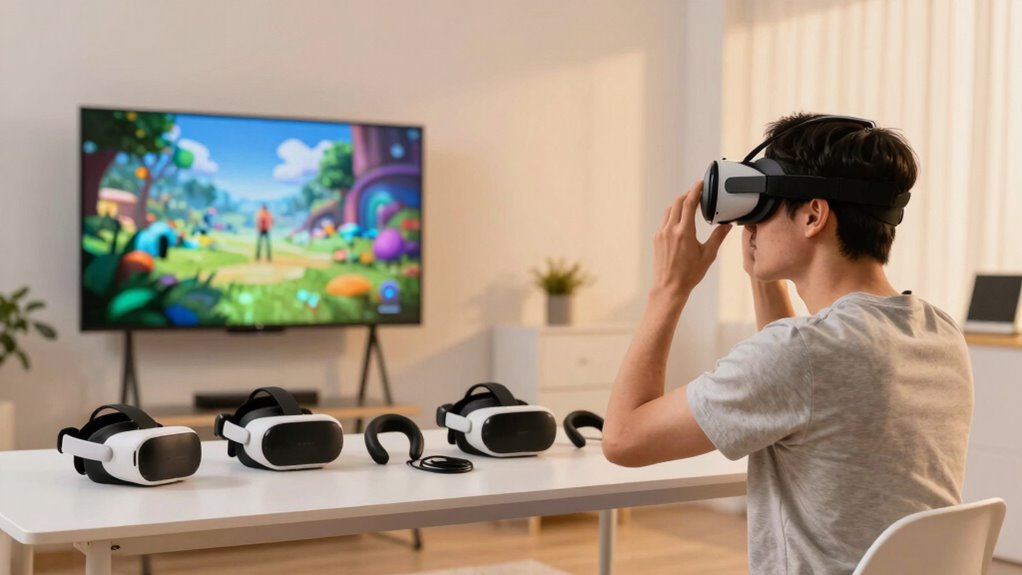
Selecting the right VR equipment means ensuring your hardware is compatible with your setup and audience needs. You also need to optimize space so participants can move comfortably and safely. You don’t want to overlook nail health aspects that could affect your attendees’ comfort, especially during longer sessions. Incorporating air quality benefits can also enhance the overall experience by maintaining a comfortable environment during extended sessions. Additionally, paying attention to soundproofing techniques can help reduce external noise distractions and create a more immersive experience for everyone involved. Considering battery capacity is crucial to ensure your equipment can operate smoothly without interruptions during your demo. Ensuring proper environmental conditions can further improve comfort and focus throughout your session.
Hardware Compatibility Essentials
Choosing the right VR equipment and setup is essential to guarantee a smooth demo experience. Focus on virtual ergonomics by selecting headsets that fit comfortably and reduce fatigue during extended use. Proper hardware calibration ensures accurate tracking and minimizes latency, preventing user discomfort or disorientation. Check that your controllers and sensors are compatible with the headset and software, avoiding technical hiccups. Invest in reliable hardware with sufficient processing power to handle your demo content smoothly. Avoid mixing incompatible devices, as this can cause tracking issues or calibration errors. Regularly update firmware and drivers to maintain peak performance. By prioritizing hardware compatibility and proper calibration, you create a seamless, immersive experience that keeps your audience engaged without technical distractions. Additionally, paying attention to hardware compatibility ensures all components work harmoniously, minimizing troubleshooting during your demo. Incorporating hardware interoperability can further streamline your setup and enhance overall performance. Ensuring that all hardware components are environmentally optimized can also contribute to a more consistent and reliable VR experience. Paying attention to system integration can help prevent unforeseen issues during your demo and improve overall stability. Furthermore, considering hardware reliability can help prevent unexpected failures during critical moments.
Space Requirements Optimization
Ensuring you have enough space for a VR demo helps prevent accidents and technical issues that can disrupt the experience. You need a clear area where participants can move freely, with minimal obstacles that could interfere with their spatial awareness. You can also incorporate essential oils known for promoting focus and relaxation, which may help participants feel more comfortable and attentive during their demo. Proper equipment calibration is essential to guarantee the VR system accurately tracks movements, preventing disorientation or motion sickness. Measure the play area carefully, leaving extra room for safety and movement. Choose equipment suited to your space size—smaller setups work well in limited areas, while larger rooms offer greater freedom. Regularly check that sensors and controllers are calibrated correctly before each demo. Additionally, understanding tech basics can help you troubleshoot common setup issues more effectively. Recognizing space requirements is crucial to creating a safe and immersive environment that minimizes disruptions. Having a clear understanding of spatial awareness can further enhance participant safety and comfort. It’s also beneficial to familiarize yourself with drone bees and hive health principles, as they emphasize the importance of a balanced and well-maintained environment for optimal performance. Optimizing your space ensures smooth interactions, keeps participants safe, and provides an immersive, frustration-free VR experience.
User Comfort Considerations
How do you make sure your participants stay comfortable during a VR demo? Focus on selecting equipment with ergonomic design to reduce fatigue and discomfort. First, consider the weight and fit of the headset to prevent strain during extended use. Second, choose controllers that are easy to grip and operate without causing hand fatigue. Third, set up the space so participants can move naturally without feeling constrained or at risk of injury. Additionally, incorporating ergonomic design principles can help in designing clearer instructions and cues during the demo, ensuring everyone stays comfortable and focused. Properly adjusting straps and ensuring clear pathways further contribute to participant comfort. Using ergonomic gear minimizes physical discomfort, keeping participants engaged and receptive. Furthermore, understanding the importance of user-centered design can improve overall setup and interaction, making the experience more enjoyable. Paying attention to participant feedback during the demo can also highlight areas for improving comfort and usability, leading to better experiences in future sessions. Incorporating elements of battery maintenance and ensuring proper power management can prevent technical interruptions that might distract participants. A well-chosen setup ensures comfort, enhancing the overall experience and preventing distractions caused by discomfort or fatigue.
As an affiliate, we earn on qualifying purchases.
How to Give Clear Instructions for Your VR Demo
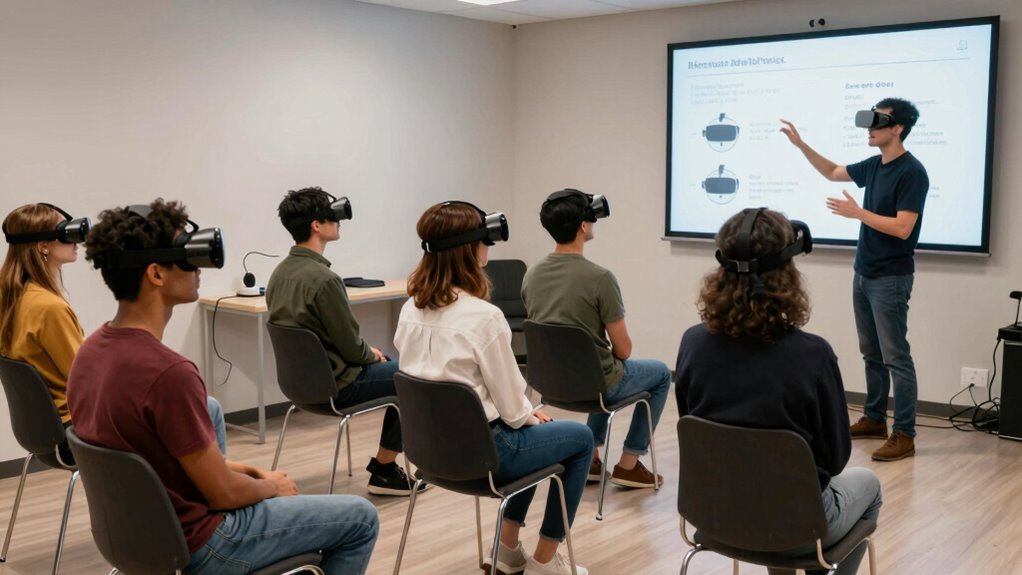
To keep your VR demo running smoothly, it’s essential to give clear and concise instructions right from the start. Focus on virtual onboarding by guiding users step-by-step, so they know what to expect and how to navigate the experience. Use simple, direct language to avoid confusion, and avoid overwhelming your audience with too many details at once. Incorporate immersive storytelling techniques to help users feel engaged and grounded in the virtual environment, making instructions feel more natural and less like commands. Demonstrate actions yourself first, then encourage users to follow along. Confirm understanding with brief questions or prompts. Clear instructions reduce anxiety, guarantee users stay oriented, and maximize their enjoyment and engagement throughout the demo.
noise-canceling headphones for VR
As an affiliate, we earn on qualifying purchases.
As an affiliate, we earn on qualifying purchases.
Setting Realistic Expectations for Your Audience
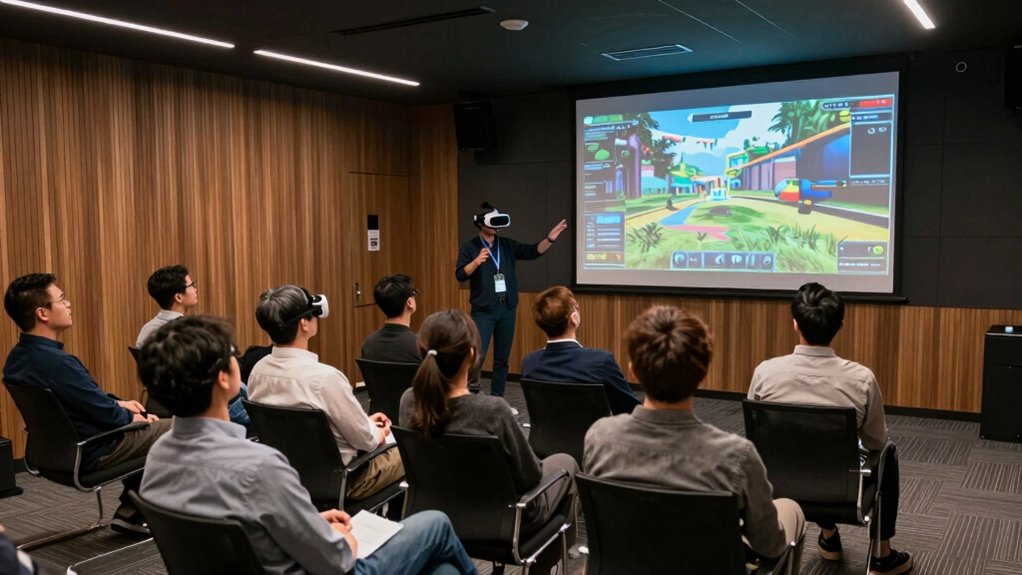
Before your demo begins, make sure you clearly explain what your audience can expect from the VR experience. Managing their expectations helps prevent disappointment or confusion if the demo doesn’t match their fantasies. Being honest about the scope guarantees everyone stays engaged and appreciates the technology.
Clarify VR Experience Scope
Setting clear expectations for your audience is essential to prevent disappointment and guarantee a smooth VR demo. Clearly define what the experience will entail to avoid surprises. For example, explain that:
- The virtual immersion might be intense, but it won’t last long.
- Sensory overload may occur briefly, so participants should be prepared.
- Not every demo will replicate real-world scenarios exactly.
Manage Audience Expectations
Effective audience management starts with setting realistic expectations from the outset. Let your audience know that VR can be intense and that they may experience some fatigue, especially after prolonged sessions. Be honest about potential discomfort or dizziness to avoid surprises that could lead to disappointment. Also, clarify that equipment calibration is vital for the best experience; if the headset isn’t properly calibrated, the visuals may seem off, reducing immersion. By managing these expectations early, you prevent misunderstandings and build trust. Encourage your audience to take breaks and listen to their bodies. This transparency ensures they’re prepared for the experience, reducing the risk of frustration or disengagement, and helps you deliver a smooth, enjoyable demo.
Making Your VR Demo Inclusive for Everyone
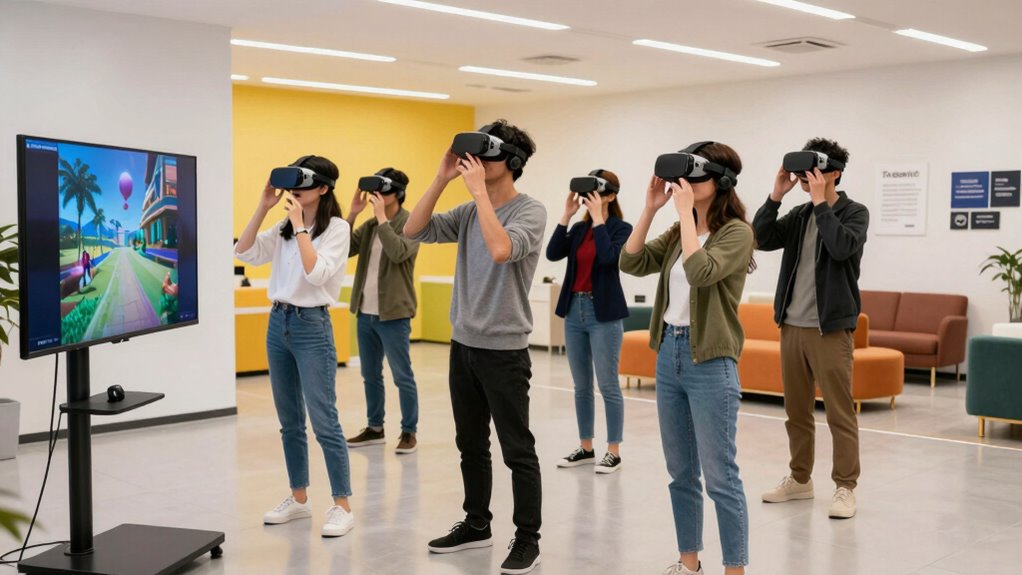
Ensuring your VR demo is inclusive means designing experiences that everyone can enjoy, regardless of physical ability, age, or familiarity with technology. Focus on virtual accessibility and inclusive design by incorporating features like adjustable controls, subtitles, and seated options. To make your demo truly inclusive, consider these three steps:
- Offer customizable control schemes to accommodate different physical abilities.
- Provide subtitles and visual cues for those with hearing or visual impairments.
- Include seated or standing options so users can choose comfort and safety.
Showing Off the VR Experience Clearly and Effectively
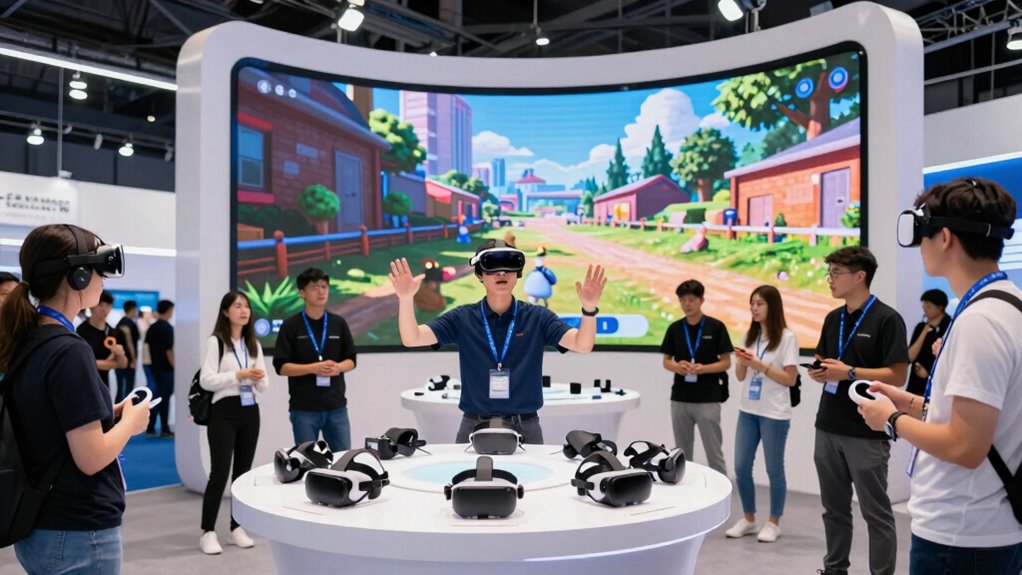
Once you’ve made your VR demo accessible and adaptable to different users, the next step is to showcase the experience clearly and effectively. Focus on emphasizing virtual immersion and sensory engagement by guiding viewers on what to observe and feel. Use clear, concise language to describe the environment and interactions, helping spectators understand what makes the experience unique. Visual aids, like a well-positioned screen or live feed, help others follow along without confusion. Here’s a quick overview:
| Tip | Technique | Purpose |
|---|---|---|
| Demonstrate VR | Explain key interactions clearly | Enhance understanding |
| Use visuals | Show real-time footage or screenshots | Build anticipation |
| Engage the audience | Ask questions or encourage observation | Increase sensory engagement |
| Highlight immersion | Point out immersive elements | Reinforce virtual immersion |
| Keep it brief | Focus on key moments | Retain attention |
Handling Technical Issues During Your Demo
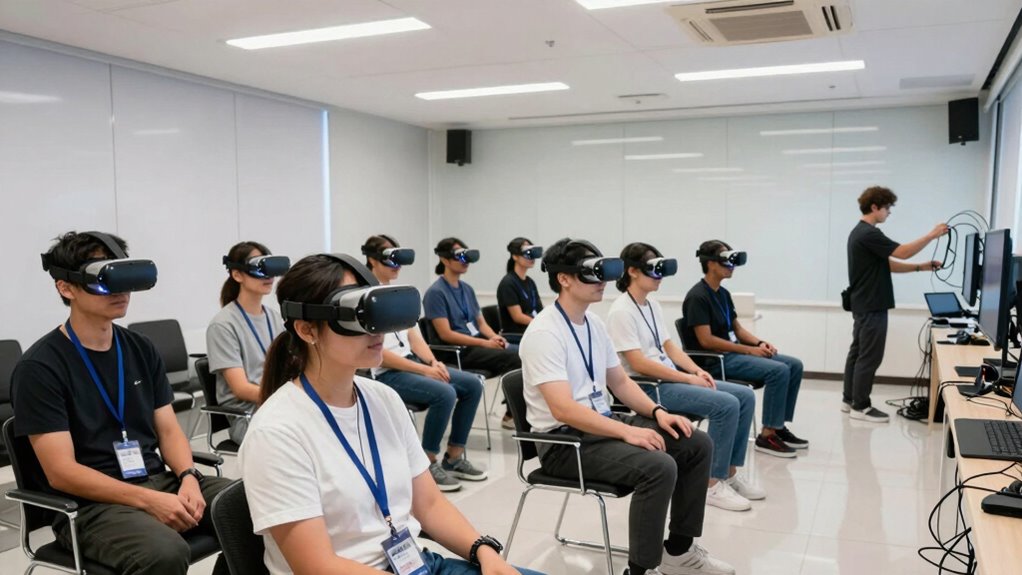
No matter how well you prepare, technical issues can still disrupt your demo, so it’s essential to stay calm and prepared. When facing virtual reality glitches or hardware hiccups, quick technical troubleshooting keeps things running smoothly. To handle issues efficiently:
- Check connections and restart devices to resolve common VR hardware problems.
- Have backup equipment, like spare headsets or controllers, ready to swap in instantly.
- Keep a troubleshooting guide handy for quick reference to fix software or calibration errors.
Remaining composed reassures your audience and demonstrates your control. Remember, most technical issues are temporary and solvable with prompt action. Staying proactive and prepared minimizes downtime, ensuring your demo stays engaging and professional.
Engaging Your Audience Before and After the Demo
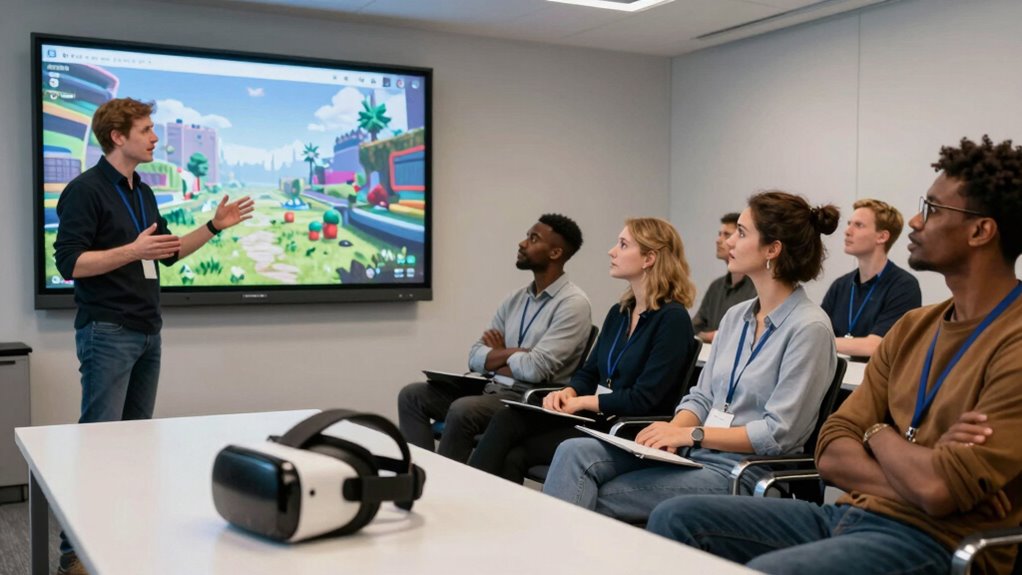
You can capture your audience’s interest early by building anticipation through teasers or interactive pre-demo activities. After the demo, keep the momentum going by sharing follow-up content or inviting feedback. This approach guarantees your audience stays engaged long after the VR experience ends.
Build Anticipation Effectively
Building anticipation before and after your VR demo is essential for keeping your audience engaged and excited. To spark curiosity and boost virtual immersion, consider these strategies:
- Tease the experience with intriguing snippets or behind-the-scenes insights to pique interest.
- Share compelling stories or benefits that highlight what they’ll gain from the demo, increasing audience engagement.
- Create a countdown or reveal build-up that gradually reveals the demo’s key features, maintaining curiosity and momentum.
Extend Engagement Beyond
Once you’ve sparked curiosity and heightened anticipation for your VR demo, the next step is to keep your audience engaged well beyond the initial experience. To do this, encourage virtual immersion by sharing behind-the-scenes insights or future updates related to the demo. Foster audience interaction by inviting questions, feedback, or even user-generated content that relates to the VR experience. Use social media, follow-up emails, or live Q&A sessions to maintain interest and deepen their connection. Showing that you value their input keeps the engagement active and sustained. This ongoing connection transforms a one-time demo into a continuous conversation, ensuring your audience remains invested and enthusiastic for what’s next.
Collecting Feedback to Improve Future VR Demos
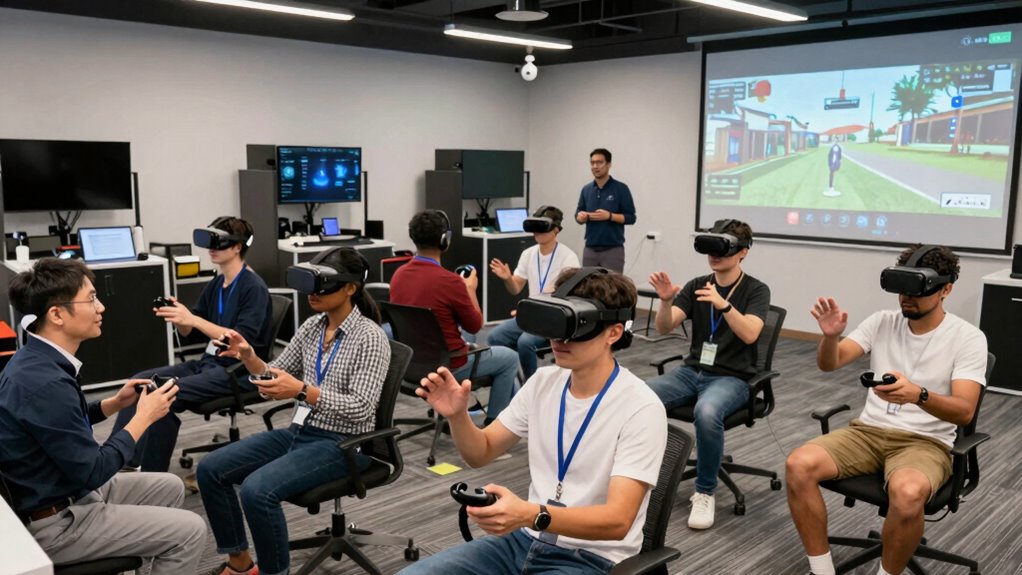
Gathering feedback from your VR demo participants is essential for identifying what works well and what needs improvement. This allows you to refine your approach and enhance future experiences. Focus on these key areas:
- Ask about the effectiveness of virtual collaboration, noting if participants felt connected and engaged throughout.
- Gather opinions on immersive storytelling, to see if the narrative captivated and maintained interest.
- Request suggestions for technical improvements or adjustments to make the demo more seamless and accessible.
Encourage honest, specific feedback to uncover insights you might miss on your own. Use this input to fine-tune your demo, ensuring it’s compelling and accessible for everyone. Continuous feedback helps you create more impactful VR experiences that resonate.
Troubleshooting Common Challenges in VR Demos
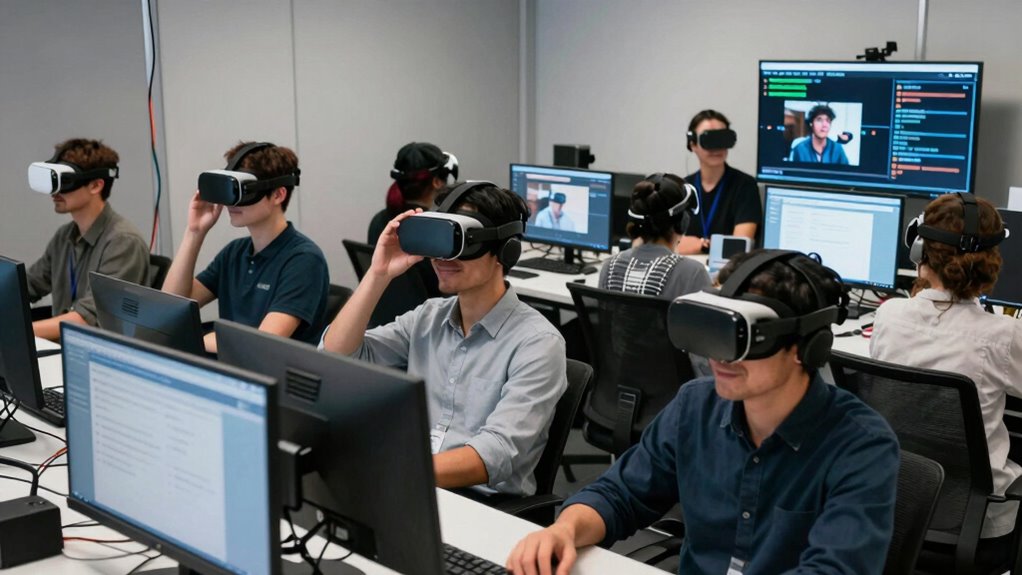
Despite careful planning, technical issues and user discomfort are common hurdles during VR demos. To troubleshoot effectively, focus on virtual ergonomics—make sure headsets fit comfortably and controls are intuitive. Poor fit or awkward positioning can cause discomfort, distracting your audience and reducing immersion. Test equipment beforehand to minimize glitches and guarantee smooth gameplay. When technical issues arise, stay calm and have a plan to troubleshoot quickly, like resetting connections or restarting software. Keep audience immersion high by addressing discomfort promptly and maintaining a seamless experience. Adjust settings as needed to optimize comfort and clarity. Remember, a comfortable, glitch-free demo keeps viewers engaged, preventing them from losing interest or feeling disconnected. Troubleshooting proactively ensures your VR demo remains engaging and professional.
Frequently Asked Questions
How Can I Ensure First-Time Users Feel Comfortable With VR?
You can guarantee first-time users feel comfortable with VR by guiding them through the experience with clear instructions and reassurance. Focus on user engagement by starting with simple, intuitive movements, and gradually increase complexity. Prioritize comfort optimization by offering adjustable headsets, taking breaks, and checking in regularly. Creating a relaxed environment helps users feel at ease, making their initial VR experience enjoyable and memorable, boosting confidence for future use.
What Are Common Signs of VR Motion Sickness to Watch For?
You might notice signs of VR motion sickness, like visual discomfort or nausea symptoms, during your demo. Watch for users blinking rapidly, looking away, or showing signs of dizziness. They may also complain of headache or feel unsteady. Recognizing these cues early allows you to pause the experience, offer breaks, and reduce discomfort, ensuring your audience stays engaged and comfortable throughout the demo.
How Do I Manage Audience Distractions During the Demo?
To manage audience distractions during your VR demo, focus on maintaining high audience engagement by explaining what they’re about to experience and encouraging curiosity. Minimize distractions by controlling the environment—avoid noisy or cluttered spaces—and keep the demo short and focused. Use clear instructions and periodically check in with your viewers, ensuring they stay attentive and immersed. This approach helps keep distraction levels low and the experience engaging for everyone.
What Safety Precautions Should I Implement for VR Demos?
Did you know that 70% of VR accidents happen from poor setup? To guarantee safety, you should prioritize hardware calibration and space setup. Regularly check that headsets and controllers are properly calibrated, and clear the demo area of obstacles. Make sure there’s enough space for users to move comfortably, and always supervise your audience closely. These steps help prevent accidents and create a smooth, enjoyable VR experience.
How Can I Effectively Demonstrate VR Equipment to Non-Enthusiasts?
You should start with a simple virtual setup that’s easy for non-enthusiasts to understand and navigate. Show them the equipment, explaining its purpose, and let them handle it to build confidence. Keep the experience engaging and brief, then switch to a demo that highlights fun features. Regular equipment maintenance guarantees smooth operation, minimizing technical hiccups. Your relaxed, clear approach will make newcomers comfortable and enthusiastic to explore VR.
Conclusion
Don’t let technical hiccups or uncertain expectations hold you back. With proper preparation and clear communication, you can create an unforgettable VR experience that captivates everyone. Remember, even if things don’t go perfectly, your enthusiasm and willingness to share this innovative technology will inspire and engage your audience. Embrace the challenge—your passion for VR will turn any obstacle into a memorable moment, proving that everyone deserves to explore this exciting world.
Halloween Picks
halloween
As an affiliate, we earn on qualifying purchases.