
🔍 Read the full analysis: Signal Blocks Screenshots: What Changes For Chat Users? on ThorstenMeyerAI.com

Get business pricing on monitors, keyboards and dev gear
- Business-only prices and quantity discounts
- Tax-exempt purchasing
- Multiple users, one account, clear invoices
TL;DR
Signal says new privacy settings block screenshots and screen recordings on supported iPhones and prevent some on-device AI assistants from reading Signal’s screen. The protections differ between iOS and Android, can be disabled, and do not cover Macs, some Android devices, notifications, files or the recipient’s phone.
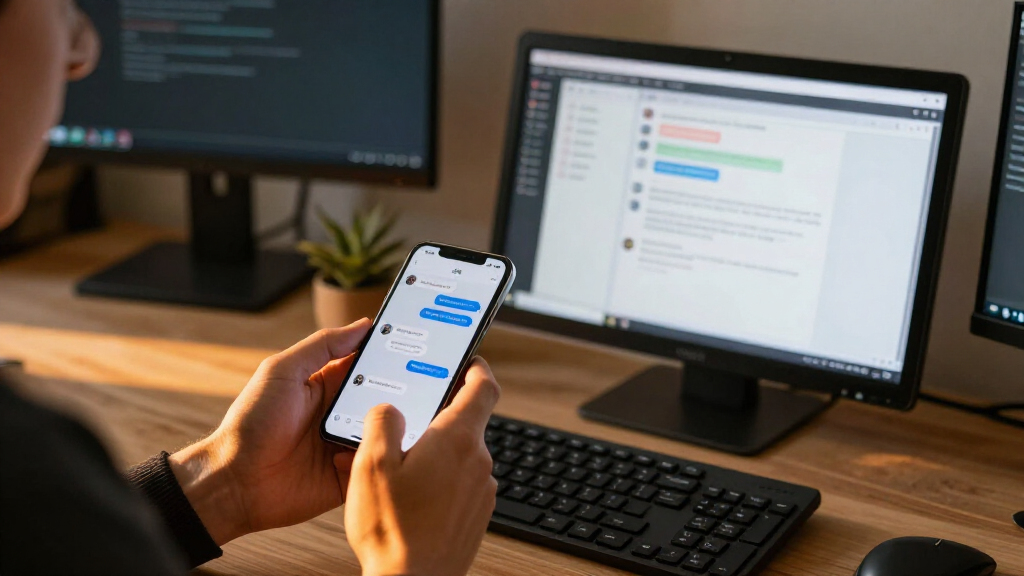
Signal has added screen protections to its iPhone and Android apps to limit screenshots and access by some on-device AI assistants, the encrypted messaging service said on November 20. The changes address a gap in message privacy: end-to-end encryption protects messages in transit, but not content displayed on a phone screen.
On iPhones running iOS 27, users with Signal version 8.37 or later get a default-on setting called “Block Siri AI.” According to Signal’s support page, it blocks screenshots and screen recordings in the app, hides Signal chats in the App Switcher and prevents on-device AI assistants from reading the app’s screen. When someone tries to take a screenshot, Signal displays a notice and offers choices to leave protection on or disable it temporarily or fully.
On Android, with Signal 8.35.1 or later, the “Screen security” setting turns on automatically the first time Signal detects an AI assistant trying to read its screen. Signal says the setting also blocks screenshots and hides app content in the recent-apps list. Users can switch it off under Settings → Privacy → App security → Screen security. If disabled from the alert, Signal says the setting will turn back on after 90 days; if switched off in settings, it will not issue another reminder.
The protections can be turned off on both platforms. Signal says switching them off may expose the user’s chats and their contacts’ messages to AI assistants. The company says the settings do not alter message encryption or who can otherwise see messages; they apply to screen capture and on-device scanning. The details and supported versions are drawn from Signal’s support materials, rather than independent testing.
Screen Access Becomes a Privacy Boundary
The update highlights a limit of end-to-end encryption: it secures a message between devices, but cannot prevent another tool from reading it after it appears on a screen. If an assistant can interpret screen content, Signal says captured data may leave the protections the messaging app controls and could be stored in a local database or a remote service. That is Signal’s explanation of the risk; the source material does not establish that every assistant stores Signal content or that a specific user’s messages were captured through this route.
For users, the change adds friction to familiar actions such as taking a screenshot or switching apps, while offering a setting that can be disabled. It also leaves users with a practical choice: accept restrictions that reduce some screen access, or switch them off and accept the exposure Signal warns about. People who use AI features for screen-based help, including accessibility workflows, may be affected, though the supplied information does not detail how individual tools behave with these protections enabled.
For businesses building or deploying agents, the development is a sign that apps may increasingly restrict screen-reading access. Signal is asking Apple, Google and Microsoft for a documented opt-out mechanism that would let apps refuse AI access in a consistent way. Until such controls exist, protections may differ across platforms and applications.
Popular right now

Dyson Cyclone V10 Origin Cordless Vacuum

De'Longhi Classic Signature Espresso Machine with Adjustable Milk Frother

Ninja Pods & Grounds Iced Coffee Maker (PB041ST)
As an affiliate, we earn on qualifying purchases.
From Recall to Mobile Assistants
Signal previously added a related defense on Windows 11 in May 2025, when it enabled a desktop “Screen security” setting by default to guard against Microsoft’s Recall feature. Signal described Recall as capturing screen images periodically, extracting text and keeping it in a searchable on-device database. The current mobile changes extend the same concern to AI assistants integrated into phone operating systems.
Apple introduced Siri AI on September 14, 2026, describing an assistant with “onscreen awareness” that can respond to or act on what is displayed. Google announced Gemini Intelligence for Android on May 12, 2026, and said app automation could use screen or image context. Those companies’ descriptions explain why Signal is concerned about screen access, but do not by themselves show that either assistant has captured a particular Signal conversation.
Signal published its post, “Signal is Serious About Protecting Your Privacy,” on November 20. Reuters reported the development that day. Signal president Meredith Whittaker called operating-system AI agents “an existential threat to Signal, and our ability to responsibly uphold our mission,” while also describing the company’s fix as “incomplete.”
Protections Vary Across Devices
Coverage is limited and uneven. Signal says it cannot reliably block screenshots on macOS, and the mobile protections do not cover every Android device where Signal cannot detect the assistant. The supplied material also says notifications and files are outside the protection, as is the phone belonging to the person a user is messaging. A recipient may still capture or share content from their own device.
It is not clear from the source material which specific AI assistants or device configurations Signal can detect, how detection works across Android models, or how often the protections will prevent screen access in practice. Signal calls its fix incomplete, and its request for platform-level controls indicates that the company does not regard its app-level measures as a full solution. The source also does not document a confirmed incident in which these new mobile assistants captured a particular Signal conversation.
Platform-Level Controls Remain Pending
Signal says it is asking Apple, Google and Microsoft for a simple, documented way for apps to opt out of AI data access. The source material does not provide a response from those companies or a schedule for any platform changes. For now, users can check that their Signal app and operating system meet the listed version requirements, review the privacy setting on their device and decide whether to keep it enabled.
Further developments will depend on whether operating-system makers offer consistent controls and whether Signal changes its protections as assistant features evolve. Until then, users should not treat screen security as a guarantee against every form of copying or access: Signal’s stated safeguards apply to particular screen-capture and on-device scanning situations, not to every device, file, notification or recipient action.
Key Questions
Does Signal’s update change end-to-end encryption?
No. Signal says the new settings do not change how messages are encrypted or who can see them. They restrict specified forms of screen capture and on-device scanning.
Are screenshots blocked by default?
Signal says “Block Siri AI” is on by default for Signal 8.37 or later on iOS 27 or later. On supported Android versions, Screen security turns on when Signal first detects an AI assistant trying to read its screen.
Can I turn the screen protections off?
Yes. Signal provides controls in its privacy settings on both platforms. The company warns that turning protection off may expose chats and contacts’ messages to AI assistants.
Does the change protect Signal on a Mac or the recipient’s phone?
No, not according to the supplied information. Signal says it cannot reliably block screenshots on macOS. Its mobile settings also do not protect the other person’s device, and they do not cover notifications or files.
Source: ThorstenMeyerAI.com