
TL;DR

Get business pricing on monitors, keyboards and dev gear
- Business-only prices and quantity discounts
- Tax-exempt purchasing
- Multiple users, one account, clear invoices
You can turn a single video into a full publishing kit—titles, social assets, press materials—without uploading your content to the cloud. This workflow keeps your files private, speeds up production, and offers total control over every asset.
Imagine finishing a video and instantly having a press-ready media kit in your hands. No cloud uploads, no waiting for third-party tools. Just your files, your control, your workflow. This isn’t some distant future—it’s possible today with the right tools and mindset.
In this article, I’ll show you how a local-first process can turn one video into a full set of publishing and promotional materials. We’ll explore how it works, what it produces, and why it’s a game-changer for creators who value privacy and efficiency.
How One Video Turns Into a Complete Publishing Kit
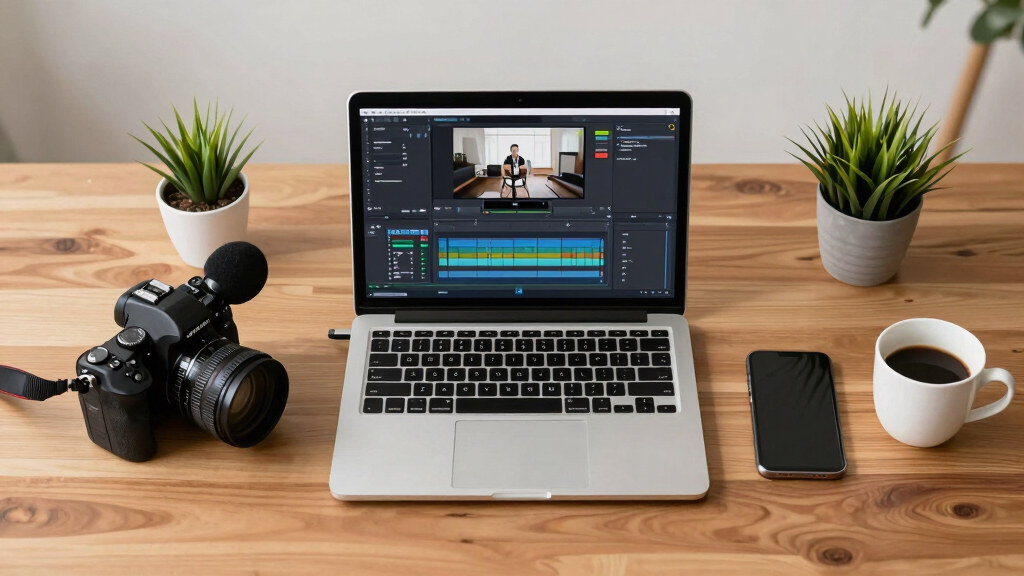
Start with a single video, and you get a suite of assets: titles, descriptions, social snippets, press materials, and more. This isn’t just copying and pasting; it’s a structured process. The system reads the video on four layers—audio, visuals, fused timeline, and intelligence—so every asset is based on what the video truly says and shows.
By analyzing these layers, the workflow ensures that each asset is contextually relevant and accurate. For instance, it can identify key phrases in the audio to generate compelling titles or detect visual motifs to create appropriate social media images. This layered analysis reduces the risk of misrepresentation and ensures consistency across assets, which is vital for maintaining a professional brand image. The process also allows for nuanced customization—so you’re not just generating generic snippets but tailored content that enhances your message and audience engagement.
As an affiliate, we earn on qualifying purchases.
Why Going Local Matters for Your Privacy and Control
When you process videos locally, your content stays on your machine—no uploads, no third-party servers. That means your unpublished manuscripts, sensitive project files, or niche content remain private. Plus, it’s faster. No waiting for uploads or cloud processing—your assets are ready when you are.
This approach has significant implications for creators handling sensitive or proprietary information. For example, independent filmmakers or researchers can develop promotional materials without exposing their work prematurely. It also minimizes the risk of data breaches or leaks, which is especially critical when dealing with unpublished works or confidential content. Additionally, local processing reduces dependency on internet connectivity, ensuring that your workflow isn’t interrupted by network issues. This speed and security enable a more agile and protected creative process, fostering confidence that your work remains under your control at every stage.
Moreover, the tradeoff with local processing is that it requires initial setup and a bit more technical familiarity, but the benefits in privacy and control often outweigh this learning curve. You’re investing in a workflow that prioritizes your ownership over your content, which is increasingly vital in a digital environment where data breaches and privacy concerns are prevalent.

As an affiliate, we earn on qualifying purchases.
What a Publishing Kit Includes and Why It’s Your Best Media Card
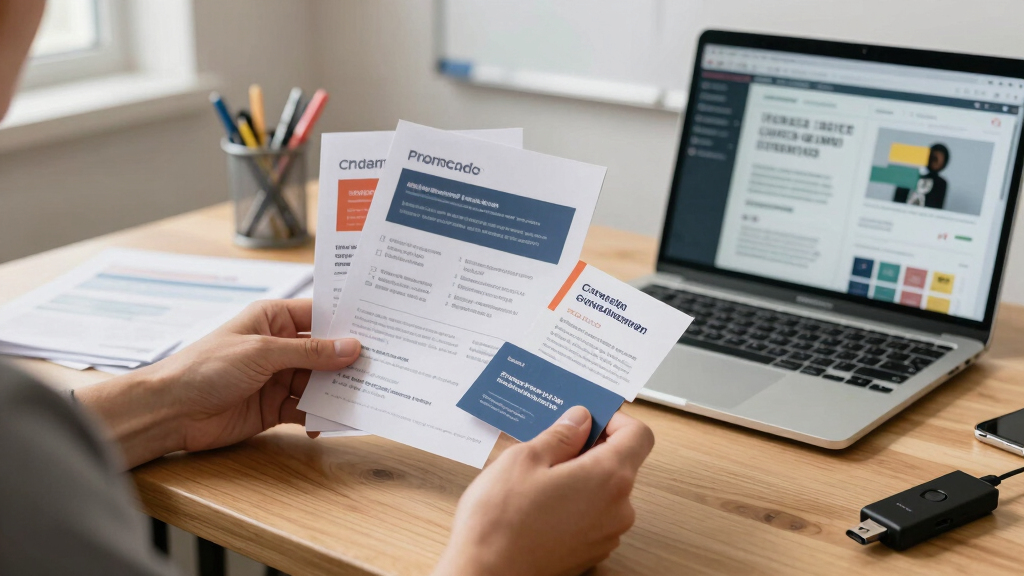
A media kit is your digital handshake—your professional introduction to the world. It includes high- and low-res versions of your book cover, a one-sheet, press-ready images, and social assets. The one-sheet, a single page, acts as your calling card, summarizing your work and contact info at a glance.
Having a comprehensive, well-organized media kit streamlines outreach and pitching efforts. It ensures consistency across various platforms and audiences, saving you time and effort. When you’re pitching to publishers, media outlets, or collaborators, a ready-made kit demonstrates professionalism and preparedness. It also allows you to quickly adapt your materials for different contexts—such as resizing images for social media or creating tailored press releases—without starting from scratch each time. This standardization not only enhances your brand image but also accelerates your promotional activities, giving you a competitive edge in busy markets.
Beyond convenience, a well-crafted media kit communicates your brand story clearly and convincingly, making it easier for others to understand and share your message. It acts as a bridge between your creative work and your audience or partners, increasing the likelihood of engagement and opportunities.
As an affiliate, we earn on qualifying purchases.
The File-Quality Flexibility You Need for Different Outlets
Different platforms and outlets require different asset sizes and formats. Your workflow should produce web-optimized images, print-quality files, and text-only snippets—all from the same source video. This flexibility saves time and prevents quality loss.
This flexibility is crucial because each outlet has its own specifications and audience expectations. For example, social media platforms often require square or vertical images at specific resolutions, while print media demands high-resolution files suitable for large formats. By generating all these variations from a single source, you maintain consistency in branding and messaging while ensuring each asset meets the technical needs of its destination. Moreover, this approach reduces the risk of quality degradation that can occur when resizing or converting assets multiple times, ultimately preserving the professional look of your content across channels.
Additionally, this flexibility allows you to respond quickly to emerging opportunities—be it a last-minute pitch or a trending hashtag—without scrambling to resize or recreate assets. This agility can be a significant competitive advantage in fast-paced content environments.

privacy-focused video editing tools
As an affiliate, we earn on qualifying purchases.
As an affiliate, we earn on qualifying purchases.
Step-by-Step: How to Convert a Video Into a Publishing Kit (and Keep It Local)
- Drop your video file or paste a YouTube link into the tool.
- Let it analyze the audio and visuals—this takes seconds to minutes.
- Review the generated assets in the preview area—titles, snippets, images.
- Edit, regenerate, or approve each item. Watch as the pipeline updates in real-time.
- Download or dispatch the complete package—press kit, social snippets, blog drafts—ready for use.
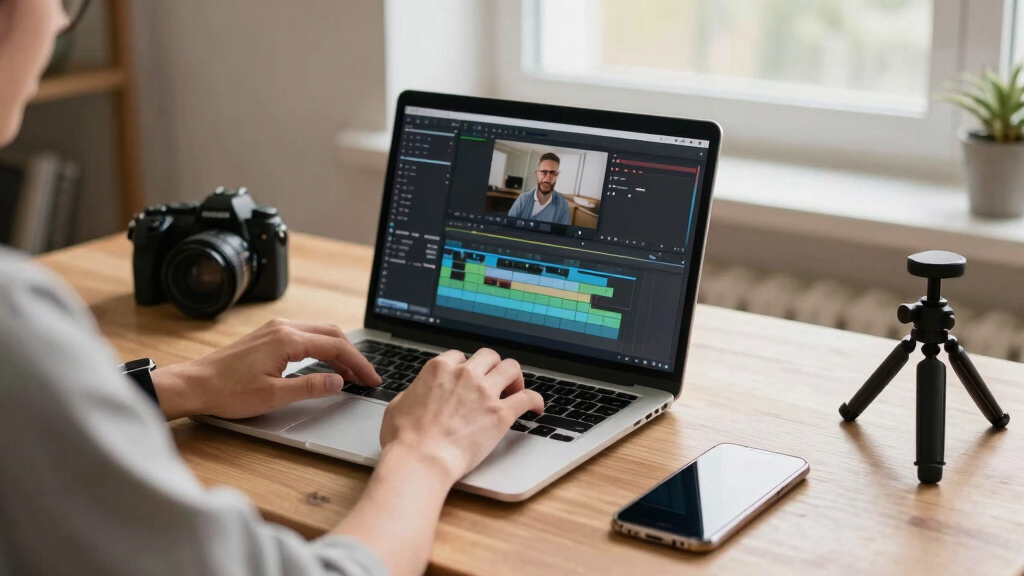
This process keeps everything on your machine, with full provenance for each asset—who generated it, which prompt was used, and when. This detailed record-keeping is invaluable for maintaining consistency, tracking revisions, and ensuring accountability in your content creation process. It also helps you refine your prompts and analysis over time, leading to better, more targeted assets with each iteration. By maintaining control over every step, you avoid the pitfalls of miscommunication or reliance on external services that might change or become unavailable, securing your workflow’s stability. This meticulous approach ensures that your assets are not only high-quality but also aligned with your brand voice and strategy, providing a solid foundation for ongoing content development.
Comparing Cloud vs. Local-First Publishing Workflows
| Feature | Cloud-Based Workflow | Local-First Workflow |
|---|---|---|
| Privacy | Uploads sensitive content to third-party servers | |
| Speed | Dependent on internet speed and server load | |
| Control | Limited; cloud provider owns processing | |
| Asset Ownership | Assets stored on third-party servers | |
| Offline Use | Not possible |
How to Keep Everything Organized and Ready for Every Platform
Once you have your assets, organize them into folders named for each platform or purpose. For example, create a folder for social media, one for press, and one for print. From there, you can upload directly or embed into your website.
Use consistent naming conventions and resolutions: high-res for print, web-friendly for online, and text snippets for email campaigns. This systematic organization ensures that your workflow remains efficient and that you can quickly locate the right assets for each outlet. It also reduces the risk of misplacing files or using outdated versions, which can compromise your branding and message consistency. Over time, developing a disciplined folder structure and naming system becomes an integral part of your content strategy, enabling you to scale your efforts without losing control or quality.

Key Takeaways for Your Next Content Launch
- One video can generate a full publishing kit—titles, snippets, images, and press materials—saving hours of manual work.
- Processing locally keeps your data private, speeds up production, and gives you full control over your assets.
- A structured workflow produces flexible, high-quality assets in multiple formats for every platform.
- Provenance tracking ensures you always know where each asset came from and how it was generated.
Frequently Asked Questions
What exactly does a local-first publishing workflow produce?
It creates a full set of assets: titles, social snippets, press images, a media kit, and formatted content—all processed on your device without uploading to the cloud.
How does it work without the cloud?
The tool runs entirely on your machine, analyzing the video and generating assets locally. All processing happens offline, which keeps your data private and your workflow fast.
Can I customize the generated assets?
Absolutely. You review and edit each piece—titles, snippets, images—before finalizing. You retain full control over the content and style.
What file formats can I get?
You can export high- and low-resolution images, text snippets, PDFs, and video clips—all tailored for different platforms or print needs.
Is this suitable for sensitive or unpublished content?
Yes. Since everything runs locally, your unpublished manuscripts, private videos, or niche projects stay on your device, with no risk of leaks or breaches.
Conclusion
Imagine a world where a single video kickstarts your entire launch—without sacrificing control or privacy. That’s what a local-first workflow offers: speed, security, and a professional edge.
If you’re ready to streamline your process, check out ChannelHelm and see how one video can become your entire publishing kit—offline, organized, and ready to roll.

Halloween Picks
halloween
As an affiliate, we earn on qualifying purchases.