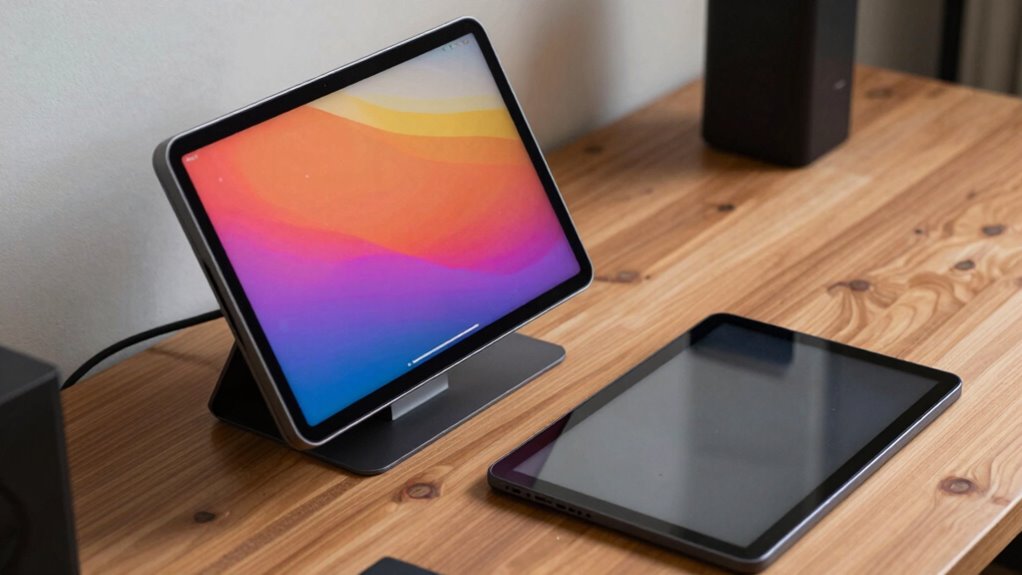

Choosing between a touchscreen or standard portable monitor depends on how you work. If you need precise control for creative tasks, quick interactions, or presentations, a touchscreen could boost your productivity. On the other hand, if you focus on high-quality visuals, color accuracy, or long-term durability, a standard monitor might be better. Your workflow and priorities shape the right choice. Keep exploring to discover which features align best with your needs.

Get business pricing on monitors, keyboards and dev gear
- Business-only prices and quantity discounts
- Tax-exempt purchasing
- Multiple users, one account, clear invoices
Key Takeaways
- Choose a touchscreen monitor for interactive tasks like drawing, annotation, and presentations requiring direct tactile control.
- Opt for a standard monitor if your workflow prioritizes color accuracy, high resolution, and detailed visual work.
- Consider portability needs; lightweight, durable touchscreens suit on-the-go use, while standard monitors are better for stationary setups.
- Budget impacts features; higher-quality displays with better color and build come at a premium, influencing your choice based on financial constraints.
- Select based on long-term usability; features like precise touch sensitivity or ergonomic design enhance productivity and user satisfaction.
Popular right now

Dyson Cyclone V10 Origin Cordless Vacuum

Ninja DualZone Smart Air Fryer, 10 Qt, 6-in-1, DZ950

Dyson V8 Cordless Vacuum
As an affiliate, we earn on qualifying purchases.
What Are the Main Differences Between Touchscreen and Standard Portable Monitors?
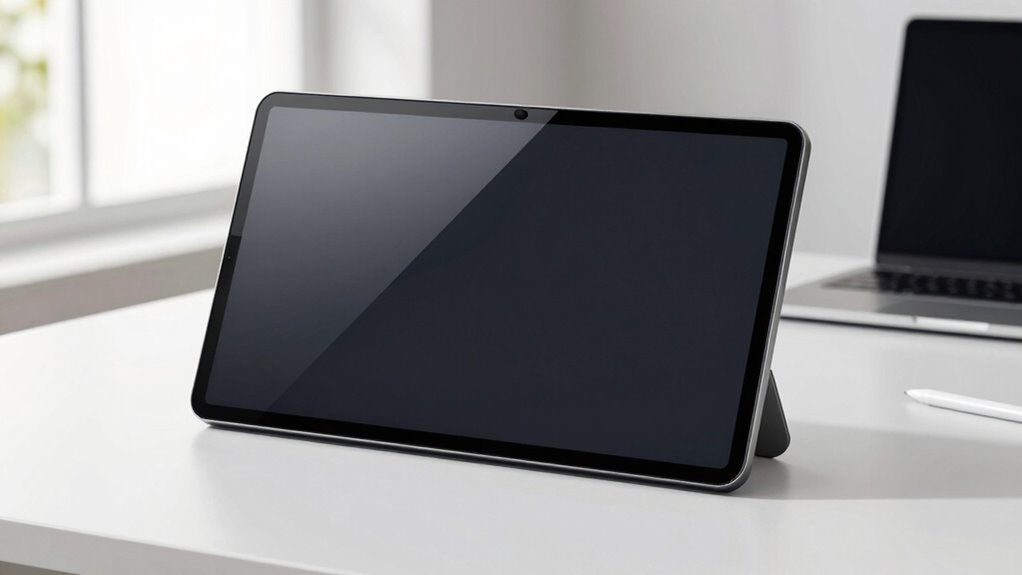
The main differences between touchscreen and standard portable monitors lie in their input methods and user interaction. Touchscreens allow you to interact directly with the display through taps, swipes, and gestures, making tasks more intuitive. Standard monitors rely on external devices like a mouse or keyboard for input. When it comes to color accuracy, touchscreen monitors often have slightly lower precision due to the added layer of glass, which can affect display quality. Power consumption also varies; touchscreens generally use more energy because of the touch sensor technology integrated into the screen. If you prioritize quick, direct interaction and flexibility, a touchscreen might suit your needs better. However, if you need the highest color accuracy and lower power use, a standard monitor may be more advantageous. Additionally, considerations like contrast ratio can influence image quality and overall viewing experience. Furthermore, understanding the display technology can help you make more informed decisions based on your specific needs.
Which Types of Users Benefit Most From Touchscreen Monitors?
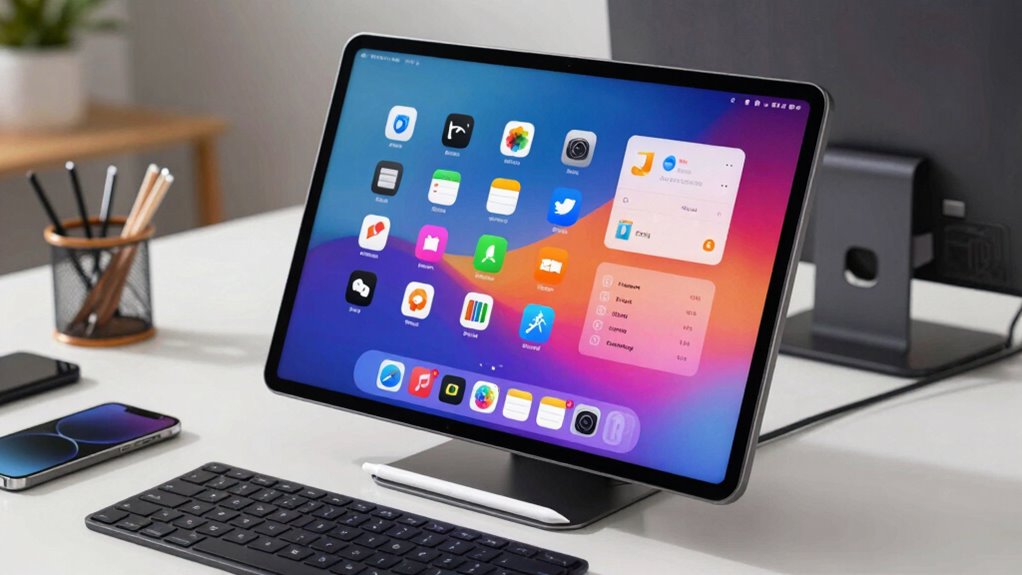
Touchscreen monitors are particularly beneficial for users who prioritize quick, direct interaction with their device. If you’re involved in creative design or educational applications, a touchscreen allows for more intuitive control and faster workflow. You can sketch, annotate, or manipulate visuals effortlessly, making it ideal for artists, designers, or teachers. The table below highlights who benefits most:
| User Type | Key Benefit | Example Tasks |
|---|---|---|
| Creative professionals | Precise control and editing | Drawing, photo editing |
| Educators | Interactive teaching tools | Quizzes, annotations |
| Students | Easy note-taking and collaboration | Highlighting, brainstorming |
| Presenters | Engaging presentations | Steering slides |
If you need quick, tactile input, touchscreen monitors boost productivity in these areas.
When Should You Focus on Display Resolution and Quality?
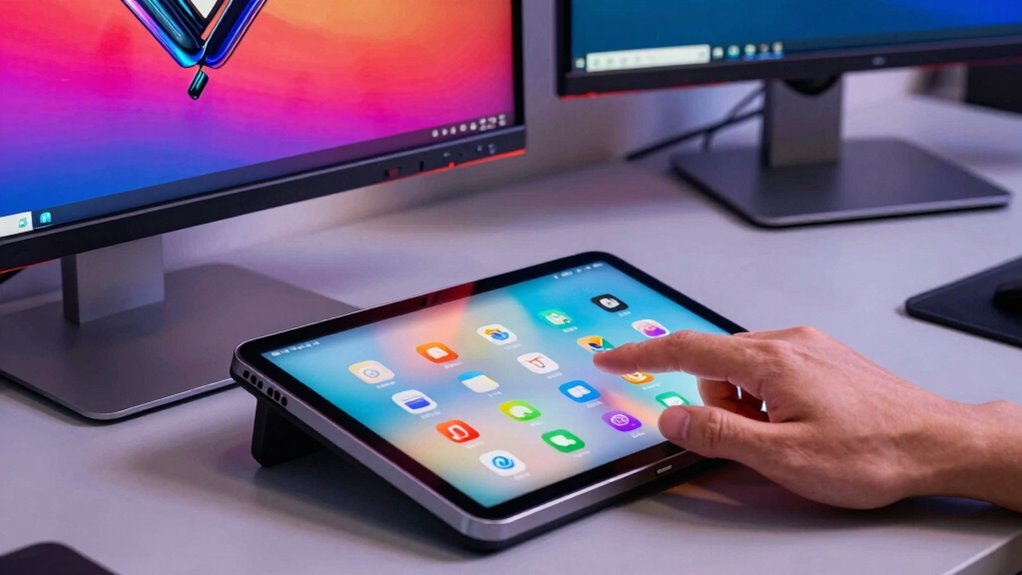
You should prioritize display resolution and quality when clarity and detail are vital for your tasks. If you need precise visuals or work with high-resolution content, a sharp, high-quality screen enhances your experience. Consider your content’s detail requirements to decide if investing in better display quality is worth it.
Visual Clarity Importance
Choosing a monitor with sharp visuals becomes crucial when working with detailed images, video editing, or gaming. High display resolution and quality guarantee you see fine details clearly, which is critical for accurate color reproduction and consistent viewing angles. If your work requires precise color accuracy, a high-resolution screen helps prevent color distortions. Similarly, when working with multiple viewers, good viewing angles ensure everyone sees the same vibrant image without color shifts. Consider these factors:
- Sharpness for detailed editing
- Color accuracy for true-to-life visuals
- Wide viewing angles for group use
Prioritizing visual clarity helps you make better decisions, enhances your creative output, and reduces eye strain. For optimal performance, understanding the battery capacity of your monitor can also influence your workflow and setup choices. If clarity and color fidelity are essential to your workflow, investing in a high-quality display becomes a must.
Task Precision Needs
When your work demands high levels of precision, focusing on display resolution and quality becomes a priority. Accurate color reproduction is essential for tasks like photo editing, graphic design, or detailed technical work, guaranteeing your work reflects true colors and subtle shades. Higher resolution displays improve clarity and allow you to see fine details clearly, reducing mistakes. Additionally, consider energy efficiency, especially if you’ll be working on the go; a monitor with better energy management can extend battery life without sacrificing display quality. While touchscreen features are useful for certain tasks, they shouldn’t compromise color accuracy or resolution if precision is critical. Prioritizing high-quality displays ensures your workflow remains accurate, efficient, and visually reliable.
Content Detail Requirements
High content detail requirements demand a display that can render intricate visuals clearly and accurately. When your work involves fine lines, small text, or detailed images, prioritize screen size and resolution. Larger screens improve visibility, while higher resolution ensures sharpness and clarity. Color accuracy is also critical if your tasks depend on precise hues, such as photo editing or design work.
Consider these factors:
- Screen size: Larger screens reduce eye strain and enhance detail recognition.
- Resolution: Higher resolution offers crisper images and smoother details.
- Color accuracy: Essential for tasks requiring true-to-life color reproduction.
Focusing on these elements helps you make informed decisions about your monitor, guaranteeing it meets your detailed content needs effectively.
How Important Are Portability and Durability for Your Setup?
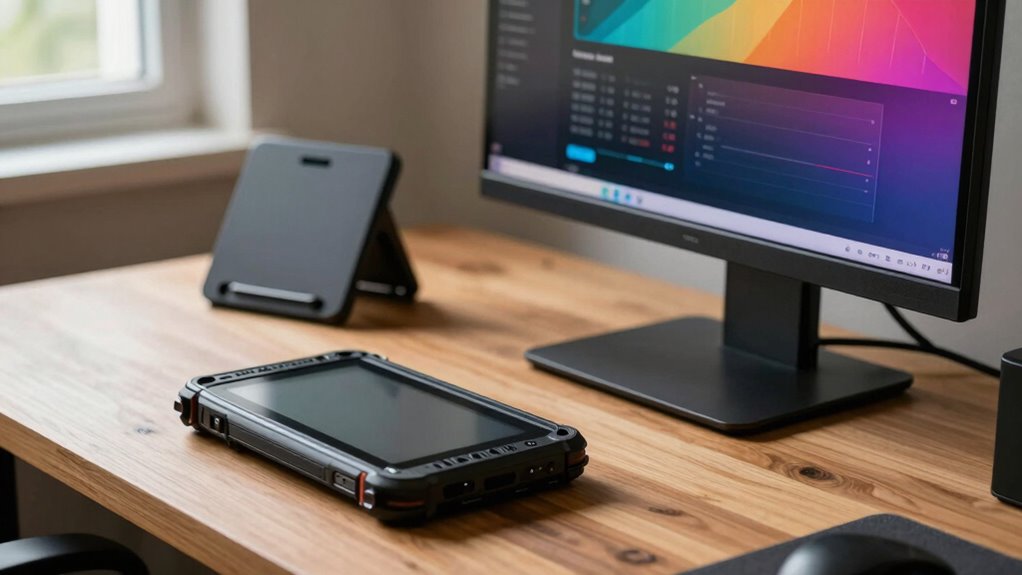
Portability and durability are vital factors to evaluate because they directly impact how easily and reliably you can use your monitor in various environments. If your workflow involves frequent travel or outdoor use, a lightweight, compact design is essential. Durability ensures your monitor withstands bumps, dust, and accidental drops, protecting your investment. An ergonomic design enhances comfort during extended use, reducing strain. While portability often favors touchscreen models, durability benefits both touchscreen and standard monitors equally. Additionally, make sure your monitor maintains color accuracy, especially if you work with visual or design projects on the go. Incorporating protective cases or covers can further enhance your monitor’s durability during travel. Overall, if your setup requires frequent movement or tough conditions, prioritize portability and ruggedness to keep your workflow seamless and your equipment protected.
What Features Make a Portable Monitor Easy and Enjoyable to Use?
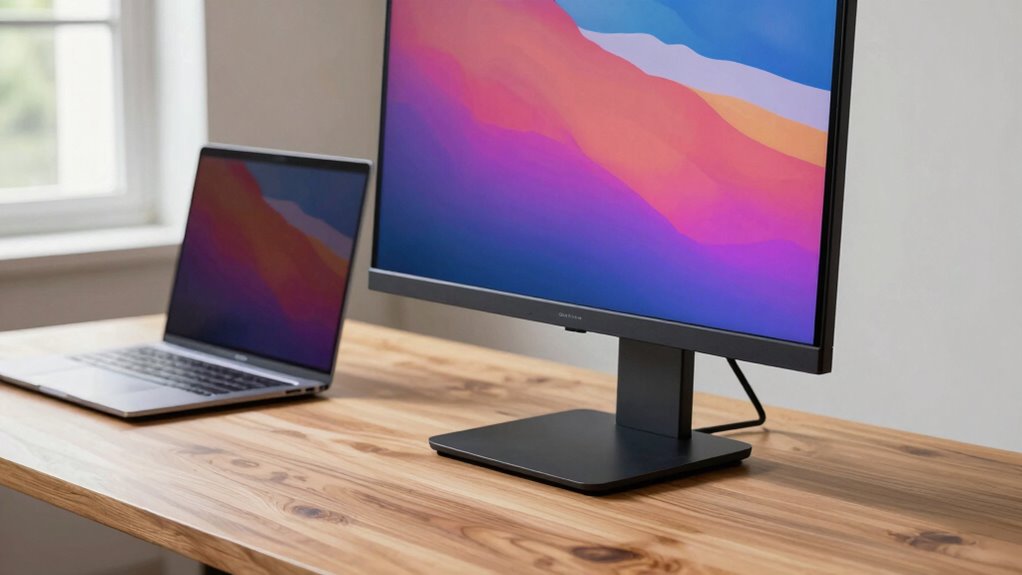
A portable monitor becomes truly user-friendly when it offers features that enhance ease of use and enjoyment. Key elements include an ergonomic design that reduces strain during extended use, making it comfortable to work with for hours. High color accuracy guarantees your visuals are vibrant and true to life, which is essential for creative tasks or detailed work. Additionally, features like adjustable stands, touch responsiveness (if applicable), and lightweight construction boost convenience. Consider monitors with intuitive menus and minimal bezel clutter to streamline your workflow. These features help you stay focused and productive, maximizing your experience. Incorporating user-centric design principles can further improve comfort and efficiency during long work sessions. Overall, a combination of ergonomic considerations, precise color fidelity, and user-centric design makes a portable monitor both enjoyable and easy to integrate into your daily routine, especially when incorporating sound healing science concepts to promote mental clarity during work sessions.
How Does Budget Affect Your Choice Between Monitors?
Your budget plays a major role in choosing a monitor, as it limits your options and features. Higher-quality models often come with a higher price tag, so you may need to prioritize what’s most important to you. Ultimately, your budget shapes what features you can afford and influences the overall quality of your choice.
Affordability Limits Options
Have you ever wondered how much your budget limits your monitor options? Your finances directly influence which features you can afford, narrowing down your choices. Lower budgets often mean fewer options, especially when considering different pricing options and brand reputation. Budget-friendly monitors may lack advanced features but still serve basic needs. On the other hand, higher-priced models from reputable brands tend to offer better durability and support, making them a smarter long-term investment. Keep in mind that:
- Less expensive monitors often have limited features and lower build quality
- Premium brands may offer better warranties and customer service
- Your budget affects the trade-off between affordability and quality
Ultimately, understanding your financial limits helps you choose a monitor that balances cost with your workflow needs, ensuring you get the best value for your money. Additionally, considering work-life harmony can help ensure your purchase supports a sustainable and balanced digital lifestyle.
Higher Quality Costs More
When aiming for higher quality monitors, budget constraints often play a significant role in shaping your options. Generally, higher-quality displays come with a steeper price tag, making a thorough cost comparison essential. These premium models often feature better build quality, color accuracy, and longer durability, which justify the extra expense. Brand reputation also influences pricing, as well-known brands tend to command higher prices due to their reliability and customer support. If your workflow demands precise visuals or long-term durability, investing in a higher-quality monitor may be worthwhile. Additionally, eco-friendly natural pools can incorporate sustainable practices in backyard design, similar to how choosing a high-quality monitor involves considering long-term environmental impact. However, if budget limits are tight, you might need to balance your expectations, prioritizing features that matter most. Ultimately, understanding how brand reputation and cost compare helps you make an informed decision aligned with your needs.
Budget Influences Features
Budget constraints directly shape which monitor features you can prioritize, often dictating the overall quality and functionality you get. With limited funds, you might have to compromise on key aspects such as color accuracy or screen size. For example, cheaper monitors may offer smaller screens, less precise color reproduction, or lower resolution. If your workflow demands detailed visuals, investing in better color accuracy becomes essential, even if it means sacrificing size or additional features. Conversely, if portability and size matter most, you might settle for a smaller or less advanced display. Understanding these trade-offs helps you choose a monitor aligned with your budget and priorities, ensuring you get the best possible tool without overspending.
What Features Will Keep You Satisfied in the Long Run?
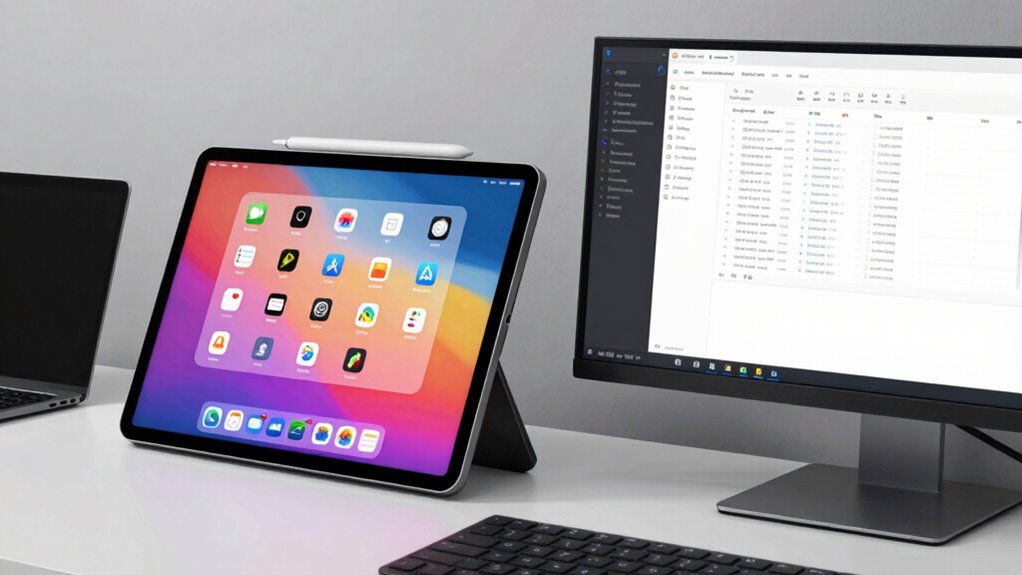
Choosing a portable monitor that keeps you satisfied in the long run hinges on identifying features that match your specific needs. Prioritize color accuracy if you work with photo or video editing, guaranteeing your visuals stay true to life. If you often navigate through menus or sketch directly on the screen, touch sensitivity becomes essential, providing a smooth and responsive experience. Consider durability and build quality too, so your monitor withstands daily use. Compatibility with your devices and adjustable viewing angles can enhance usability over time. Think about whether you’ll need features like built-in speakers or multiple input options. Ultimately, selecting a monitor that aligns with your workflow ensures consistent satisfaction, whether it’s a touchscreen or a standard display.
Frequently Asked Questions
Can Touchscreen Monitors Improve Productivity for Specific Professional Tasks?
Yes, touchscreen monitors can boost your productivity for specific professional tasks. They enable gesture control, making tasks like editing or designing more intuitive and faster. If your creative workflows involve drawing, annotating, or real-time adjustments, a touchscreen allows seamless interaction. By reducing the need for extra peripherals, you streamline your process and stay focused, ultimately saving time and enhancing efficiency in your work.
Are There Significant Power Consumption Differences Between Touchscreen and Standard Monitors?
Much like Icarus flying too close to the sun, you might find touchscreen monitors consume more power than standard displays. Generally, they have lower energy efficiency because of additional components like touch sensors. If power savings matter, stick with standard monitors, which are more energy-efficient and better for long-term use. Your choice impacts not just workflow but also energy consumption, so consider your priorities carefully.
How Do Different Touch Technologies Affect Monitor Responsiveness and Accuracy?
Different touch technologies impact your monitor’s responsiveness and accuracy considerably. Capacitive screens offer quick, precise responses ideal for multi-touch gestures, but may require frequent pen calibration for stylus use. Resistive screens respond well to stylus or finger input, though with slightly less accuracy and responsiveness. Your choice depends on whether you prioritize fast multi-touch interactions or precise pen control, with each technology influencing your workflow efficiency accordingly.
What Are the Best Accessories or Peripherals for Portable Monitors?
They say, “A tool is only as good as its accessories.” For portable monitors, consider a high-quality stylus compatible with your screen for precise input, especially if you draw or annotate. Privacy filters are also essential if you handle sensitive information on the go. These accessories enhance usability, protect your data, and make your portable monitor more versatile, ensuring you get the most out of your device.
How Often Should You Consider Upgrading Your Portable Monitor?
You should consider upgrading your portable monitor every 2-3 years, especially if you notice decreased monitor durability or performance issues. Frequent upgrades guarantee you benefit from the latest technology, better resolution, and improved features. If your current monitor shows signs of wear or can’t keep up with your evolving workflow, it’s time for an upgrade. Staying current helps maintain productivity and ensures you get the most out of your investment.
Conclusion
Ultimately, whether you choose a touchscreen or standard portable monitor, remember: your workflow’s needs are the true dictator. Do you crave the thrill of direct interaction, or just need a reliable, budget-friendly display? Either way, you’re set to conquer your digital world—until the next gadget craze. Just don’t forget, in the grand scheme of tech, your choice might be the difference between productivity and a very expensive paperweight. Cheers to smarter, not harder, tech shopping!