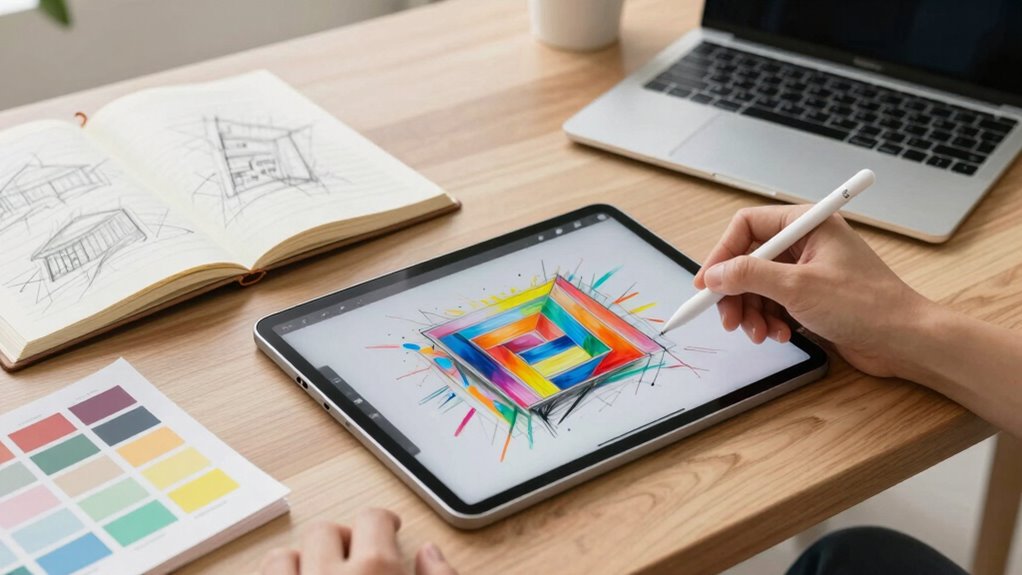

As a designer, whether you need a stylus tablet or just a better notebook depends on your work. If you require precision, digital editing, or dynamic workflows, a stylus tablet offers much more flexibility and speed. Notebooks are great for quick sketches and notes but lack the advanced features of digital tools. To make an informed choice and discover which option suits your style, explore more about how these tools can enhance your creativity.

Get business pricing on monitors, keyboards and dev gear
- Business-only prices and quantity discounts
- Tax-exempt purchasing
- Multiple users, one account, clear invoices
Key Takeaways
- Stylus tablets enable precise digital sketches, editing, and collaboration, essential for professional design workflows.
- Notebooks are portable and tactile but lack digital editing capabilities and layers for complex design work.
- Digital tools offer better color accuracy, undo options, and file exports, improving efficiency and revisions.
- For detailed artwork and client presentations, stylus tablets provide superior functionality and versatility.
- Notebooks remain useful for quick ideation or notes, but digital tablets are often necessary for professional-level design.
best stylus tablets for digital artists
As an affiliate, we earn on qualifying purchases.
As an affiliate, we earn on qualifying purchases.
What Are the Main Differences Between Stylus Tablets and Notebooks?
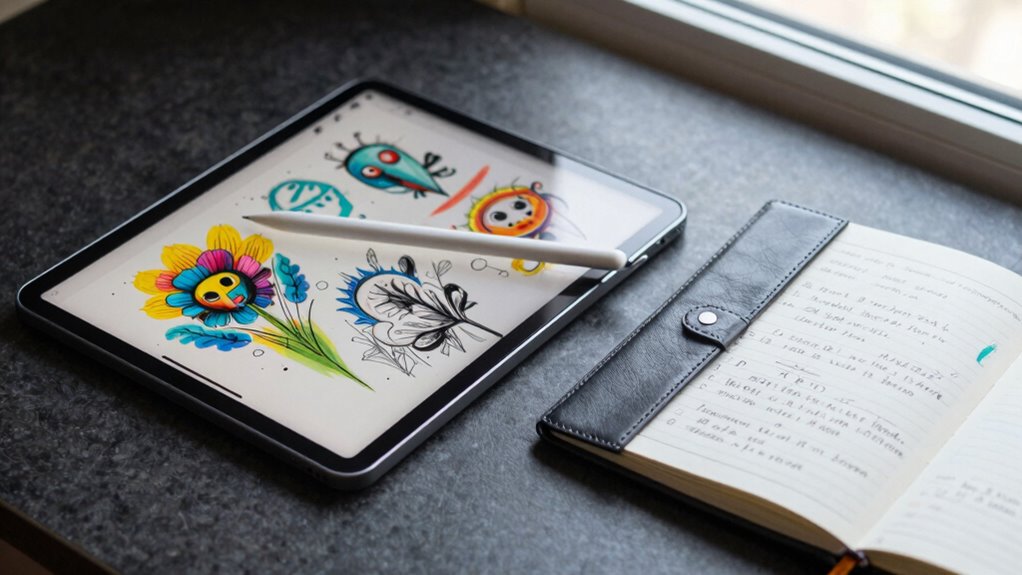
While both stylus tablets and notebooks serve as tools for digital creativity and productivity, they differ markedly in design and functionality. Stylus tablets are designed for precise input, making them ideal for digital sketches and detailed artwork. You can easily switch from drawing to editing, thanks to pressure sensitivity and customizable brushes. They also excel at capturing handwritten notes, which can be stored, organized, or converted into text. Additionally, digital content formats supported by stylus tablets enable more dynamic and versatile creative workflows. Notebooks, on the other hand, are more traditional, relying on paper and pen or pencil. They’re portable and don’t require batteries, but lack the digital features that allow seamless integration with your devices. If your focus is on creating digital sketches or digitizing handwritten notes, a stylus tablet offers a more flexible, tech-savvy solution. Moreover, understanding display technology can help users select devices with better color accuracy and contrast, enhancing the quality of their digital work.
professional digital drawing tablet
As an affiliate, we earn on qualifying purchases.
As an affiliate, we earn on qualifying purchases.
How Do Stylus Tablets Boost Your Creative Workflow?
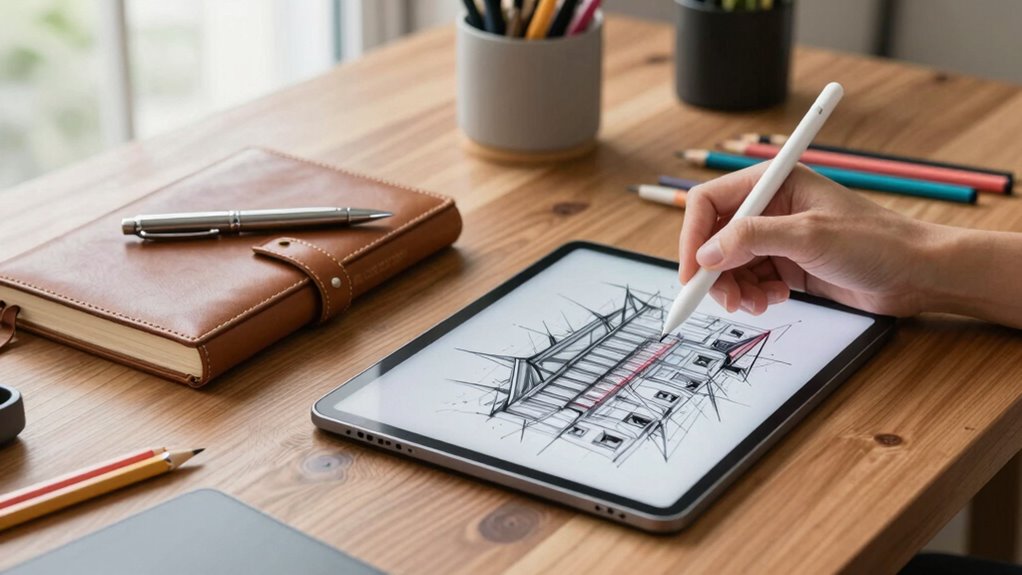
Ever wondered how stylus tablets can streamline your creative process? They substantially boost your workflow by offering superior handwriting precision, making detailed notes or annotations effortless. When sketching, you gain greater flexibility, allowing you to quickly experiment with ideas or refine designs without the limitations of traditional tools. The pressure sensitivity and tilt features mimic real drawing tools, enabling more natural strokes and shading. This integration of digital and manual skills accelerates idea development, reduces the need for multiple devices, and keeps your creative energy flowing. Plus, with instant editing capabilities, you can iterate faster, saving time and maintaining focus. Incorporating battery capacity considerations can further optimize your device choices for extended creative sessions. Additionally, understanding ergonomic design principles can help you create more comfortable and efficient work environments. Recognizing the importance of digital workflow optimization can lead to more productive creative sessions and better organization. Ultimately, stylus tablets help you work smarter, not harder, transforming your creative process into a more fluid, efficient experience.
high precision stylus for tablets
As an affiliate, we earn on qualifying purchases.
As an affiliate, we earn on qualifying purchases.
What Makes a Notebook a Good Tool for Design Ideation?
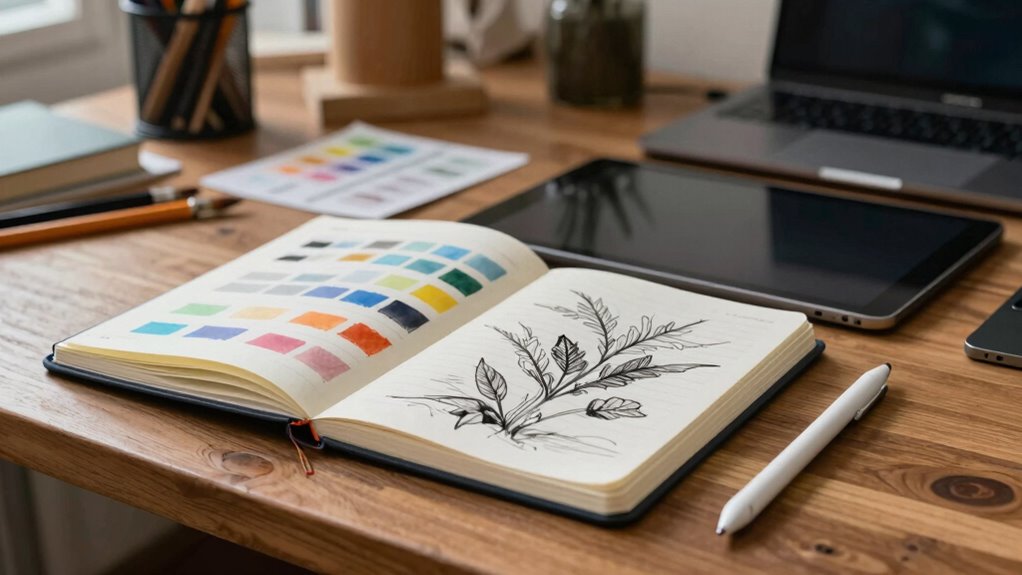
A good notebook for design ideation combines portability with versatility, making it easy to capture your ideas anytime inspiration strikes. It’s essential for jotting down paper sketches and exploring initial concepts quickly. A notebook with well-organized pages encourages effective brainstorming methods, helping you develop ideas without distractions.
A versatile, portable notebook sparks creativity and streamlines initial design ideas anytime inspiration strikes.
Here are four key features:
- Compact size for on-the-go use
- Thick, quality paper suited for sketches and notes
- Flexible pages for freeform brainstorming
- Durable cover to withstand daily carry
These qualities make a notebook a powerful tool for capturing spontaneous ideas and refining concepts. Its tactile experience can spark creativity, providing a reliable space for visual and written exploration.
As an affiliate, we earn on qualifying purchases.
When Should You Use a Stylus Tablet Instead of a Notebook?
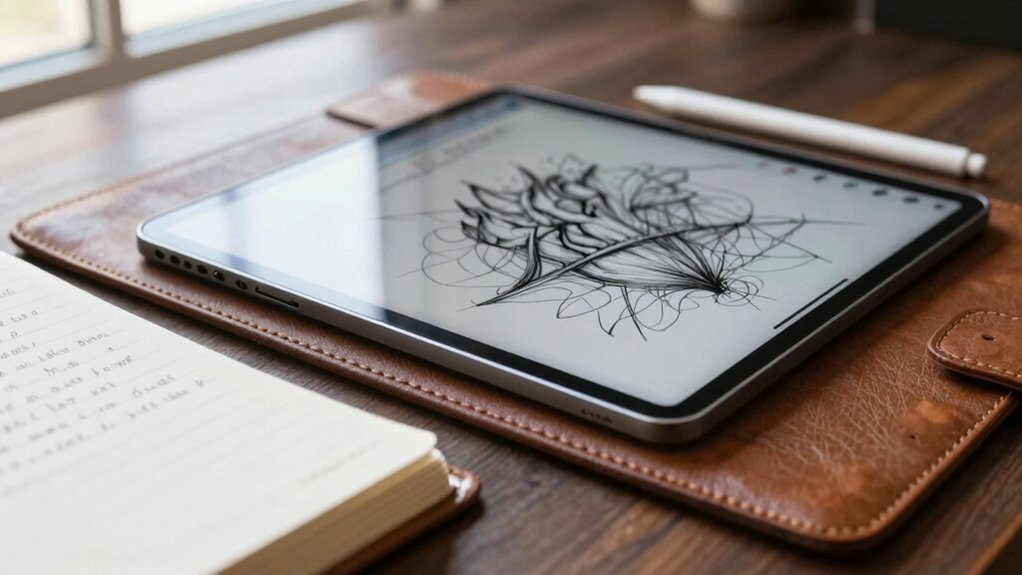
You should turn to a stylus tablet when you need precise digital sketches, detailed editing, or seamless integration with design software. Stylus tablets excel in handwriting accuracy, making them ideal for quick notes, annotations, or refined drawings that require precision. Their portability advantages also make them perfect for working on the go, allowing you to carry a compact device that combines the functions of a sketchpad and a computer. When your work demands fine control, fluid strokes, or the ability to easily switch between different creative tools, a stylus tablet is the better choice. If you need detailed input, especially for complex designs or client presentations, using a stylus tablet helps you achieve accuracy and flexibility that a traditional notebook simply can’t match. Additionally, AI-powered design tools are increasingly integrated into tablets, enhancing creative workflows and offering smart features that improve productivity. Paying attention to body jewelry measurements can also make a difference in comfort during extended creative sessions, especially if you wear jewelry that could interfere with your work.
Can a Notebook Fully Replace Digital Tools for Professional Design?
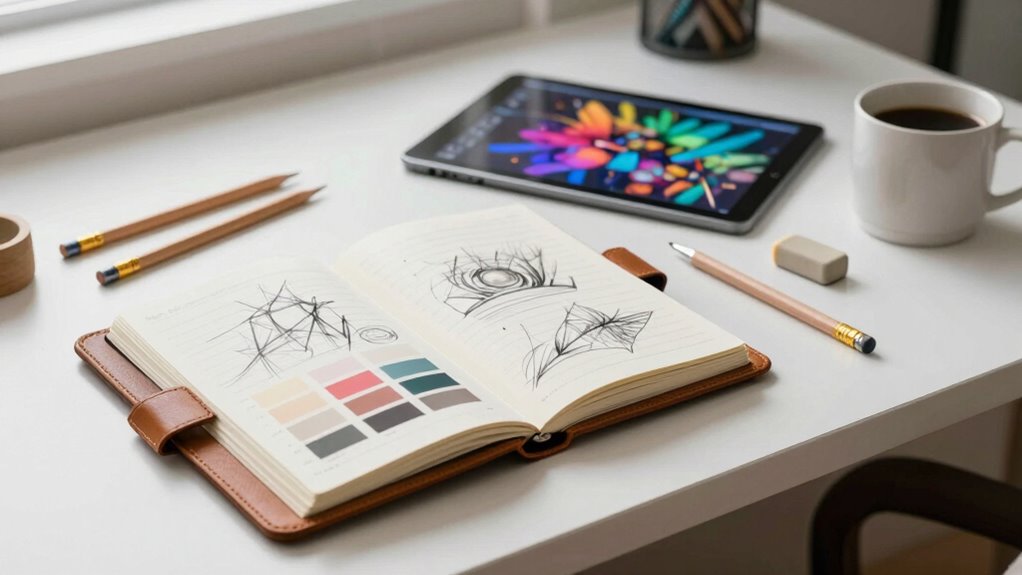
While notebooks offer a tactile experience and simplicity, they cannot fully replace digital tools in professional design. Traditional sketching fosters creativity, but digital tools excel in efficiency and precision. Here are four reasons why:
- Color calibration ensures accurate color matching, crucial for branding and print work. Color accuracy is especially important when consistent visual representation is required across different media. Additionally, digital platforms often incorporate training techniques that enhance workflow and skill development. Proper color management is vital for maintaining consistency across various devices and outputs. Using aviation regulations as a reference, digital color calibration standards help ensure that your designs meet industry benchmarks and client expectations.
- Digital platforms allow you to easily modify and refine designs without starting over.
- Features like layers and undo functions streamline complex compositions.
- Exporting work in various formats makes collaboration and client approval faster.
- Additionally, pressure sensitivity in graphic tablets provides a natural drawing experience that notebooks cannot replicate.
A notebook can inspire ideas, but for detailed, polished, and color-accurate work, digital tools remain essential. They boost productivity and enable you to meet professional standards efficiently.
Frequently Asked Questions
What Are the Cost Differences Between Stylus Tablets and High-End Notebooks?
Stylus tablets often cost more than high-end notebooks, primarily due to their advanced features like stylus precision and touch sensitivity, which enhance creative workflows. You might pay anywhere from $300 to over $1,500 for a top-tier stylus tablet. High-end notebooks, while also expensive, generally range from $1,000 to $2,500. Investing in a stylus tablet can boost your creative process, but consider your budget and specific needs first.
How Do Battery Life and Portability Compare Between the Two Devices?
Battery life and portability favor notebooks, offering longer battery efficiency and easier portability for on-the-go work. While stylus tablets excel in precision and creative flexibility, their battery life often diminishes faster, and their portability can be limited due to size and weight. You gain portability advantages with notebooks, making them ideal for travel and daily use, but stylus tablets provide mobility without sacrificing creative capabilities, albeit with shorter battery spans.
Are There Specific Design Tasks Best Suited for Each Device Type?
You’ll find digital sketching is quicker and more precise on a stylus tablet, thanks to pressure sensitivity and better color accuracy. For detailed work that requires accurate color matching, a stylus tablet is ideal. However, for quick notes or brainstorming, a better notebook or a high-quality laptop can suffice. Each device suits different design tasks—choose based on whether you prioritize precision or convenience.
What Are the Long-Term Durability Considerations for Stylus Tablets Versus Notebooks?
Imagine your device’s screen as a delicate canvas, constantly exposed to wear and tear. With stylus tablets, screen durability depends on robust glass and protective coatings, but frequent stylus use can cause wear marks over time. Notebooks, with their physical keys and pages, endure less electronic wear but are prone to physical damage. Long-term, choose devices with reinforced screens and sturdy build qualities to guarantee durability.
How Do User Preferences Influence the Choice Between Stylus Tablets and Notebooks?
Your preferences shape whether you choose a stylus tablet or a notebook by influencing your creative workflows and how you interact with the user interface. If you prioritize precise drawing and quick sketching, a stylus tablet offers a seamless experience. Conversely, if you value portability and traditional note-taking, a better notebook might suit you. Ultimately, your comfort and how you work daily guide your decision.
Conclusion
Ultimately, whether a stylus tablet or a notebook suits your design needs depends on your creative journey. While tablets offer a refined and versatile touchpoint for digital expression, notebooks provide a timeless canvas for spontaneous ideas. Embracing both tools can subtly elevate your craft, allowing you to navigate between tradition and innovation with grace. Sometimes, a gentle balance between the two reveals your full potential, encouraging a seamless flow of inspiration and artistry.
Halloween Picks
halloween
As an affiliate, we earn on qualifying purchases.