
AR/VR prototyping lets you simulate immersive experiences quickly and cost-effectively, so you can test ideas before full-scale development. You can explore interactions, refine user interfaces, and identify potential issues early. Using rapid prototyping tools, you’ll gather immediate feedback and make adjustments without extensive coding. Incorporating haptic feedback enhances realism and user engagement. Keep exploring to discover how organizing design concepts with AI can further streamline your immersive development process.
Key Takeaways
- Utilize rapid prototyping tools to quickly design and test immersive AR/VR experiences without extensive coding.
- Incorporate haptic feedback to simulate tactile sensations and enhance realism in early prototypes.
- Use AI content clustering to organize design concepts and gather user feedback for iterative improvements.
- Focus on UI/UX refinement through quick iterations, identifying usability issues before full development.
- Leverage simulation platforms to validate interactions and immersion levels without building complete applications.
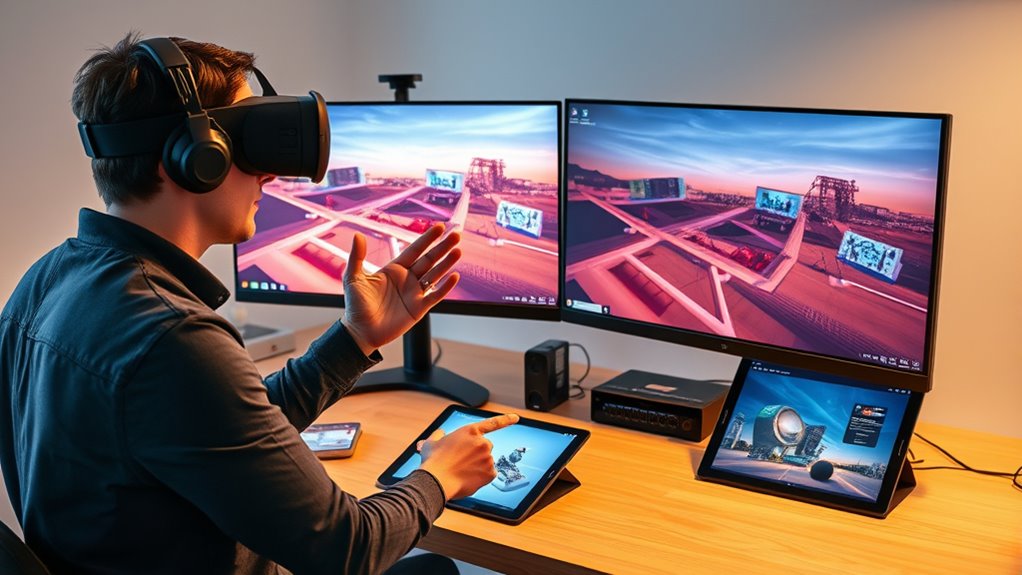
Augmented Reality (AR) and Virtual Reality (VR) prototyping have become essential steps in developing immersive experiences, allowing you to test ideas quickly and refine interactions before full-scale production. When creating these prototypes, you can explore how users will interact with your environment and identify potential issues early on. This process saves time and resources while ensuring your final product delivers a seamless experience.
One of the key advantages of AR/VR prototyping is the ability to incorporate haptic feedback into your simulations. Haptic technology provides tactile sensations, giving users a sense of touch within virtual environments. By integrating haptic feedback into your prototypes, you can better evaluate how users will perceive and interact with virtual objects. For example, if you’re designing a virtual tool or control panel, adding haptic cues helps you understand whether the feedback feels natural and intuitive. This insight enables you to optimize your user interface design, making interactions more realistic and engaging. When users receive appropriate tactile responses, they’re more likely to feel immersed and confident in their actions, which is essential for training simulations, gaming, or industrial applications. Additionally, leveraging AI content clusters can help you organize and refine your design concepts based on user feedback and interaction data to improve overall usability.
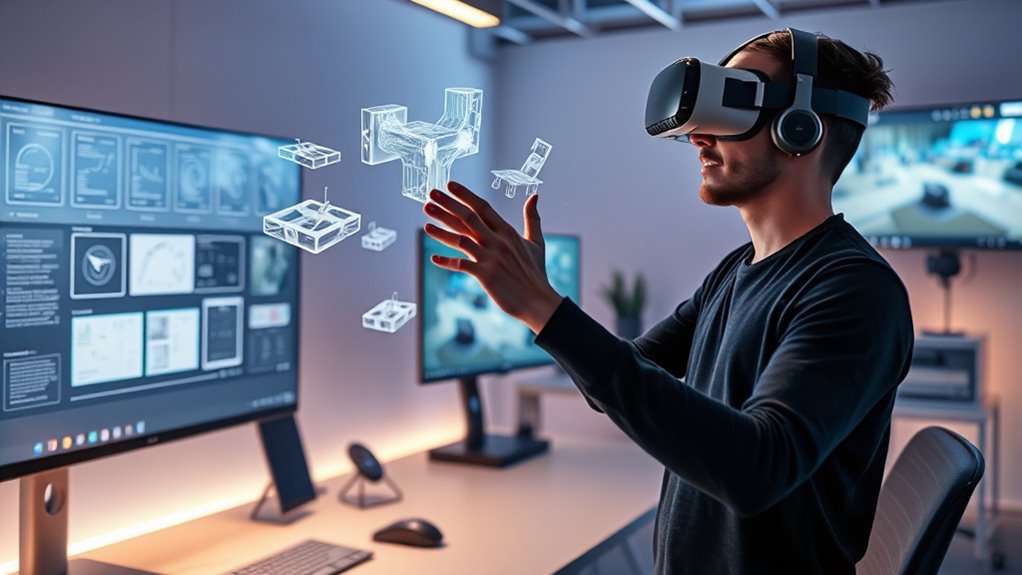
In your AR/VR prototypes, focus on creating a user interface that’s both intuitive and responsive. Since virtual environments lack the physical constraints of real-world interfaces, designing clear, easy-to-understand controls is indispensable. You can experiment with different layouts, gestures, and visual cues to see what resonates best with users. Early testing allows you to identify confusing elements or awkward gestures, so you can refine your UI before investing in full development. Additionally, rapid prototyping tools enable you to iterate multiple designs quickly, providing immediate feedback on usability and flow.
AR VR prototyping tools
As an affiliate, we earn on qualifying purchases.
As an affiliate, we earn on qualifying purchases.
Frequently Asked Questions
What Are the Main Benefits of Early Ar/Vr Prototyping?
Early AR/VR prototyping offers you significant benefits like cost savings and rapid iteration. By creating prototypes early, you can quickly test ideas, gather feedback, and identify issues before investing heavily in full development. This approach helps you refine immersive experiences efficiently, reducing the risk of costly mistakes later. You get to perfect your design faster, ensuring the final product is engaging and effective without unnecessary expenses or delays.
How Accurate Are Simulated Ar/Vr Experiences Compared to Real Ones?
Simulated AR/VR experiences are like a mirror reflecting real ones, but with some distortions. Their perception accuracy depends on the hardware limitations, which can cause slight lag, reduced resolution, or less precise tracking. While current simulations offer impressive previews, they still can’t fully replicate the nuances of real environments. You might notice differences, but ongoing tech improvements keep closing the gap, making early prototypes increasingly reliable.
What Hardware Is Required for Effective Ar/Vr Prototyping?
You’ll need AR hardware like headsets with spatial tracking and a powerful computer or mobile device to run the simulations smoothly. VR controllers are essential for interaction, offering precise hand tracking. Make certain your hardware supports high refresh rates and low latency to create realistic experiences. Additional sensors or haptic feedback devices can enhance immersion. The right setup guarantees your prototypes are effective and provide accurate user feedback.
How Can User Feedback Be Integrated Into Virtual Prototypes?
Like Da Vinci refining his sketches, you can integrate user feedback into virtual prototypes through iterative testing. Gather insights during virtual sessions, then modify your design based on user responses. Use tools that allow real-time adjustments, enabling virtual iteration. This active process guarantees your experience aligns with user needs, refining immersion and usability. Continuously incorporate feedback, turning your prototype into a more compelling, user-centric virtual environment.
What Are Common Challenges Faced During Ar/Vr Simulation Development?
You face challenges like hardware limitations, which can restrict your simulation quality and performance. Ensuring a smooth user experience is also tricky, as latency or low frame rates can cause discomfort or disorientation. Balancing detailed visuals with hardware capabilities often requires optimization. Additionally, developing intuitive controls and interactions adds complexity, but addressing these issues is essential for creating engaging, realistic AR/VR experiences that meet user expectations.
haptic feedback devices for VR
As an affiliate, we earn on qualifying purchases.
As an affiliate, we earn on qualifying purchases.
Conclusion
By mastering AR/VR prototyping, you unleash the power to create mind-blowing immersive experiences without the endless coding nightmare. Imagine testing your ideas in a flash, dazzling your audience, and staying miles ahead of competitors—all before writing a single line of full development. It’s not just a tool; it’s your secret weapon to revolutionize how you innovate. So plunge in, prototype faster, and turn your wildest immersive dreams into reality—without the hassle!
VR UI/UX design software
As an affiliate, we earn on qualifying purchases.
As an affiliate, we earn on qualifying purchases.
AR/VR simulation platform
As an affiliate, we earn on qualifying purchases.
As an affiliate, we earn on qualifying purchases.