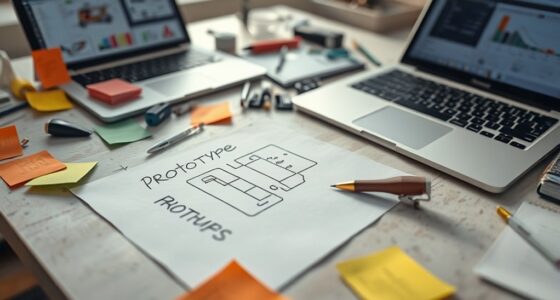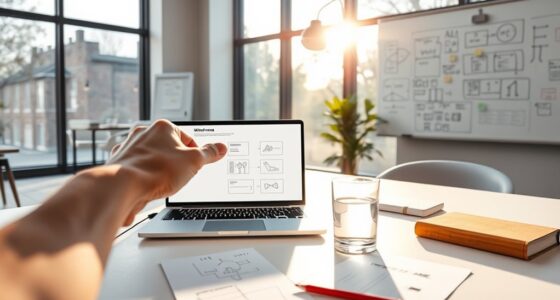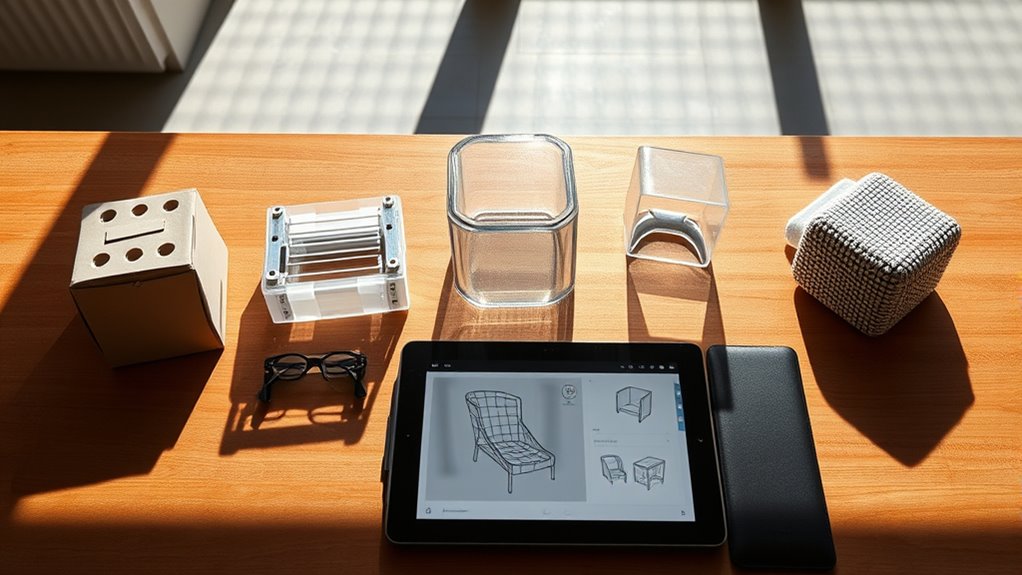

To understand the five types of prototypes, you should start with low-fidelity sketches and wireframes to quickly visualize ideas early on. Use paper prototypes for fast, cost-effective testing of concepts before going digital. When you need detailed feedback on functionality, move to interactive digital models. Focus on aesthetics with visual prototypes to refine style, and try working prototypes when evaluating final usability and performance. Keep exploring to discover how each type fits into your design process.
Key Takeaways
- Low-fidelity prototypes like sketches are ideal early for quick idea exploration and gathering initial feedback.
- Paper prototypes are cost-effective for rapid usability testing during early development stages.
- Digital prototypes enable realistic interaction testing for key features before final development.
- Visual prototypes focus on aesthetics, helping refine design elements and brand consistency early on.
- Working prototypes simulate the final product for comprehensive testing of functionality and performance.

UX/UI Designer Notebook: UX/UI Wireframes Notebook: UX/UI Design for Mobile, Tablet, and Desktop – Sketchpad – User Interface – Experience App … App MockUps – 8.5 x 11 Inches With 120 Pages
As an affiliate, we earn on qualifying purchases.
As an affiliate, we earn on qualifying purchases.
Low-Fidelity Prototypes: Sketches and Wireframes
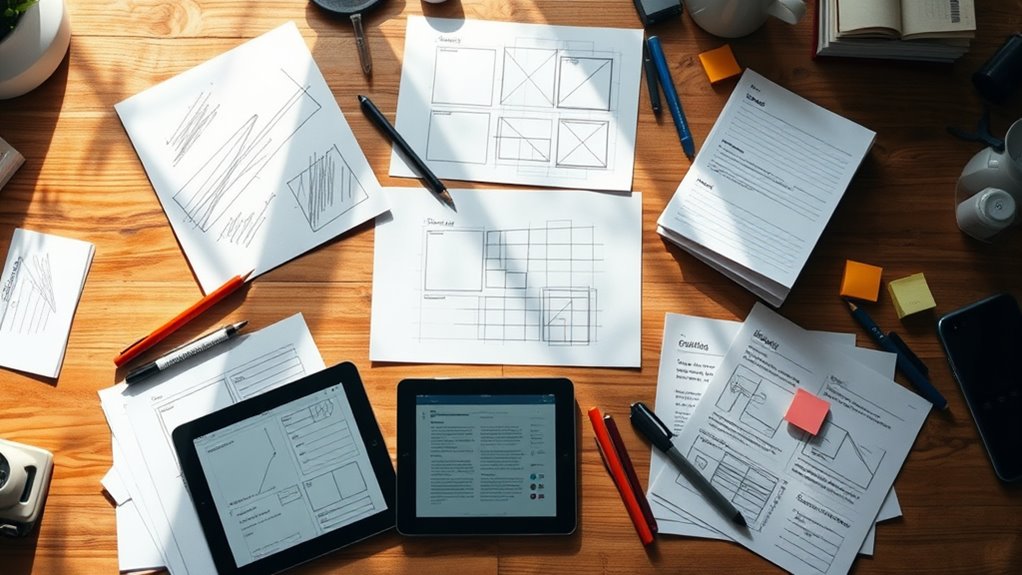
Low-fidelity prototypes, such as sketches and wireframes, serve as quick and inexpensive ways to visualize your ideas early in the design process. They help you focus on the overall user experience and user interface without getting distracted by details. These prototypes allow you to explore different layouts, navigation paths, and functionality concepts rapidly. By creating simple visuals, you can identify potential issues and gather feedback before investing time in more detailed designs. This approach encourages collaboration and iteration, making it easier to refine your concept based on user needs and preferences. Using low-fidelity prototypes keeps your project flexible and cost-effective, ensuring that your user experience and user interface evolve in a user-centered way from the start. Additionally, understanding regional cultural influences can help tailor prototypes to better meet user expectations and enhance engagement.

7.5 Inch E-Ink Display Module 800×480 SPI + ESP32-C6 E-Paper Driver Board Kit, Partial/Full Refresh, 24P FPC Connector, 3.3V/5V Level Shifter, for Raspberry Pi 40-Pin GPIO, SD Slot & USB
◆ Bundle for E-Paper Development: Includes 7.5 inch e-ink display module (bare screen) + ESP32-C6 e-paper driver board;…
As an affiliate, we earn on qualifying purchases.
As an affiliate, we earn on qualifying purchases.
Paper Prototypes: Quick and Cost-Effective Testing
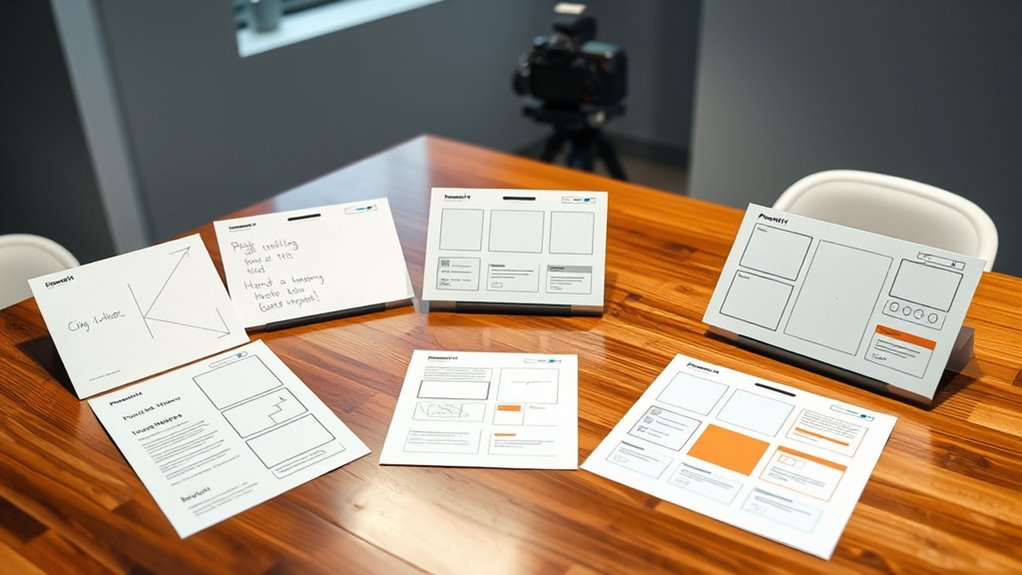
Building on your initial sketches and wireframes, paper prototypes allow you to quickly test and refine your design ideas without investing in digital development. They enable you to gather immediate user feedback, which is vital for understanding how users interact with your concepts. As you test, you can easily make changes, supporting a smooth prototype evolution process. Paper prototypes are inexpensive and fast to produce, making them ideal for early-stage ideas and rapid iteration. By observing how users navigate the paper model, you identify usability issues and gather insights that inform your next steps. This low-cost approach keeps your focus on user experience and helps you make data-driven decisions before moving into more complex, high-fidelity prototypes. Additionally, using regional bank opening hours as a reference can help you plan testing sessions at convenient times for participants.

LONELY BINARY Electronics Starter Kit with 830-Point Breadboard Type-C Power Supply 120 Jumper Wires LEDs Sensors Resistors Capacitors Compatible with Arduino ESP32 STEM DIY Projects (400+ Pieces)
【Complete Prototyping Kit for Electronics Projects】 Includes full-size 830-point breadboard, Type-C power supply (3.3V/5V), 120 Dupont jumper wires…
As an affiliate, we earn on qualifying purchases.
As an affiliate, we earn on qualifying purchases.
Digital Prototypes: Interactive and Functional Models
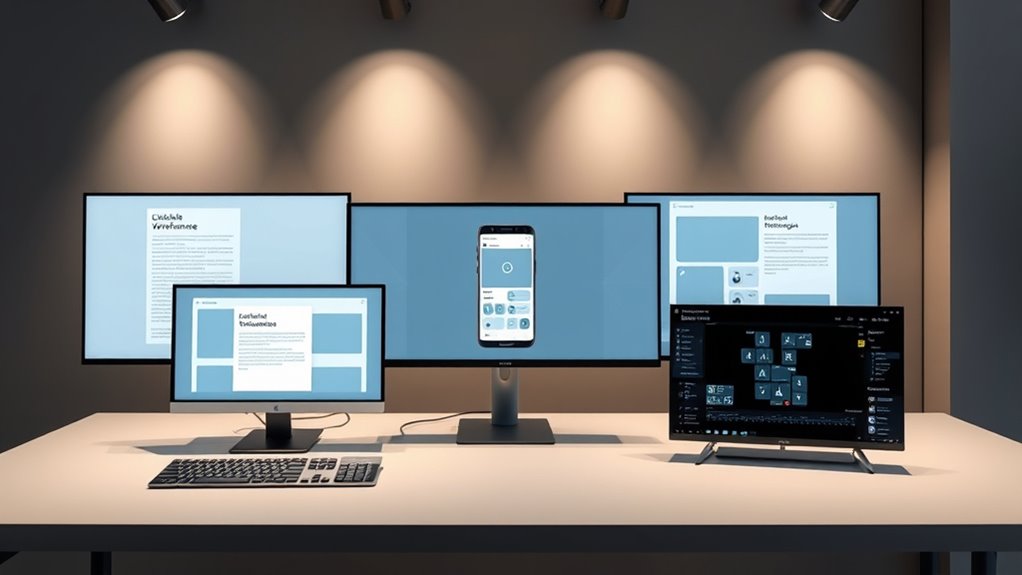
Digital prototypes are interactive models that closely mimic the final product’s functionality, allowing you to test how users actually engage with your design. These prototypes offer a realistic experience, helping you gather valuable insights into user experience and identify usability issues early. You can simulate key features, navigation flows, and interactions, making user testing more effective and efficient. By observing how users interact with the digital prototype, you gain a deeper understanding of their needs and preferences, which guides improvements before development begins. Digital prototypes are ideal when you need a functional, clickable model that accurately represents your product’s core features, giving you confidence in the design’s usability and overall user experience prior to launch. Additionally, interactive models enable you to explore different scenarios and refine your design based on real user feedback.

FIGMA FOR BEGINNERS: The Complete Step-by-Step Visual Guide to Learning Figma from Scratch — Design Mobile Apps, Websites, and Prototypes with Zero Experience Required.
As an affiliate, we earn on qualifying purchases.
As an affiliate, we earn on qualifying purchases.
Visual Prototypes: Focus on Aesthetics and Design
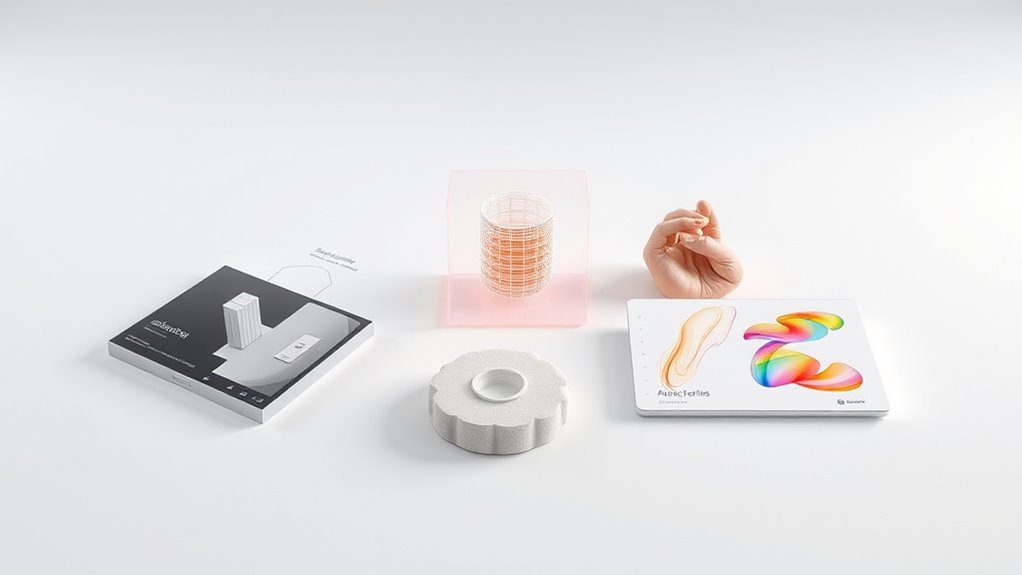
Visual prototypes emphasize the look and feel of your design, allowing you to evaluate its aesthetics, layout, and overall style. They help you quickly identify visual issues and refine your design through aesthetic evaluation. With a focus on visual elements, you can experiment with colors, typography, spacing, and imagery to assure your design aligns with your brand and user expectations. Because visual prototypes are simple and fast to create, they support efficient design iteration, enabling you to make multiple adjustments without investing heavily in development. By concentrating on aesthetics first, you can gather early feedback on the visual appeal, setting a solid foundation for later functional prototypes. This approach saves time and enhances the overall user experience by prioritizing visual clarity and attractiveness. Additionally, understanding design versatility allows you to choose prototypes that best suit your project’s goals and resources.
Working Prototypes: Fully Functional Models for Final Testing
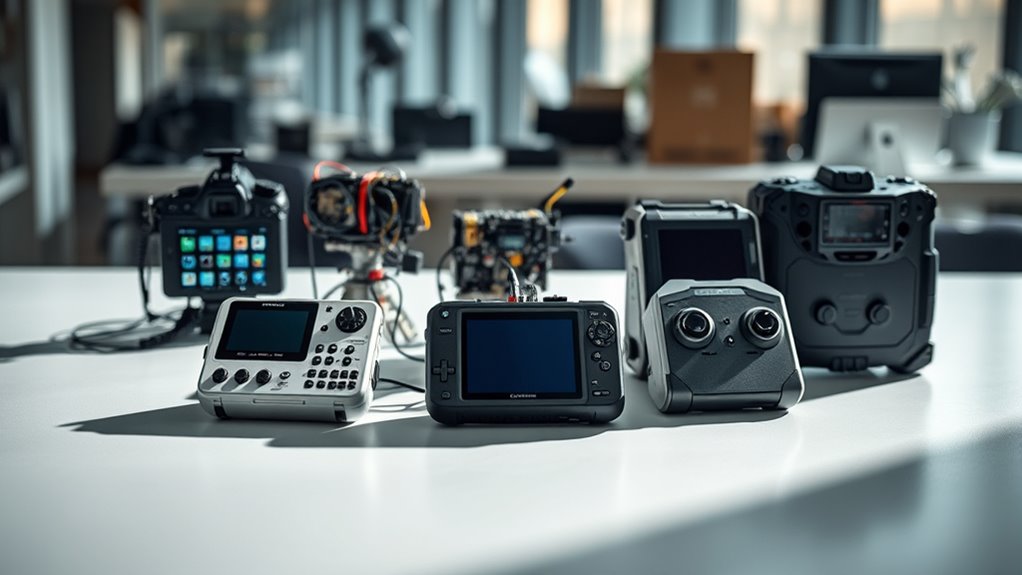
After refining the visual aspects of your design, creating a working prototype allows you to test its functionality in a real-world context. This fully functional model provides a realistic user experience, enabling you to observe how users interact with your product. Use this prototype to identify usability issues and gather valuable feedback during usability testing. Since it mimics the final product’s features, you can evaluate performance, flow, and overall effectiveness. Working prototypes help you spot flaws before development costs escalate, ensuring your design meets user needs. By observing real user interactions, you can make informed adjustments, improving usability and enhancing the final product’s success. This stage is vital for validating your concept and refining the user experience before launch. Additionally, testing with a working prototype allows you to assess performance metrics and ensure the product functions reliably under various conditions.
Frequently Asked Questions
How Do I Choose the Right Prototype Type for My Project?
When choosing the right prototype type for your project, consider your goals and the level of stakeholder involvement needed. High-fidelity prototypes are great for detailed feedback, while low-fidelity ones help you explore ideas quickly. Think about how much input your stakeholders require and how closely you need to simulate the final product. Matching prototype fidelity with stakeholder involvement guarantees effective testing, refinement, and alignment with your project’s objectives.
What Tools Are Best for Creating Each Prototype Type?
Choosing the right prototype tools is like selecting the perfect brush for a painting. For low-fidelity prototypes, you might use simple design software like Figma or Sketch. For interactive, high-fidelity prototypes, tools like Adobe XD or InVision work well. If you need to build physical models, 3D printing software is your go-to. Pick your tools based on your prototype type, and you’ll craft a smoother, more effective design process.
How Does User Feedback Influence Prototype Iteration?
User feedback plays a vital role in prototype refinement, guiding you to identify strengths and weaknesses. When you gather insights from users, you can quickly adjust features, improve usability, and address pain points. This iterative process helps you create a more effective final product, ensuring it meets user needs. By actively incorporating feedback, you make your prototype more refined and aligned with your users’ expectations.
What Are Common Mistakes to Avoid With Prototypes?
Think of your prototype as a mirror reflecting your ideas—if it’s flawed, you’ll see distorted truths. Avoid common mistakes like skipping prototype validation or neglecting stakeholder engagement; these can lead to misguided development. Don’t make assumptions without testing, and make sure you gather feedback early and often. This keeps your prototype aligned with real needs, saving time and resources and making stakeholder trust grow like a sturdy tree.
When Should I Transition From Prototypes to Full Development?
You should shift from prototypes to full development once you’ve achieved thorough prototype validation and secured stakeholder alignment. This means testing your prototype, gathering feedback, and making necessary improvements, ensuring it meets user needs and business goals. When stakeholders agree that the prototype accurately represents the final product and all critical issues are resolved, it’s time to move forward confidently into full development.
Conclusion
Think of prototypes like tools in your builder’s kit—they each serve a unique purpose. Whether you’re sketching ideas or testing a fully functional model, choosing the right type guides your project to success. By selecting the appropriate prototype, you’re laying a strong foundation, shaping your vision with clarity. Use these tools wisely, and watch your ideas come to life smoothly, just like constructing a sturdy, beautiful structure from carefully chosen materials.