When choosing a pen tablet, focus on latency, parallax, and pressure sensitivity, as they directly impact your control and accuracy. Low latency ensures your strokes feel natural and responsive, while minimal parallax improves precision during detailed work. High pressure sensitivity allows for expressive, nuanced art. But don’t overlook ergonomic factors like device weight and stylus comfort. Want to learn how to assess these specs effectively? Keep exploring for the insights you need.
Key Takeaways
- Pen latency directly affects real-time responsiveness and workflow fluidity, making it a top priority for precise digital drawing.
- Parallax impacts drawing accuracy and control, especially in detailed work, so calibration and device design are crucial.
- Pressure sensitivity enables expressive strokes; a wider range enhances shading, line variation, and natural media simulation.
- Overall device specs—latency, pressure sensitivity, parallax—must be balanced with ergonomics for comfortable, long-term use.
- Practical considerations like device weight, stylus ergonomics, and durability significantly influence the drawing experience beyond specs.

TCL T-Pen Stylus for NXTPAPER 14, NXTPAPER 11 Gen 2 & Other Series, Digital Pen with 4096 Pressure Levels, Ultra-Low Latency, Extended Battery Life, Replaceable Tip, Black
Perfect Companion for TCL Tablets: Designed specifically for the TCL NXTPAPER 14, NXTPAPER 11 Gen 2, NXTPAPER 11…
As an affiliate, we earn on qualifying purchases.
As an affiliate, we earn on qualifying purchases.
What Are Pen Latency, Parallax, and Pressure Sensitivity in Pen Tablets?
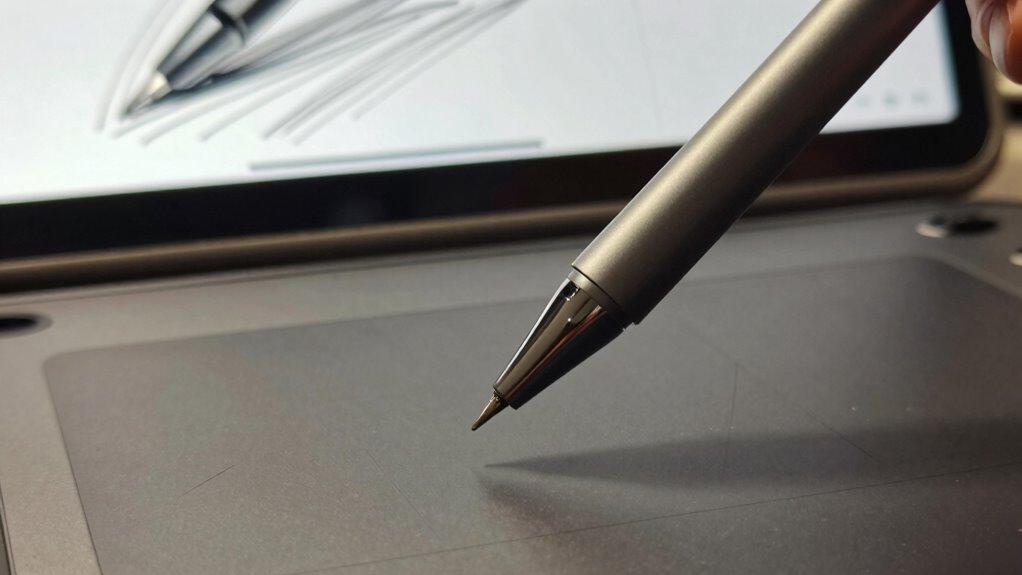
Have you ever wondered what makes a digital pen feel natural and accurate? It all comes down to key features like stylus ergonomics, battery life, and how the tablet handles pen input. Pen latency refers to the delay between your strokes and their appearance on the screen; lower latency feels more immediate and natural. Parallax occurs when the stylus tip isn’t aligned perfectly with the cursor, affecting precision. Pressure sensitivity enables you to vary line thickness based on how hard you press, offering more control and expressiveness. Good stylus ergonomics guarantees comfort during long drawing sessions, while strong battery life means fewer interruptions. Additionally, accuracy can be influenced by the tablet’s ability to minimize issues like parallax and latency, making your work more precise. Understanding these aspects helps you choose a pen tablet that feels intuitive and reliable, making your creative process smoother. Additionally, AI tools can assist in optimizing your workflow and improving your digital art skills, further enhancing the overall drawing experience. Keeping in mind the importance of stylus calibration can also significantly improve your precision and confidence during use.

HUION Inspiroy H1060P Graphics Drawing Tablet with 8192 Pressure Sensitivity Battery-Free Stylus and 12 Customized Hot Keys, 10 x 6.25 inches Digital Art Tablet for Mac, Windows PC and Android
Working Area Configuration – HUION art tablet equips with a 10 x 6.25 inches working area, providing the…
As an affiliate, we earn on qualifying purchases.
As an affiliate, we earn on qualifying purchases.
How Do Pen Tab Specs Affect Your Drawing Experience?
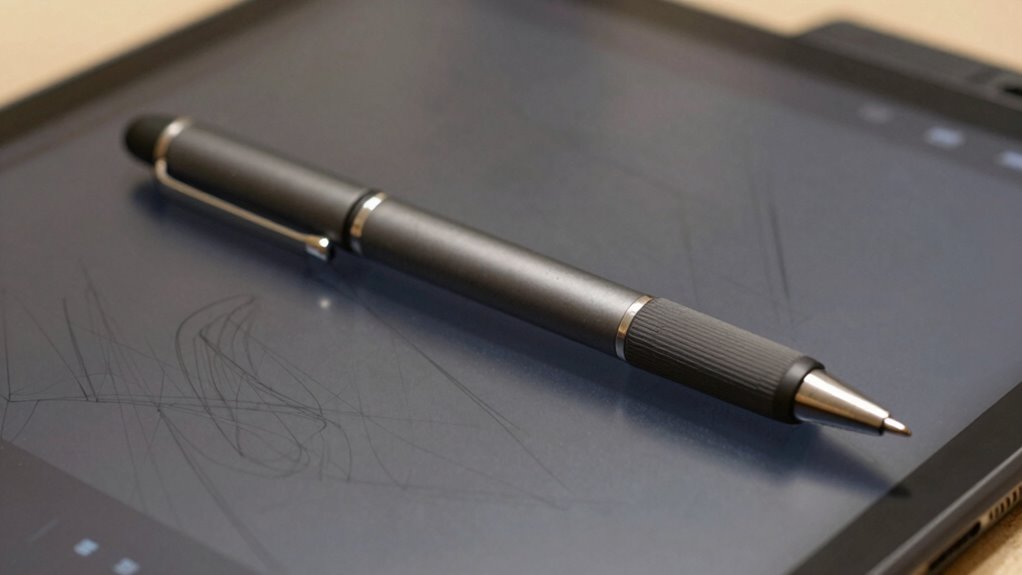
- Pen pressure sensitivity, which allows for nuanced shading and line control, is essential for creating natural and expressive artwork. Proper calibration of this feature ensures that your strokes are accurately represented, enhancing your overall drawing precision.
- Response time (latency), affecting how quickly your strokes appear on screen, can significantly influence your overall drawing experience. A lower latency reduces lag, making your workflow more fluid and responsive.
- Parallax, influencing the perceived distance between pen tip and cursor, impacts precision especially during detailed work. Minimizing parallax helps you execute intricate designs with greater accuracy.
- Detecting and correcting passive voice in your writing can also improve clarity and engagement. Clear and direct communication ensures your instructions and annotations are easily understood.
- Ensuring your device offers precise tracking helps maintain consistent control, making your creative process smoother and more reliable. This feature is vital for artists who require fine detail and consistency in their work.
Optimizing these specs creates a seamless, intuitive drawing process. When your tablet supports these features well, your creative flow stays uninterrupted, and ergonomic design minimizes strain, making the entire process more enjoyable and efficient.
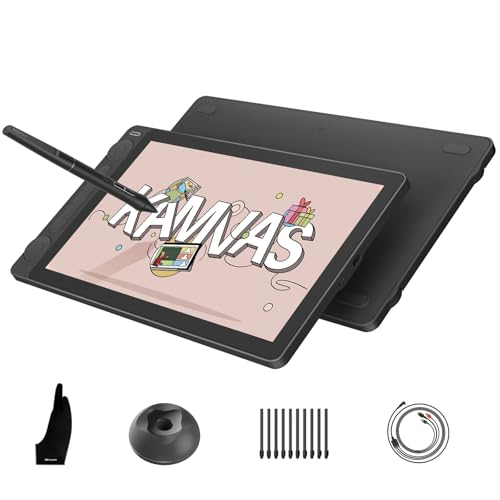
HUION Kamvas 13 (Gen 3) Drawing Tablet with Screen, 13.3-inch Full-Laminated Art Tablet with Anti-Sparkle Canvas Glass, 99% sRGB, PenTech 4.0, 16384 Pen Pressure, Dual Dials for Digital Art, Black
Please note: Kamvas 13 (Gen 3) Pen Display is not a standalone product; this device must be connected…
As an affiliate, we earn on qualifying purchases.
As an affiliate, we earn on qualifying purchases.
Debunking Myths About Pen Latency, Parallax, and Pressure

Many misconceptions surround pen latency, parallax, and pressure sensitivity, leading artists to overestimate or underestimate their importance. People often assume that faster pen latency guarantees better drawing, but other factors like stylus ergonomics play a bigger role in comfort and control. Parallax is frequently misunderstood; a slight offset isn’t always noticeable and can be minimized by proper screen calibration. Pressure sensitivity, while useful, isn’t the sole factor for expressive work. Additionally, tablet weight and stylus design influence your overall experience more than you might think. An overly heavy tablet can cause fatigue, and poor stylus ergonomics can lead to discomfort during long sessions. Focusing on these practical aspects helps you make better-informed decisions beyond just specs.

Sorandy Stylus Pens for Digital Art, 8192 Pressure Sensitivity Lightweight Ergonomic Tablet Stylus, Digital Art Pen with 2 Custom Buttons, Ideal for Kamvas Pro 12, 13, 16 & 20
[Premium Build Quality] Crafted with this digital stylus boasts exquisite workmanship using premium abs materials. its durable construction…
As an affiliate, we earn on qualifying purchases.
As an affiliate, we earn on qualifying purchases.
Which Pen Tablet Features Matter Most for Artists?
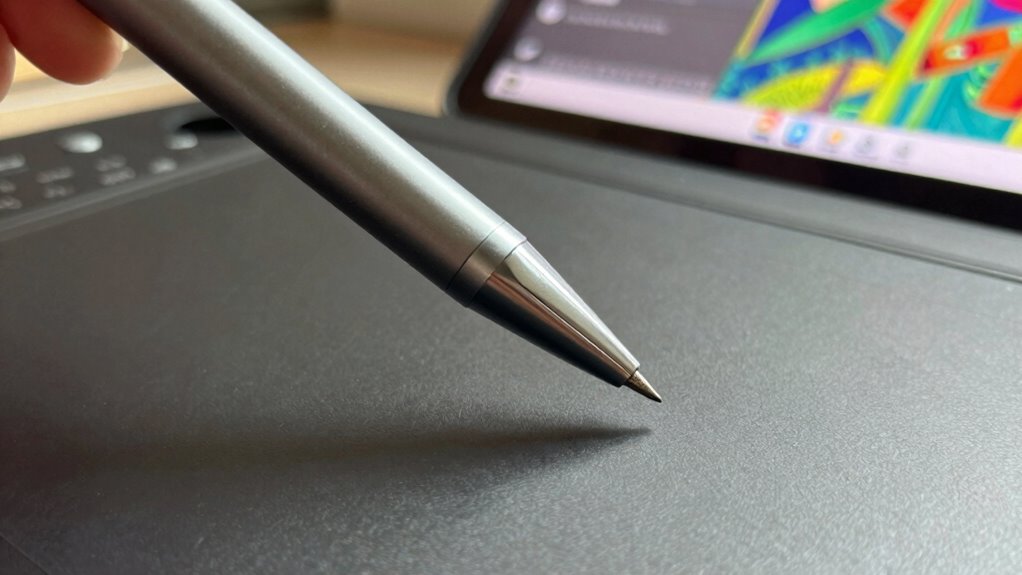
When choosing a pen tablet, responsiveness and low latency are essential for a smooth drawing experience. You should also consider the pressure sensitivity range, as it affects how naturally your strokes feel. Both features directly impact how accurately your artwork reflects your movements and style. Additionally, understanding performance parts like the tablet’s hardware can help you select a device that complements your artistic process. Incorporating backyard transformation essentials, such as creating comfortable seating areas, can also enhance your creative space outside of digital work. Recognizing the importance of neural interfaces in future tech innovations may influence how you interact with digital devices down the line, especially as emerging urban pursuits and creative hubs continue to evolve. Staying informed about digital art technology advancements can help you make smarter choices for your setup.
Responsiveness and Latency
Responsiveness and latency are essential for artists because even slight delays can disrupt your workflow and hinder your creative flow. Low latency ensures your strokes feel natural, preventing lag when doing detailed work like color blending or intricate shading. Higher responsiveness allows you to work seamlessly across different screen resolutions, maintaining precision without frustrating delays. To optimize your experience, consider these factors:
- Pen latency: Aim for under 10ms for smooth, real-time strokes.
- Screen resolution: Higher resolutions provide sharper details, but can impact response time.
- Connectivity: Wired connections generally reduce latency compared to wireless setups, providing more consistent performance.
Prioritizing these features ensures your tablet reacts instantly, keeping your focus on your art instead of technical hiccups.
Pressure Sensitivity Range
Pressure sensitivity range determines how naturally your strokes respond to the amount of force you apply with your pen. A wider range allows for more nuanced control, letting you create subtle shading or bold lines effortlessly. When considering this feature, also think about stylus ergonomics—comfort and ease of use prevent fatigue during long sessions. A good pressure range should match your drawing style, whether you prefer delicate details or bold strokes. Keep in mind that increased pressure sensitivity can impact battery life, as more advanced sensors require more power. Balancing pressure sensitivity with the stylus’s comfort and battery longevity ensures you get a device that performs well without sacrificing usability or endurance during extended work periods. Additionally, understanding sensor capabilities can help you choose a pen that responds accurately to your artistic needs. Recognizing how pressure sensitivity ranges are implemented across different models can guide you toward a device that offers both precision and durability. Being aware of water damage and cleaning considerations can also be valuable if your workspace is prone to moisture or spills, ensuring your equipment remains functional and well-maintained.
How Pen Latency Influences Your Artistic Workflow
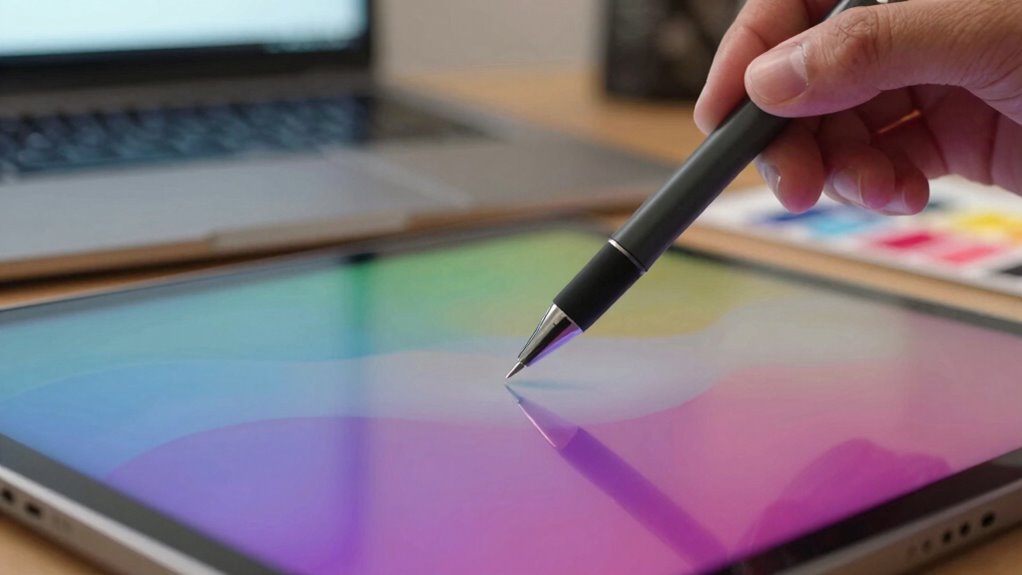
Pen latency directly impacts how smoothly your digital art feels, often making the difference between a natural drawing experience and frustration. High latency creates a noticeable delay between your strokes and on-screen response, disrupting your creative ergonomics and hindering fluid digital brushwork. This delay can cause you to overcorrect or lose focus, especially during detailed work. To optimize your workflow, consider these factors:
High pen latency disrupts flow, causes frustration, and hampers detailed digital artwork.
- Precision in stroke timing – Low latency preserves the rhythm of your drawing, making line work more intuitive.
- Reduced fatigue – Less delay minimizes strain during long sessions, maintaining your focus.
- Consistency in output – Smooth response helps you develop your style without fighting the tool.
- Understanding digital art trends can help you choose the right tools that match your workflow needs.
Choosing a pen with minimal latency supports seamless, efficient creativity.
Understanding Parallax and How It Impacts Precision
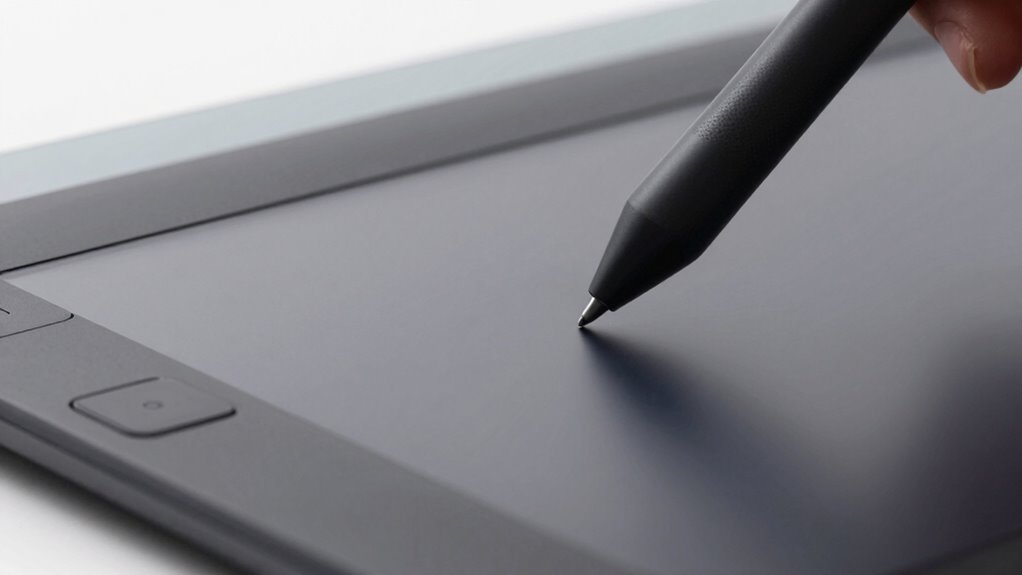
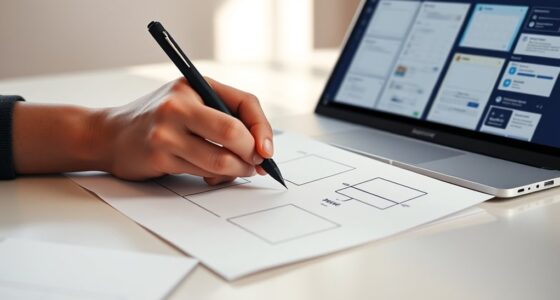
Parallax occurs when the position of your pen tip doesn’t align perfectly with your cursor, causing accuracy issues. This effect can lead to unintended shifts in your drawings if you’re not aware of it. You can reduce parallax by adjusting your device settings or choosing techniques that keep the pen and screen aligned. Incorporating aquatic exercises can also improve hand-eye coordination, indirectly helping to mitigate issues caused by parallax. Additionally, understanding the science behind sound vibrations could inform better calibration of your drawing tools for more precise results. Recognizing the role of ergonomic design in device setup can further enhance your control and reduce visual discrepancies. Being aware of sensor calibration processes used in devices can also significantly improve accuracy and reduce errors related to parallax. Properly maintaining soil quality in your device’s environment can also impact its performance and calibration accuracy.
Parallax Effect Explained
Understanding the parallax effect is key to grasping how it influences precision in pen-based input devices. Parallax occurs when the pen tip and the screen’s active layer aren’t perfectly aligned, causing a perceived offset. This misalignment can affect your accuracy, especially during detailed work. Several factors amplify the effect:
- Color blending: When colors on the screen blend due to viewing angles, it can exaggerate parallax, making precise strokes harder. Additionally, screen technology plays a role in how prominently these issues manifest.
- Screen glare: Glare from ambient light can distort the perceived position of the cursor, worsening the parallax issue.
- Screen thickness: Thicker screens increase the gap between the pen tip and display surface, intensifying the parallax effect and reducing input accuracy.
- Display technology: Different screen types, such as LCD or OLED, can vary in how they handle parallax, impacting overall input precision. The choice of display technology can be crucial for users seeking high accuracy, especially when considering screen calibration for optimal results.
Impact on Drawing Accuracy
When the misalignment between the pen tip and the screen’s active layer occurs, your drawing accuracy can suffer greatly. Parallax introduces a disconnect between your hand movements and the digital response, making precise lines difficult. This issue impacts digital ergonomics, causing discomfort and frustration over time. A poor user interface that doesn’t account for parallax can lead to inconsistent strokes and inaccuracies, especially in detailed work. To understand this better, consider the following:
| Effect of Parallax | Impact on Drawing Precision |
|---|---|
| Misalignment | Inconsistent lines |
| Reduced Control | Fatigue and frustration |
| Accuracy Loss | Reduced creative detail |
| User Experience | Decreased satisfaction |
Addressing parallax is key to maintaining high accuracy and a smooth drawing experience.
Techniques to Minimize Parallax
Have you ever noticed how slight misalignments between your pen tip and the screen can throw off your entire drawing? To minimize parallax, focus on improving your stylus ergonomics and device setup. First, choose a stylus with a low-tech parallax design, guaranteeing the tip aligns closely with the sensor. Second, keep your device’s screen clean and at a comfortable angle, reducing the chance of misalignment. Third, opt for styluses with longer battery life, maintaining consistent pressure and responsiveness during extended sessions. Proper ergonomics help you hold the stylus naturally, reducing strain and accidental shifts. Additionally, regularly calibrate your device to ensure accuracy. These techniques help you combat parallax, leading to sharper, more precise digital art.
Why Pressure Sensitivity Is Key for Dynamic Artwork
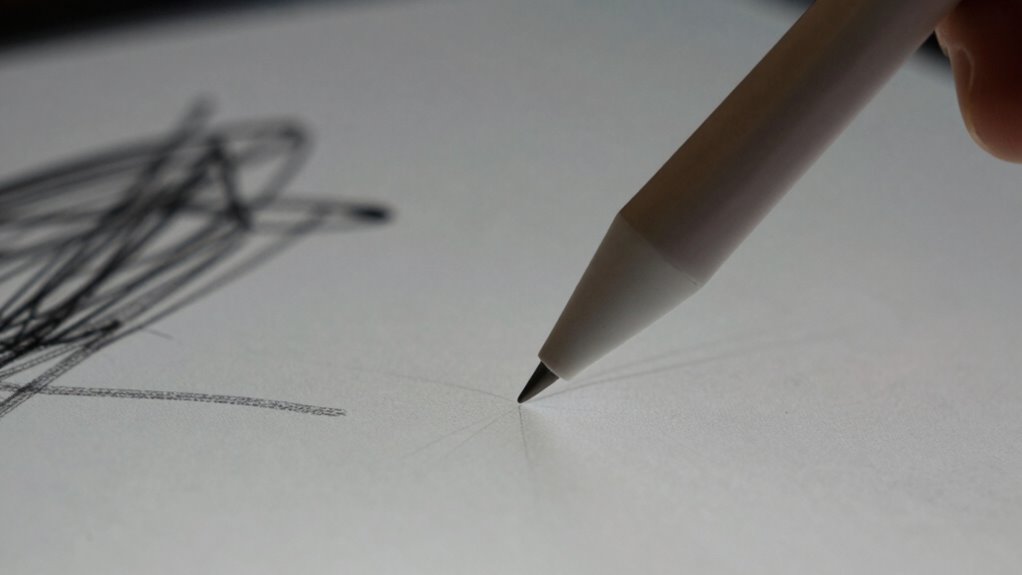
Why is pressure sensitivity essential for creating dynamic artwork? It allows you to control line weight, opacity, and shading naturally, making your digital art feel expressive and alive. When your stylus responds to the slightest pressure, your strokes become more nuanced, similar to traditional media. Good stylus ergonomics enhances comfort during long sessions, so you can maintain precision without fatigue. Additionally, pressure sensitivity enables more detailed work without switching tools or modes. While focusing on performance, don’t overlook battery life, which guarantees your stylus remains responsive during extended projects. A stylus with reliable pressure sensitivity and a comfortable design helps you craft more dynamic, expressive art effortlessly, elevating your digital creations to a more professional level.
How to Test and Compare Pen Tablet Specs Before Buying?
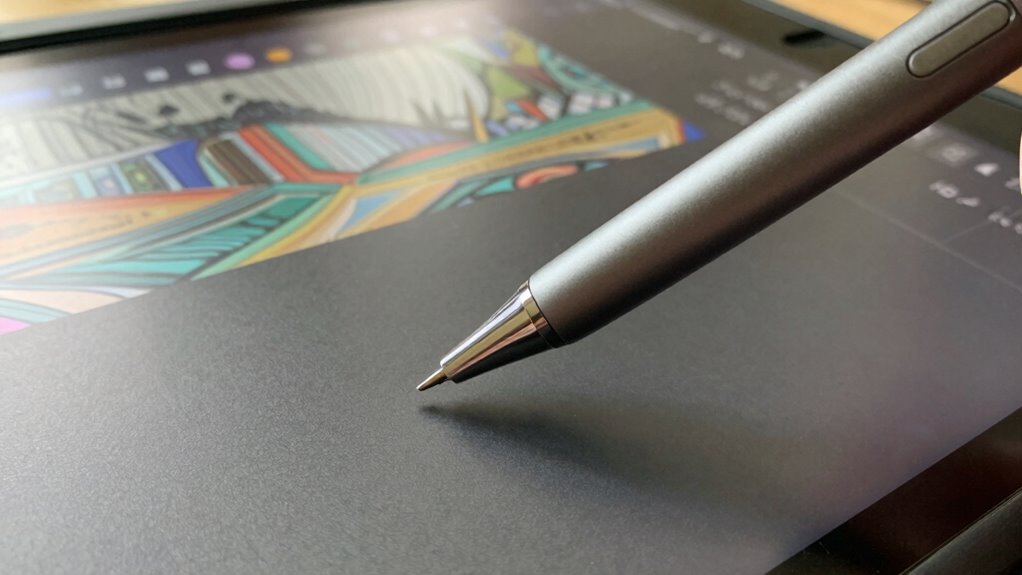
Before purchasing a pen tablet, it’s essential to compare its specifications carefully to guarantee it meets your creative needs. To do this effectively, test key features firsthand or review detailed reviews. Focus on these aspects:
Carefully compare specifications and test features to ensure your pen tablet suits your creative workflow.
- Pen durability – Check how well the pen withstands regular use and whether replacements are readily available.
- Brand reputation – Research user feedback and expert opinions to gauge reliability and customer service.
- Specs comparison – Evaluate latency, pressure sensitivity, and parallax to see which model offers the most natural drawing experience.
Testing these elements ensures you choose a device aligned with your workflow. Prioritizing reputable brands and understanding pen durability helps prevent future frustrations, making your investment more worthwhile.
Tips for Choosing the Right Pen Tablet for Your Needs
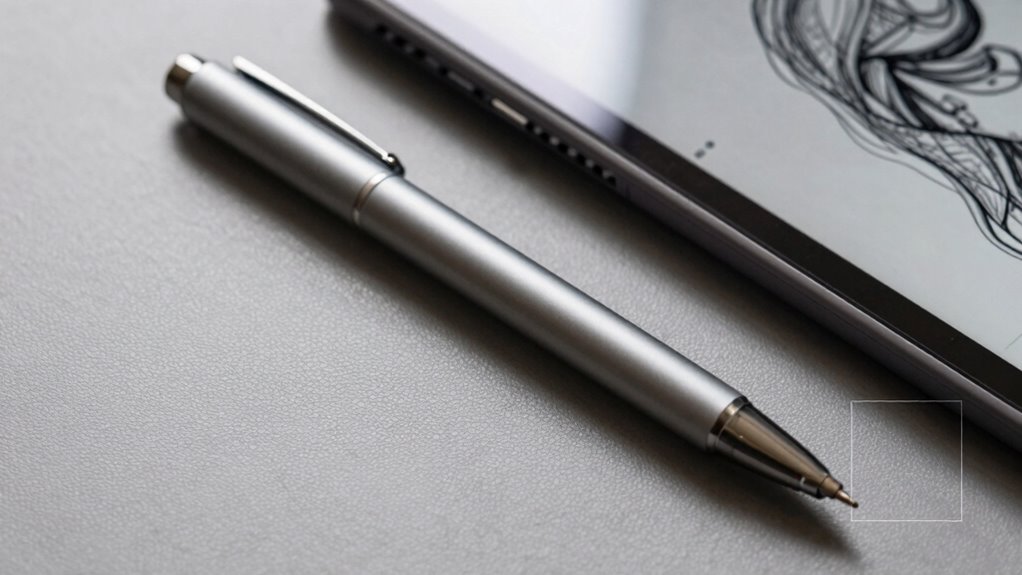
Choosing the right pen tablet depends on understanding your specific creative needs and workflow. Consider how your preferred creative techniques influence your choice—if you do detailed illustrations, look for low latency and high pressure sensitivity. If you focus on photo editing, color accuracy might be more important. User ergonomics also play a vital role; select a size and shape that feels comfortable during long sessions to prevent fatigue. Think about the tablet’s compatibility with your software and whether it supports features like tilt or multi-touch. Prioritize features that enhance your unique process rather than chasing every latest spec. By aligning your device with your creative techniques and ergonomic needs, you’ll find a pen tablet that boosts your productivity and comfort.
Frequently Asked Questions
How Does Pen Latency Affect Real-Time Drawing Responsiveness?
Pen latency directly impacts your real-time drawing responsiveness, making your digital ergonomics smoother and more comfortable. When latency is low, your strokes appear instantly, allowing for a more natural and fluid creative workflow. Higher latency creates a noticeable delay, causing frustration and reducing precision. To optimize your artistic process, choose tools with minimal pen latency, so your digital setup supports seamless creativity and better ergonomic comfort during long drawing sessions.
Can Pressure Sensitivity Improve With Software Updates?
Yes, pressure sensitivity can improve with software updates. Studies show that updates often enhance digital ergonomics, allowing for more natural and precise input. As a result, you might notice better responsiveness and smoother strokes. Plus, manufacturers optimize battery longevity, ensuring your pen remains responsive longer. Keep your device updated to benefit from these improvements, making your drawing experience more intuitive and comfortable without sacrificing battery life.
What Is the Ideal Parallax Distance for Precise Drawing?
The ideal parallax distance for precise drawing is usually around 1 mm or less. This minimizes the gap between your pen tip and the cursor, ensuring accurate strokes. Enable parallax correction and maintain proper optical alignment in your device settings to further reduce discrepancies. By doing so, you get a more natural drawing experience with less cursor lag, making your work more precise and consistent.
Do Higher Pressure Levels Always Mean Better Artwork Control?
Many believe higher pressure levels improve control, but that’s not always true. In digital ergonomics, a higher pressure sensitivity can actually hinder your creative flow, causing fatigue or inconsistent lines. Instead, focus on a pen’s responsiveness and comfortable grip. Precise control comes from a well-balanced combination of pressure sensitivity and overall ergonomics, not just maximum pressure levels. Comfort and fluidity are key for better artwork and sustained inspiration.
How Do Pen Nibs Influence Pressure Sensitivity and Accuracy?
Pen nibs play a vital role in pressure sensitivity and accuracy because they directly influence ink flow and responsiveness. A well-designed nib provides smooth, consistent contact with your tablet or screen, allowing you to control pressure variations easily. If your nibs are too stiff or too soft, ink flow may become inconsistent, reducing accuracy. Selecting the right nib guarantees your pressure sensitivity feels natural, helping you create precise, expressive artwork.
Conclusion
Ultimately, choosing the right pen tablet is like selecting a brush that feels second nature—smooth, responsive, and attuned to your creative rhythm. By understanding specs like latency, parallax, and pressure, you can craft with confidence, knowing your tools won’t hold back your vision. Imagine your artwork flowing effortlessly, each stroke a seamless dance between your ideas and the screen—your perfect setup is out there, waiting to bring your imagination to vivid life.