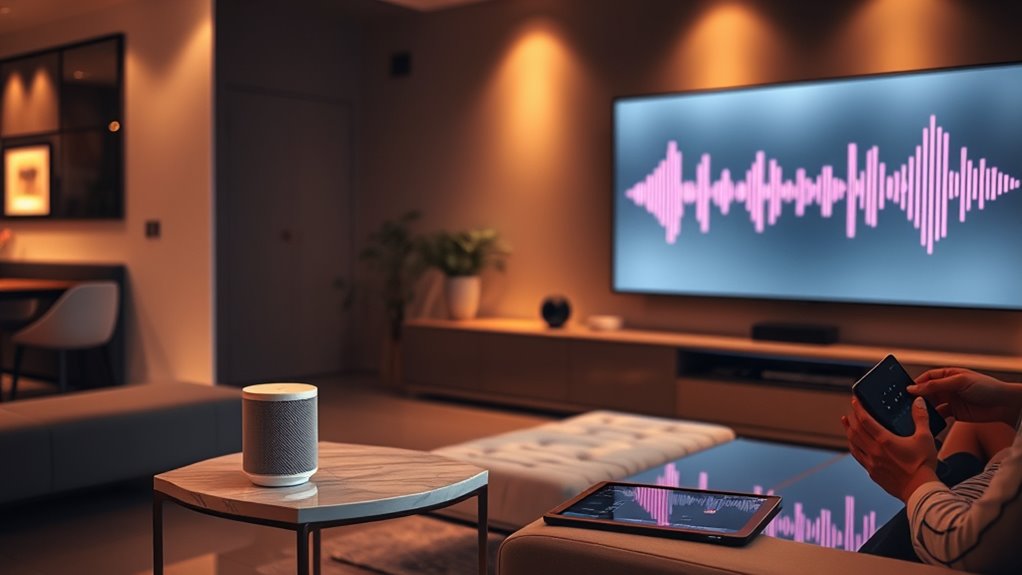

Voice interfaces are becoming the new standard for user interactions, enabling you to talk naturally with devices. To design effective conversations, you need to focus on understanding context, so systems grasp your intent accurately. Incorporating multimodal cues like gestures or visuals can improve responses. As conversations evolve to be more dynamic, consider how your design can enable seamless, human-like interactions. Exploring these ideas further will help you create smarter, more intuitive voice-enabled experiences.
Key Takeaways
- Prioritize natural language understanding to facilitate seamless, human-like conversations in voice interactions.
- Incorporate contextual awareness to interpret user intent based on recent activity, location, and environment.
- Leverage multimodal inputs—such as visual cues and gestures—to confirm and refine voice commands.
- Design for dynamic, multi-turn dialogues that adapt to ongoing user needs and preferences.
- Combine voice with visual feedback and other interfaces to create a more comprehensive, intuitive user experience.
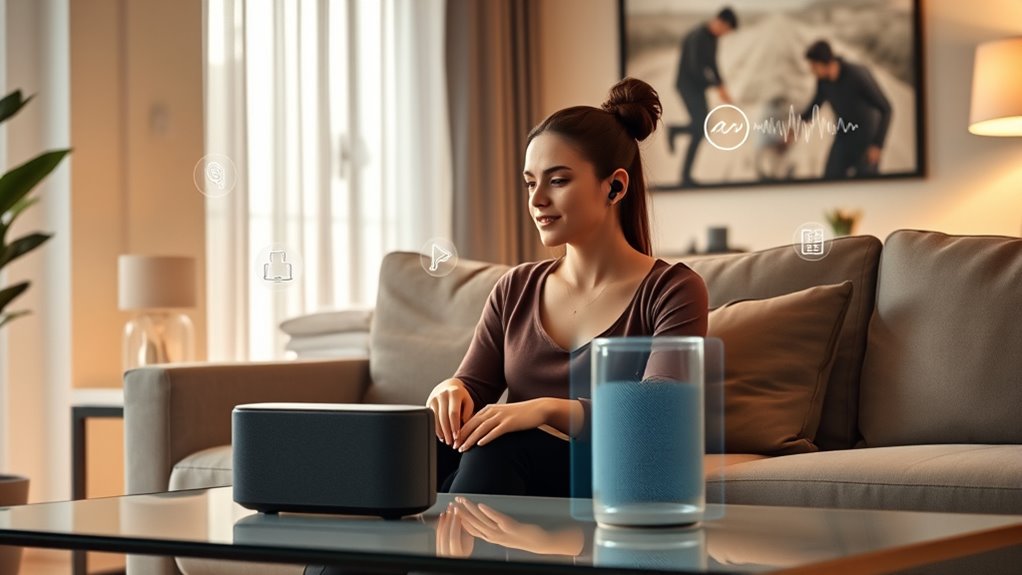
As technology advances, voice interfaces are quickly becoming the new standard for user interaction. You no longer need to rely solely on screens or touch gestures; instead, you can simply speak to devices, and they respond intelligently. This shift hinges on the ability of these systems to grasp your intent accurately, which depends heavily on their contextual understanding. When you ask your smart assistant to “play my workout playlist,” it doesn’t just recognize the words; it understands the context—perhaps knowing your recent activity, the time of day, or your location—to deliver a tailored experience. This level of comprehension makes interactions smoother, more natural, and less frustrating.
Voice interfaces understand context to deliver personalized, natural interactions that feel intuitive and responsive.
The key to these effective voice interfaces is multimodal integration, which combines voice with other input methods like visual cues, gestures, or device states. For example, if you’re using a voice-activated home automation system, you might say, “Dim the lights,” while glancing at the light switch or a smart display. The system leverages multimodal cues to confirm your intent, ensuring that your commands are understood accurately even in noisy environments or complex situations. This integration allows your device to interpret multiple signals simultaneously, creating a more seamless interaction. It’s not just about hearing your voice but understanding the full context in which your command occurs, which leads to more precise responses.
Your interactions are becoming more conversational because of these advancements. Instead of issuing isolated commands, you can hold a back-and-forth dialogue, asking follow-up questions or clarifying your requests naturally. As the system develops better contextual understanding, it can remember previous interactions, preferences, or ongoing tasks. This memory enables your voice interface to adapt dynamically, making the experience feel more intuitive and human-like. For instance, after asking about the weather in the morning, you can later ask, “What about my commute?” and the system will connect the dots, providing relevant information based on your past interactions.
Ultimately, designing conversations as the new UI involves creating systems that see beyond individual commands. You want to feel like you’re talking to a knowledgeable assistant that understands your needs deeply, responds appropriately, and adapts to your context. By focusing on enhancing contextual understanding and multimodal integration, developers can craft voice interfaces that are not only functional but genuinely assistive, transforming how you interact with technology daily. Incorporating advanced display technology further complements voice interactions by providing visual feedback, making the experience even more seamless. This evolution promises a future where voice isn’t just an input method but the core of a smarter, more responsive digital environment.
Frequently Asked Questions
How Do Voice Interfaces Handle Multiple Users Simultaneously?
You can handle multi-user interaction with voice interfaces by designing systems that recognize individual voices and context. When users give simultaneous commands, the system processes each one separately, ensuring it responds accurately. It often uses advanced voice recognition and contextual understanding to differentiate users and manage multiple commands at once, providing a seamless experience. This way, voice interfaces can effectively support multiple users engaging with the system simultaneously.
What Are the Key Privacy Concerns With Voice Assistants?
You should be aware that privacy concerns with voice assistants include data encryption, which protects your conversations from unauthorized access, and user consent, ensuring you’re aware of what data is collected and how it’s used. Always review permissions and privacy settings, and be cautious about sharing sensitive information. By understanding these issues, you can better control your privacy and make informed decisions when using voice assistants.
How Can Voice UI Accommodate Different Languages and Accents?
Think of your voice UI as a bridge connecting diverse voices. To accommodate different languages and accents, you need robust multilingual support and adaptive algorithms. These tools learn from user interactions, fine-tuning recognition for accents over time. Implementing diverse data sets and continuous training guarantees your voice interface becomes more inclusive and accurate, making every user feel heard and understood, no matter where they come from or how they speak.
What Are Best Practices for Designing Conversational Flows?
You should focus on clear dialogue management by anticipating user responses and keeping interactions natural. Personalize conversations by using user data to make prompts relevant, which improves engagement. Design flows that handle errors gracefully, allowing users to easily correct misunderstandings. Test your conversational flows across diverse accents and dialects to guarantee inclusivity. Always prioritize user experience, making interactions intuitive, fluid, and adaptable to individual preferences and needs.
How Do Voice Interfaces Integrate With Existing Smart Home Devices?
Imagine your voice is the key unleashing a world of seamless smart home control. You integrate voice interfaces with existing devices by ensuring robust user authentication, so only you can command your system. Focus on device interoperability, enabling your voice commands to coordinate lights, thermostats, and security systems effortlessly. This creates a harmonious smart home, where your voice acts as the conductor, orchestrating everything with simple, natural conversations.
Conclusion
As voice interfaces become the new UI, you’re no longer just clicking or tapping—you’re engaging in conversations, making interactions feel natural and intuitive. Think of it like a dance where both partners move seamlessly together, creating harmony and flow. Embracing this shift means designing with empathy and clarity, so users feel understood and supported. Ultimately, voice interfaces are transforming technology into a conversation, turning devices into trusted companions in your daily life.